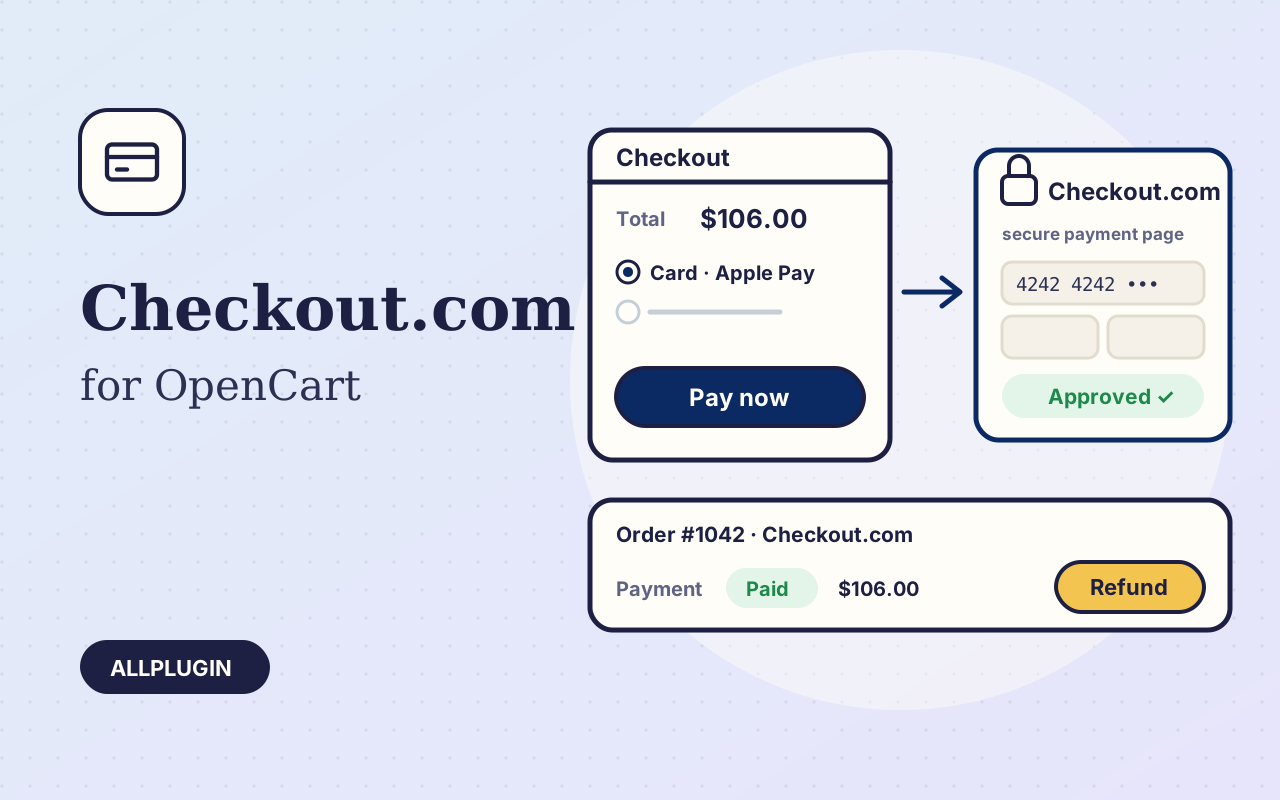
Checkout.com for OpenCart sends your customer to the Checkout.com Hosted Payments Page and brings them back to a confirmed order. Card details are typed on Checkout.com's page, never on your shop.

Cards, wallets and local methods

Cards with 3-D Secure, Apple Pay, Google Pay and the local methods enabled on your Checkout.com account, in the currencies your account settles.

Orders are confirmed by themselves

When the customer returns, the extension reads the payment from Checkout.com and confirms the order only if it was created by this shop, for this order, for the order's own amount and currency. Add the webhook and the order is also confirmed when the customer closes the browser on the payment page. A payment is never booked twice, whichever message arrives first. A declined card sends the customer to the shop's payment-failed page with the cart intact.

Refund, capture and release from the order page

Open the order and choose the Checkout.com tab. Refund any amount up to what is left, in as many parts as you need. If you authorize first, capture the payment when you ship or release it. Each action is written to the order history.

One download, both OpenCart lines

The package holds an installer zip for OpenCart 4.1 and one for OpenCart 3.0. Upload it under Extensions, Installer, paste your secret key and processing channel ID and switch the method on. The key is checked with Checkout.com when you save.

Good to know

You need your own Checkout.com account. Saved cards and recurring payments are not included. AllPlugin is not affiliated with Checkout.com.

What you get

  • Checkout.com Hosted Payments Page: no card data on your shop
  • Cards with 3-D Secure, Apple Pay, Google Pay and local methods
  • Order confirmed on return and by signed webhook
  • Amount, currency and origin checked before an order is confirmed
  • A payment is never booked twice
  • Full and part refunds from the order page
  • Authorize now, capture or release later
  • Declined cards return the customer to the shop with the cart kept
  • Secret key checked with Checkout.com on save
  • Sandbox and live keys told apart automatically
  • Limit the method to chosen currencies and geo zones
  • Your own order statuses for paid, authorized, refunded and released
  • Installer zips for OpenCart 4.1 and 3.0 in one download

Specifications

PlatformOpenCart 4.1.x and 3.0.x
PHP7.4 or newer with cURL (OpenCart 4 itself needs PHP 8)
Tested withOpenCart 4.1.0.4 and 3.0.5.1 on PHP 8.5
APICheckout.com Hosted Payments Page and Payments API (captures, voids, refunds), no bundled SDK
AccountCheckout.com account (secret key and processing channel ID; webhook signature key optional)
Operationspayment, authorize, capture, release, full and part refund
Testedon both OpenCart lines against our own stand-in for the Checkout.com API, written from its documentation: paid, declined and cancelled checkouts, signed webhooks, refunds, authorize, capture and release. Not yet run with a Checkout.com merchant sandbox, because Checkout.com publishes no shared test keys
Packageone zip holding an installer for each OpenCart line and a readme
Licenceone shop

Questions before you buy?

Ask about compatibility or licensing. Need it to do something it doesn't? We build custom versions for a fixed quote.

You may also like

SoftwareOpenCart 4.1 and 3.0

Stripe Checkout for OpenCart

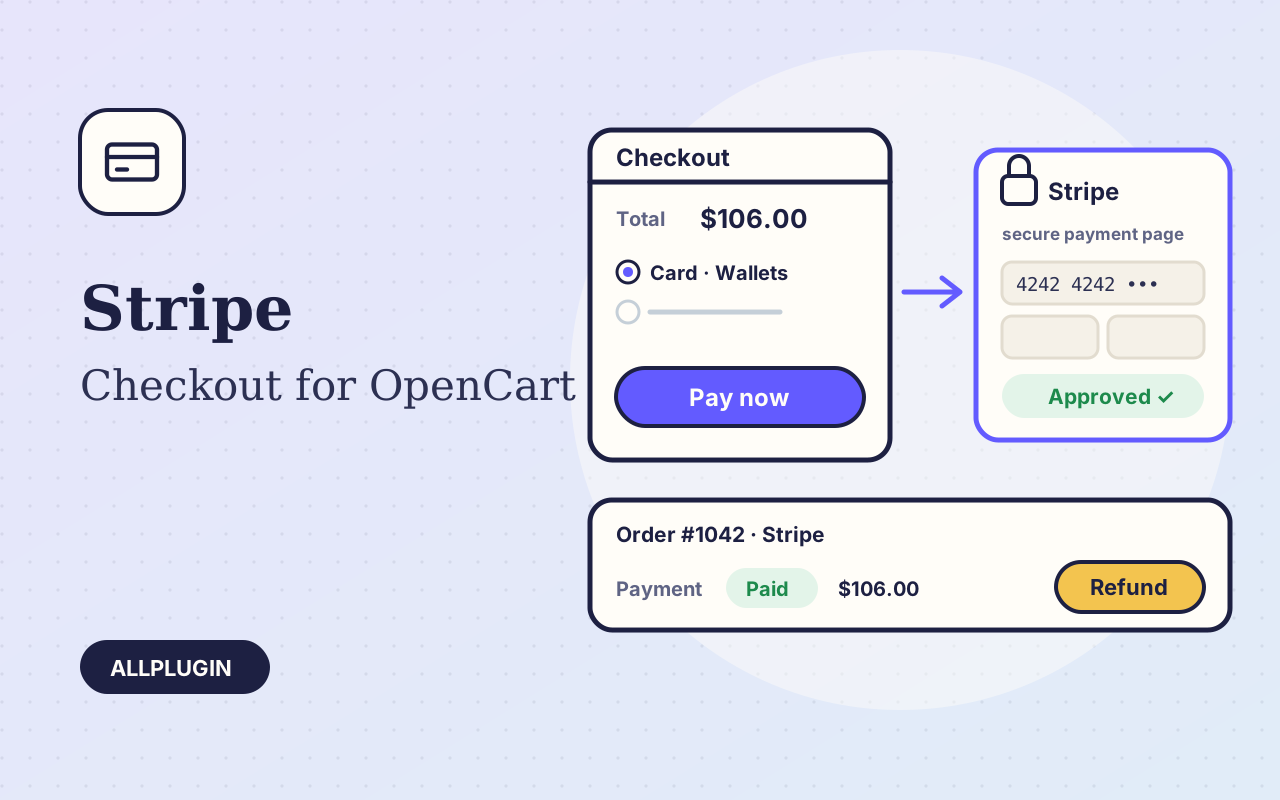
Take cards, Apple Pay, Google Pay and local methods in OpenCart on the Stripe Checkout page — orders confirmed automatically, refunds and captures from the order page.

$19.99
SoftwareOpenCart 4.1 and 3.0

Mollie Payments for OpenCart

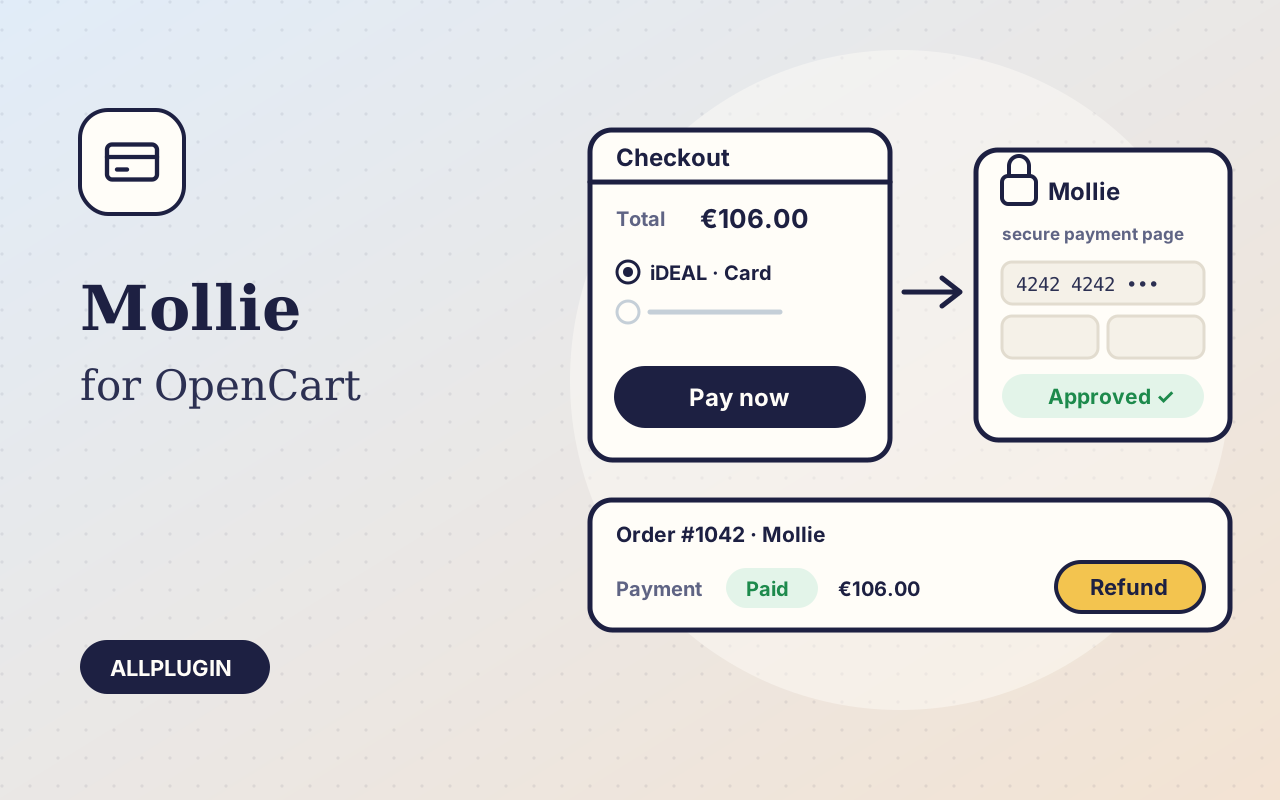
Accept iDEAL, Bancontact, cards, PayPal and Apple Pay in OpenCart with Mollie — orders confirmed automatically, refunds and captures from the order page.

$19.99
SoftwareWindows 10

GoDaddy DNS Updater for Windows

Keep your GoDaddy A records pointed at a changing home or office IP — automatically, from the system tray.

$19.00
$19.99
Checkout.com for OpenCart