SoftwareOpenCart 4.1 and 3.0
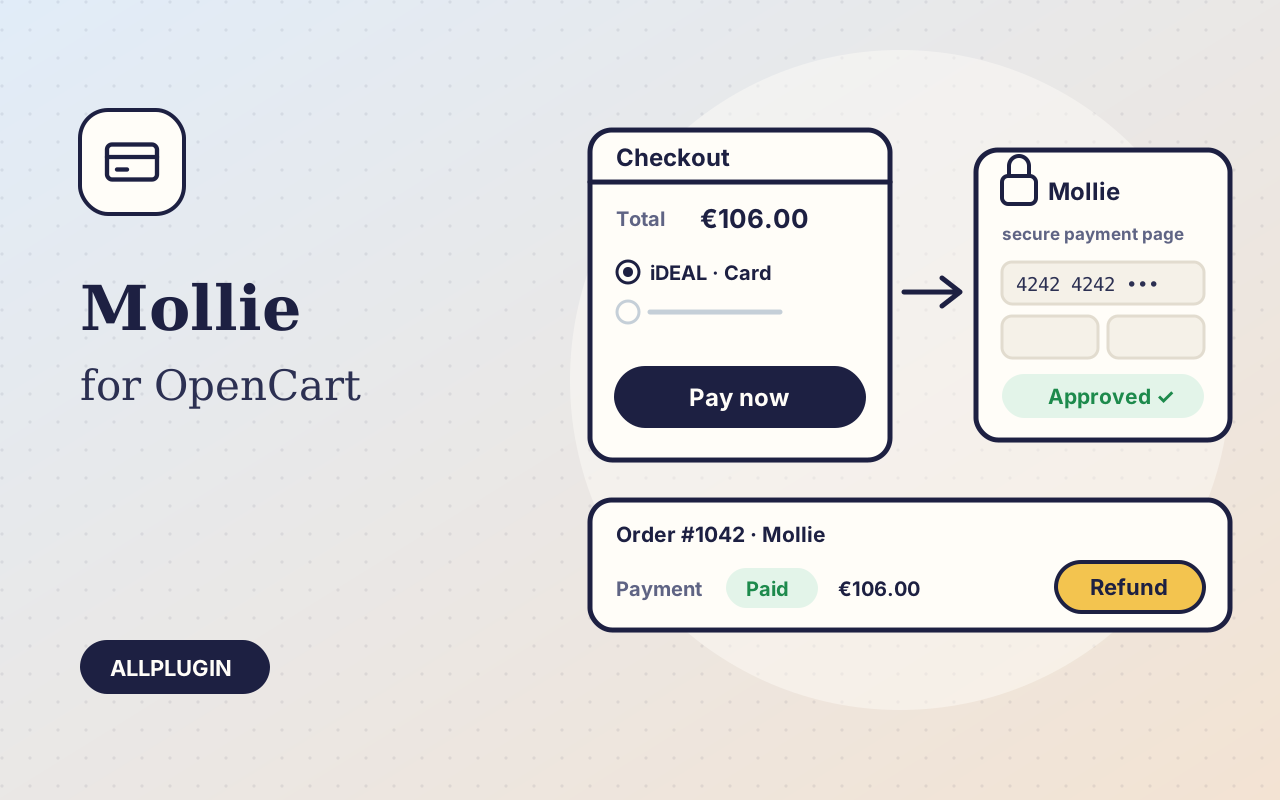
Mollie Payments for OpenCart
Accept iDEAL, Bancontact, cards, PayPal and Apple Pay in OpenCart with Mollie — orders confirmed automatically, refunds and captures from the order page.
$19.99 View
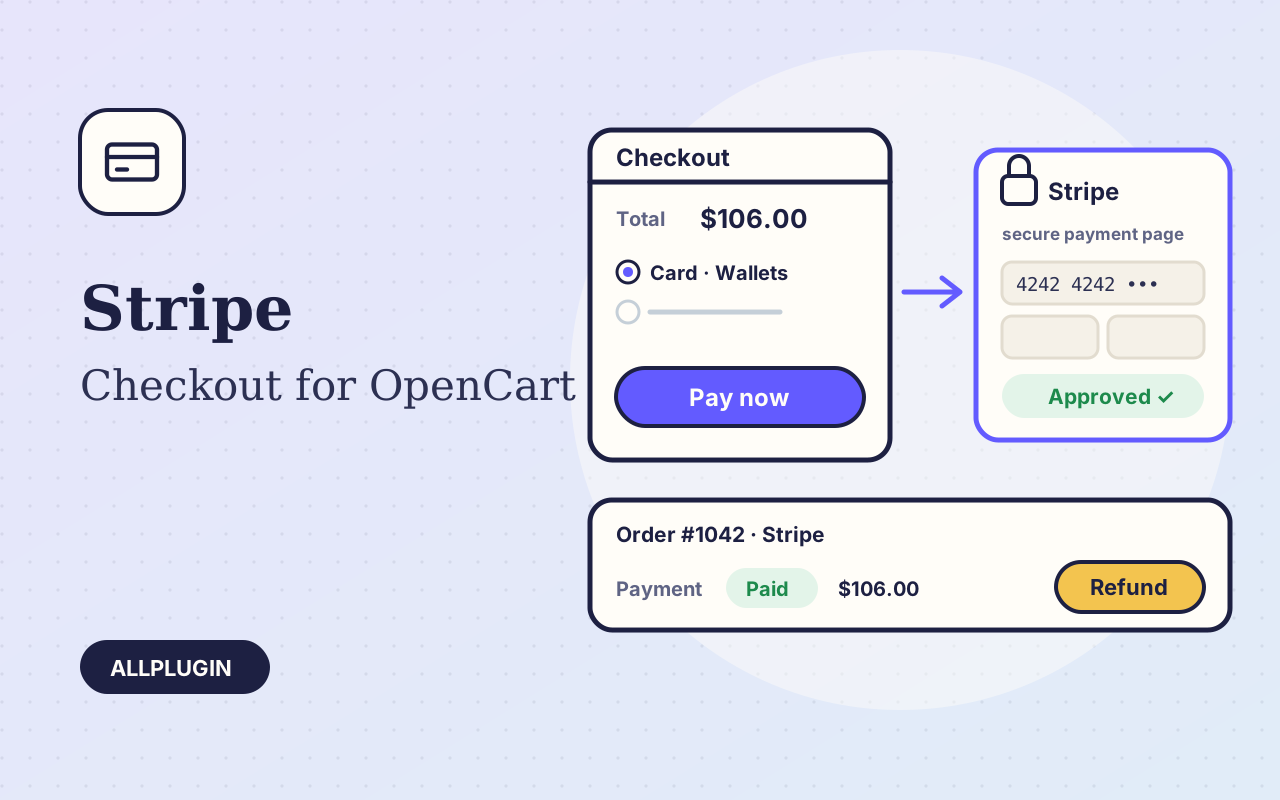
Stripe Checkout for OpenCart sends your customer to Stripe's own payment page and brings them back to a confirmed order. Card details are typed on Stripe's page, never on your shop.
Cards with 3-D Secure, Apple Pay, Google Pay, Link and the local methods switched on in your Stripe Dashboard. Stripe picks the ones that fit the customer's country and currency. If you prefer, limit the page to cards.
When the customer returns, the extension asks Stripe for the payment and confirms the order only if it was created by this shop, for this order, for the order's own amount and currency. Add the webhook and the order is also confirmed when the customer closes the browser on the Stripe page. A payment is never booked twice, whichever message arrives first.
Open the order and choose the Stripe Checkout tab. Refund any amount up to what is left, in as many parts as you need. If you authorize first, capture the payment when you ship or release it if the order falls through. Each action is written to the order history.
The package holds an installer zip for OpenCart 4.1 and one for OpenCart 3.0. Upload it under Extensions, Installer, paste your secret key and switch the method on. The key is checked with Stripe when you save, so a mistyped key is caught at once.
You need your own Stripe account. Authorize-only works with cards. Saved cards and subscriptions are not included. AllPlugin is not affiliated with Stripe.
| Platform | OpenCart 4.1.x and 3.0.x |
|---|---|
| PHP | 7.4 or newer with cURL (OpenCart 4 itself needs PHP 8) |
| Tested with | OpenCart 4.1.0.4 and 3.0.5.1 on PHP 8.5 |
| API | Stripe Checkout Sessions, Payment Intents and Refunds, no bundled SDK |
| Account | Stripe account (secret key; webhook signing secret optional) |
| Operations | payment, authorize, capture, release, full and part refund |
| Tested | against Stripe's test environment on both OpenCart lines: paid checkout, order confirmation, part and full refund, authorize, capture and release. The webhook handler was run with signed events of the kind Stripe sends; Stripe's own delivery to a public address was not part of the test |
| Package | one zip holding an installer for each OpenCart line and a readme |
| Licence | one shop |
Ask about compatibility or licensing. Need it to do something it doesn't? We build custom versions for a fixed quote.
Accept iDEAL, Bancontact, cards, PayPal and Apple Pay in OpenCart with Mollie — orders confirmed automatically, refunds and captures from the order page.
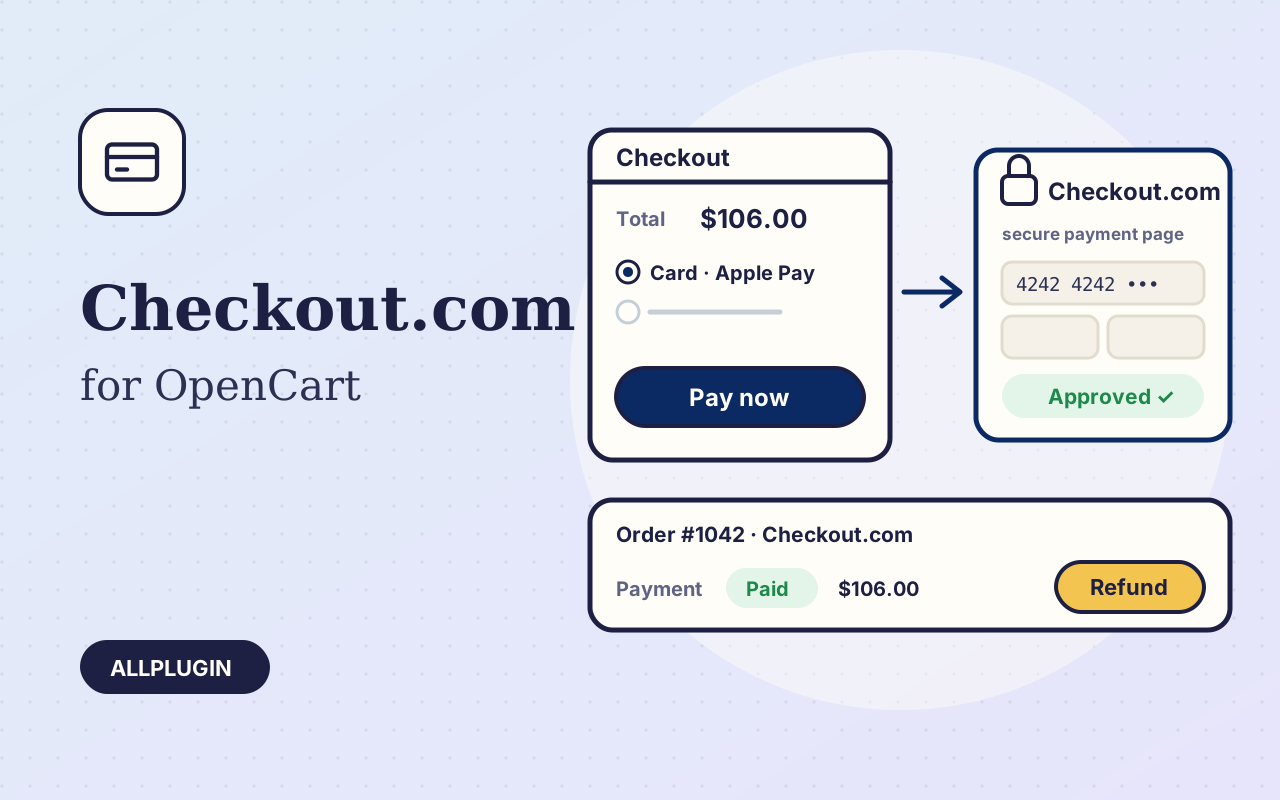
Take cards with 3-D Secure, Apple Pay and Google Pay in OpenCart on the Checkout.com Hosted Payments Page — orders confirmed automatically, refunds and captures from the order page.
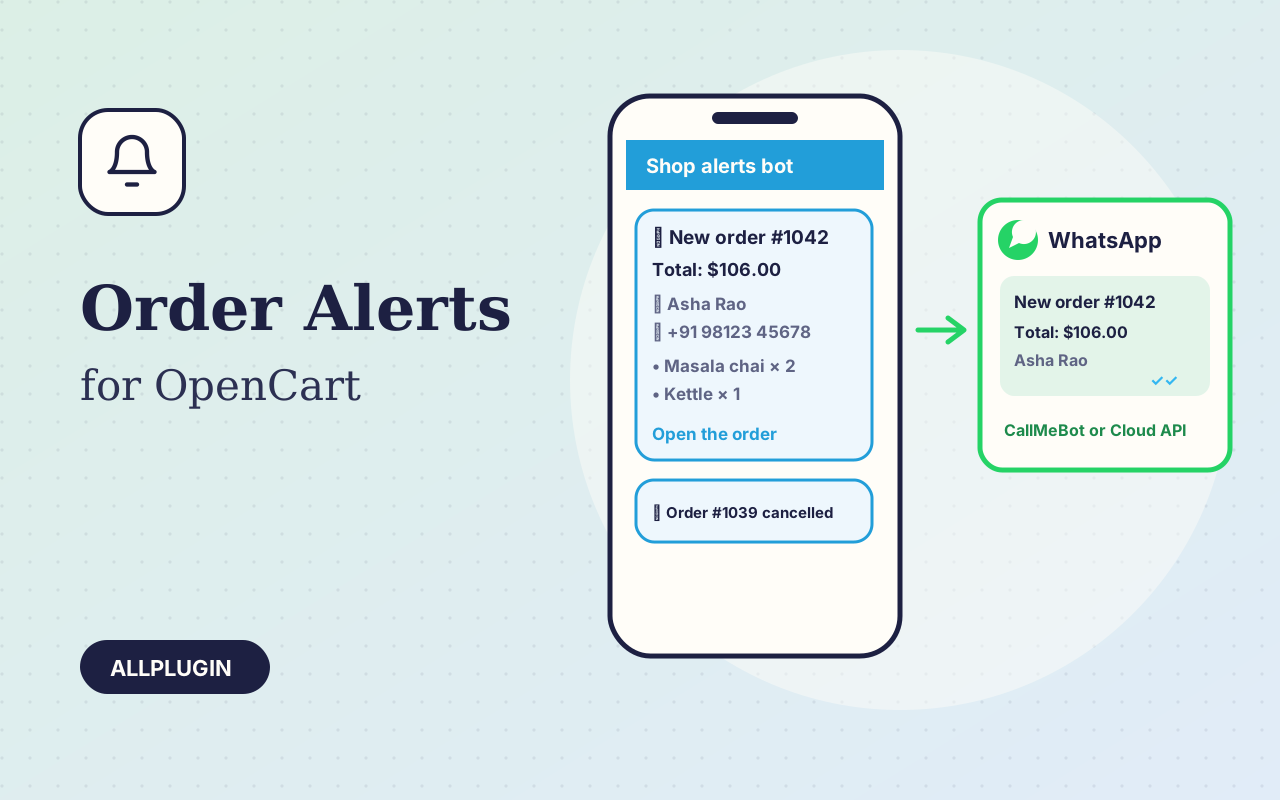
Every new OpenCart order and the status changes you choose, on Telegram and WhatsApp: items, customer, address and a link to the order.