SoftwareWindows 10
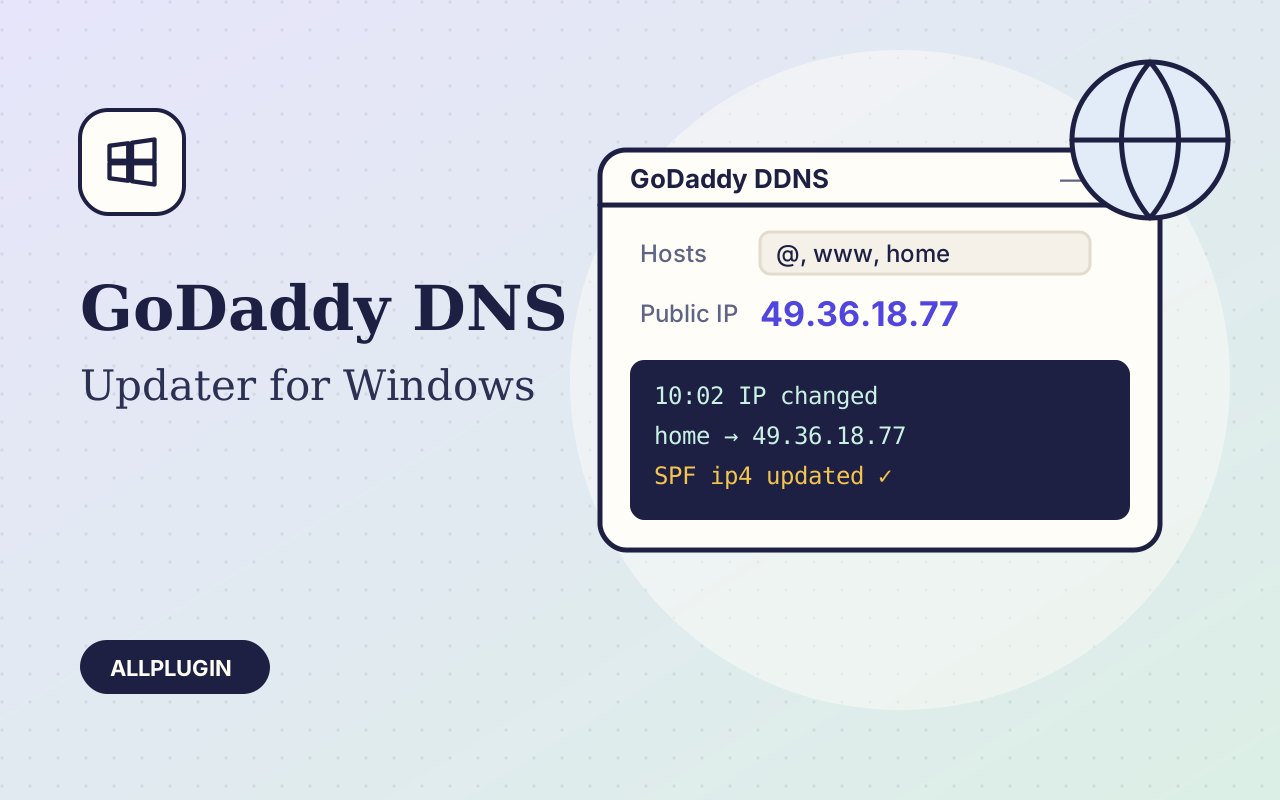
GoDaddy DNS Updater for Windows
Keep your GoDaddy A records pointed at a changing home or office IP — automatically, from the system tray.
$19.00
Keep your GoDaddy A records pointed at a changing home or office IP — automatically, from the system tray.
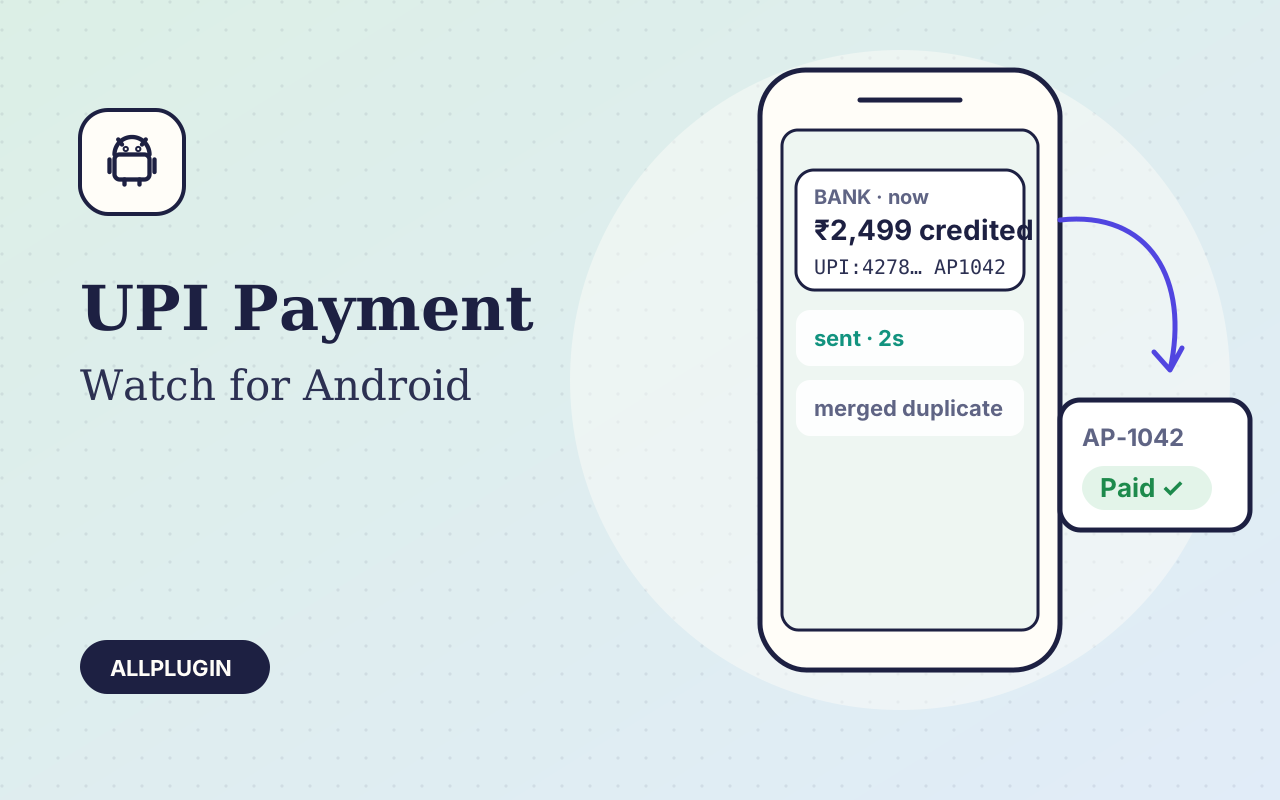
Turns your bank's UPI credit SMS into instant, automatic payment confirmation for your website or billing system.
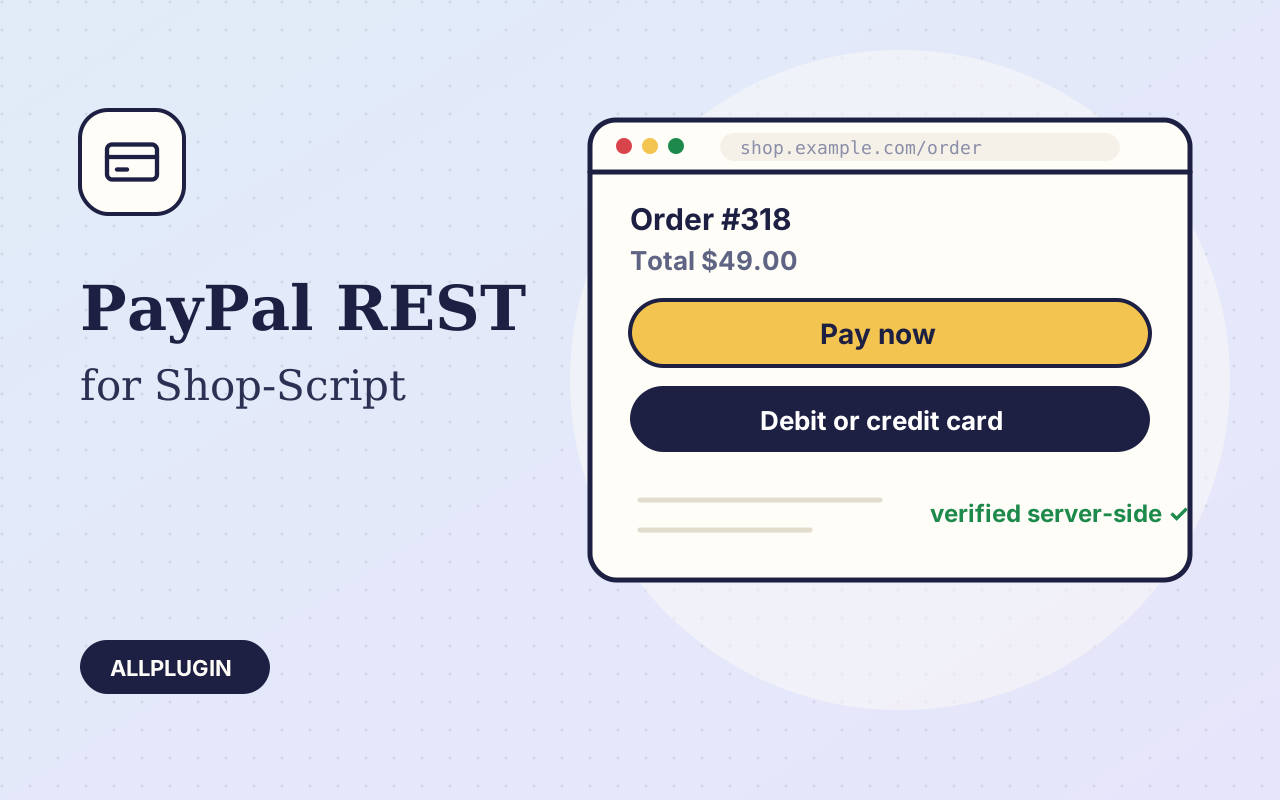
Modern PayPal for Shop-Script: in-page Smart Buttons and card fields, verified server-side, with refunds from your backend.
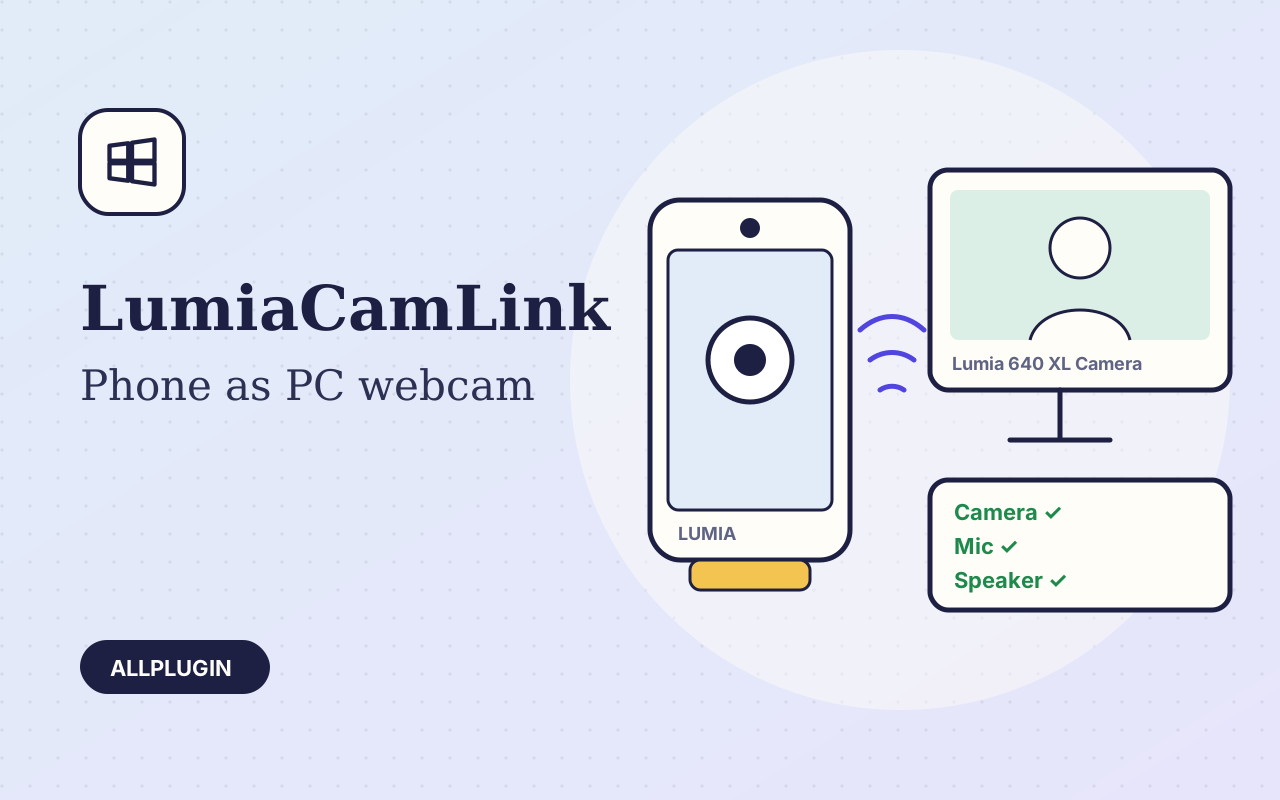
Turn a Windows 10 Mobile Lumia into a WiFi webcam, microphone and speaker for Zoom, Teams and every Windows camera app.
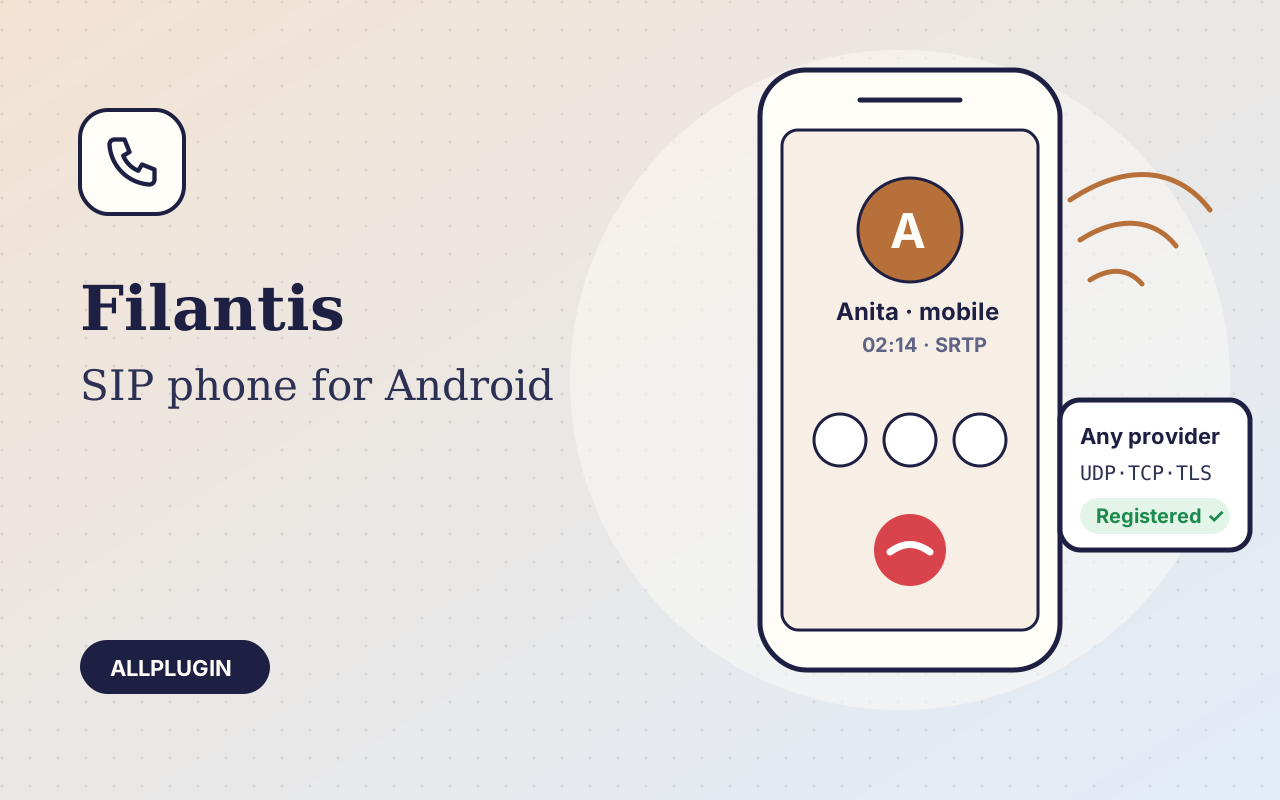
A clean, battery-friendly SIP phone for Android that works with any VoIP provider or PBX. One payment, every future update free.
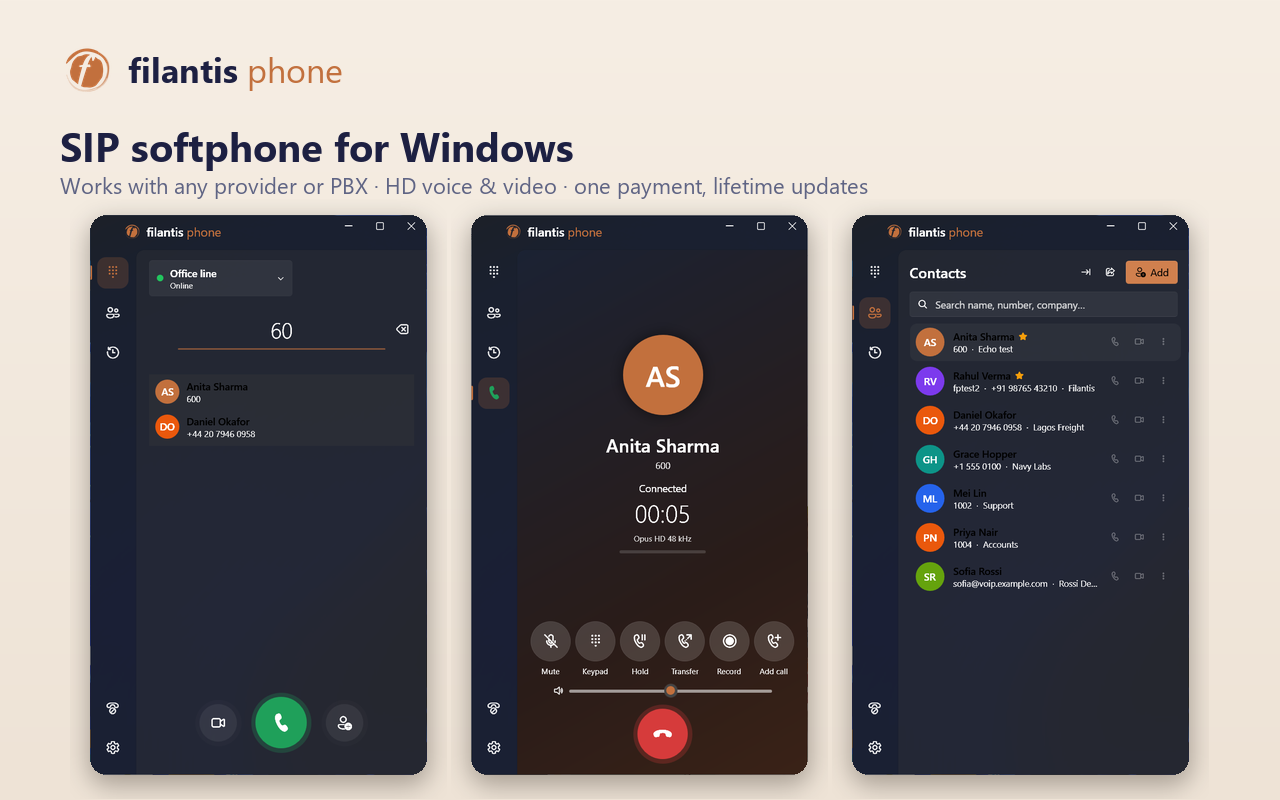
A modern SIP softphone for Windows 10 and 11 that works with any VoIP provider or PBX — HD voice, video, contacts and call recording. One payment, every future update free.
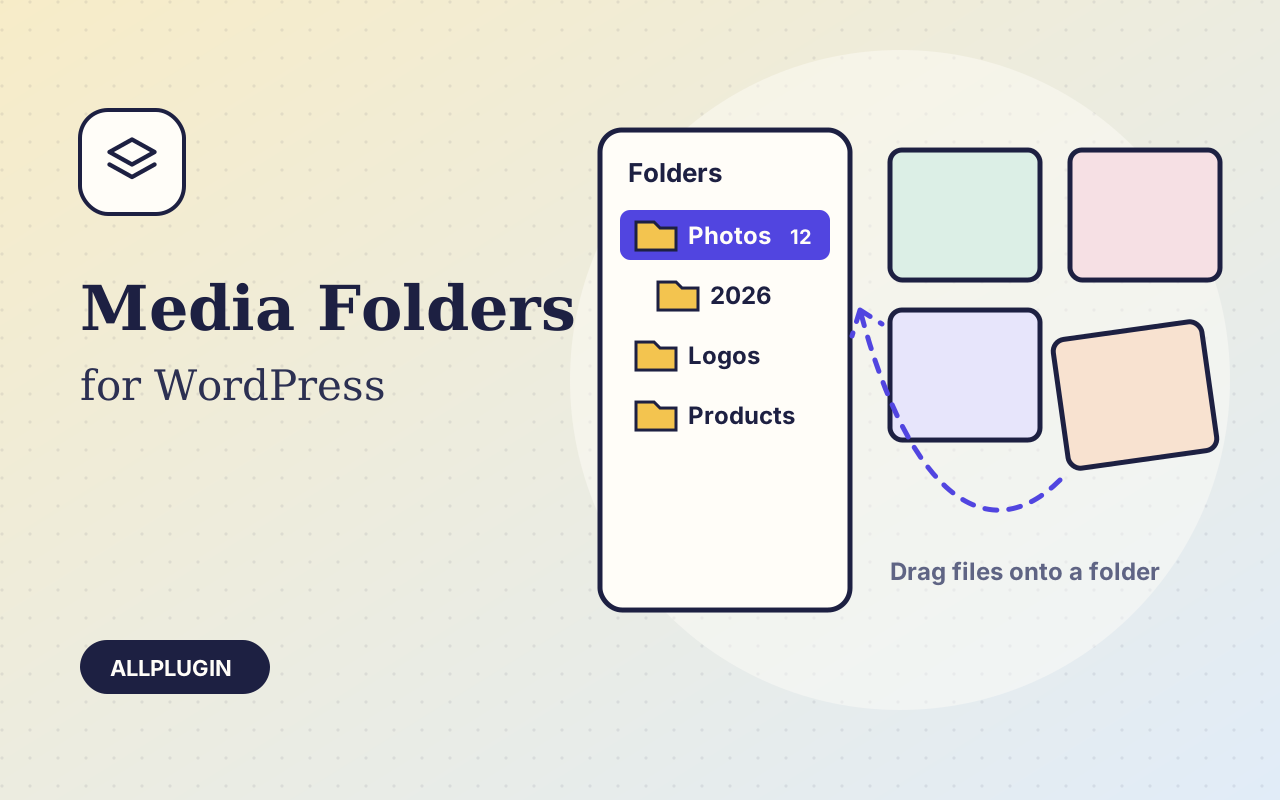
Sort thousands of images and files into folders. Drag files onto a folder, upload straight into one, and find them fast when inserting media.
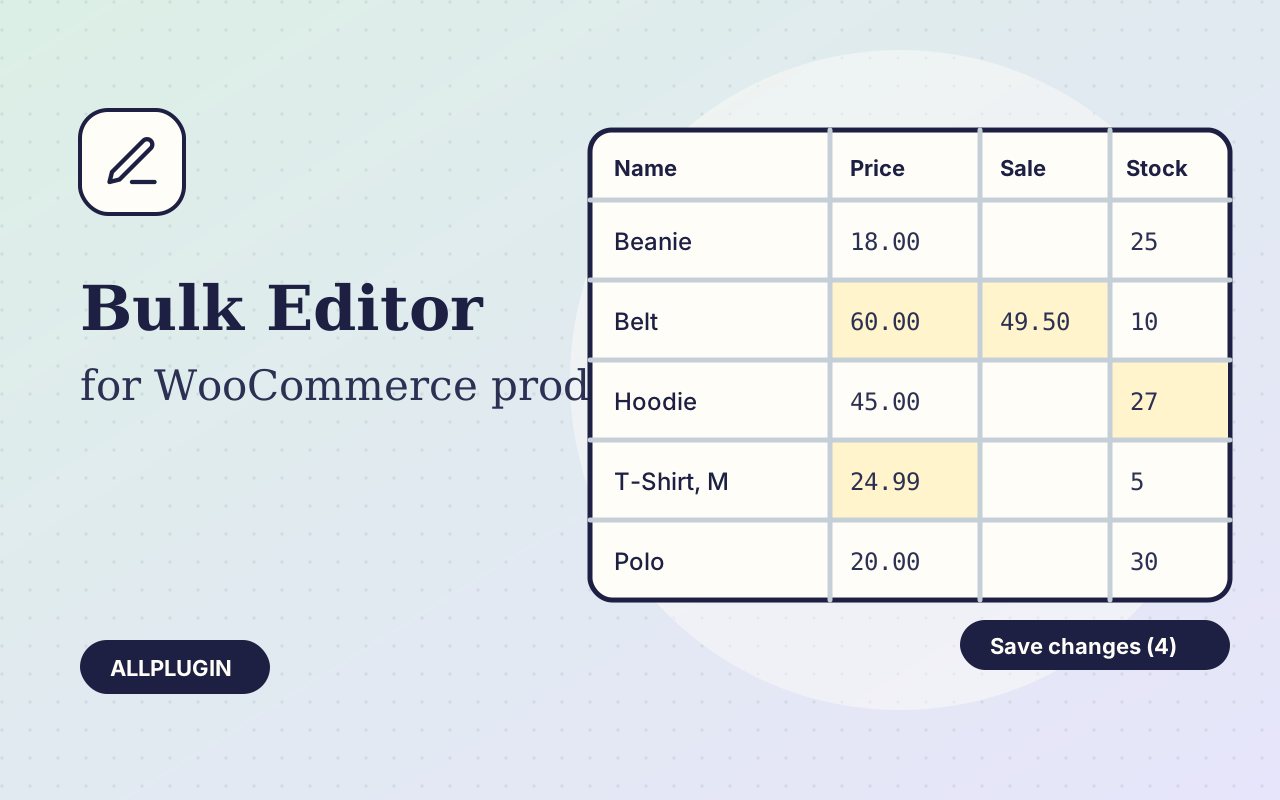
Change prices, stock, SKUs and status of hundreds of products and variations on one spreadsheet-style screen, with one-click undo.
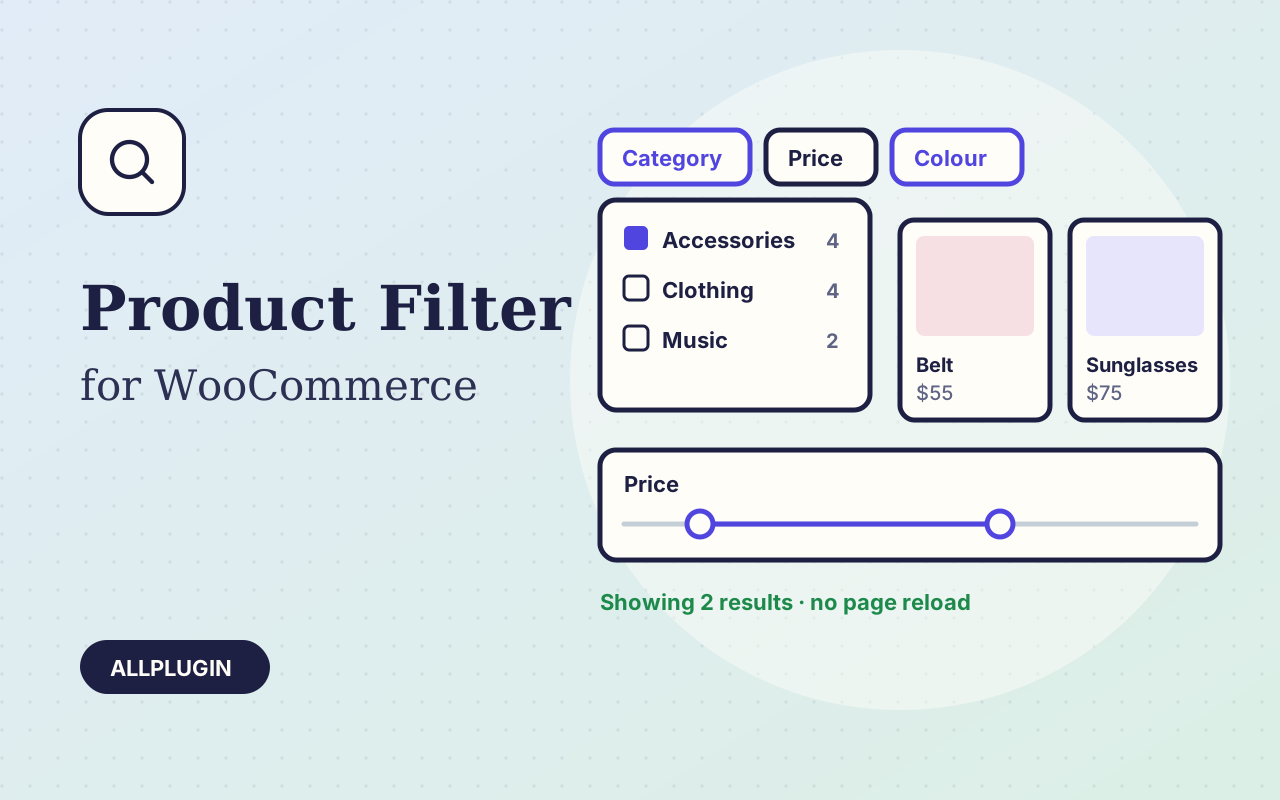
Let shoppers narrow your shop by price, category, colour, size, stock and more. Results update instantly and every choice shows its product count.
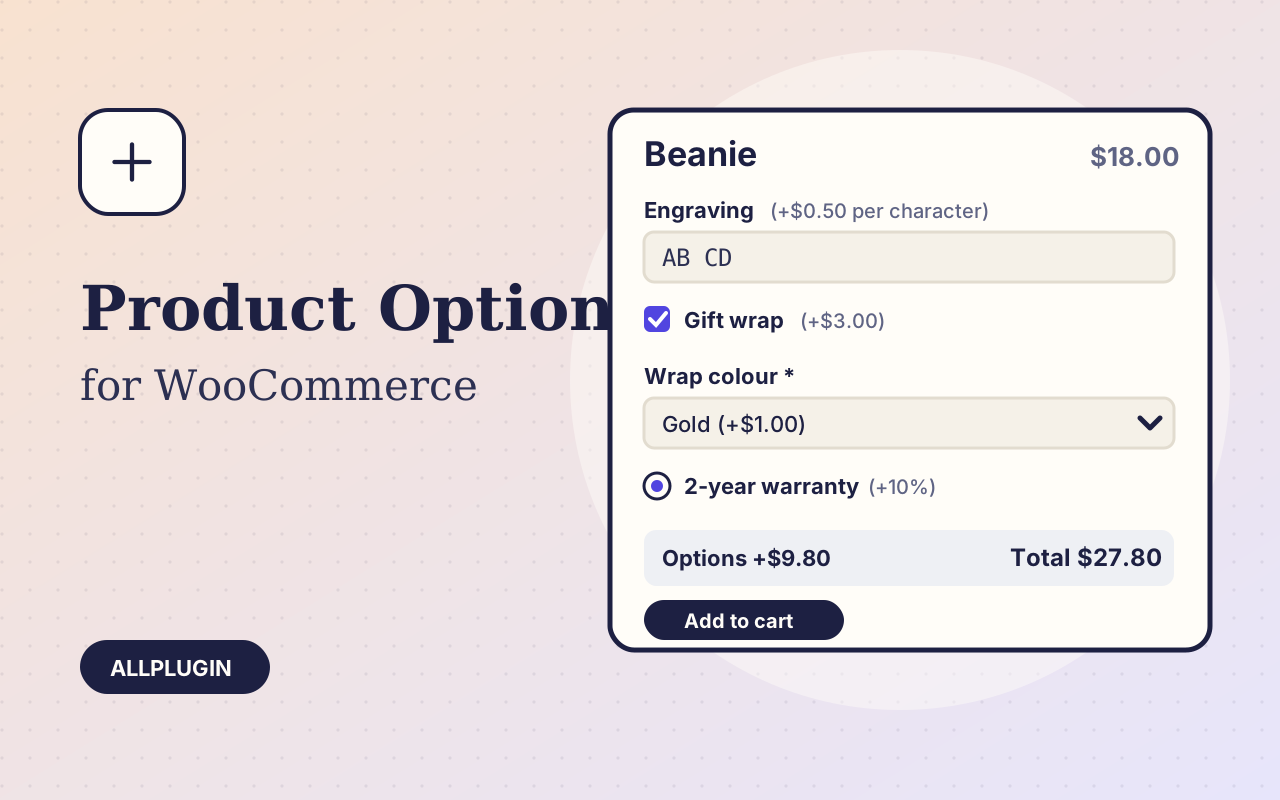
Sell engraving, gift wrap, warranties and custom text: extra options on the product page, each with its own price, required rule and condition.
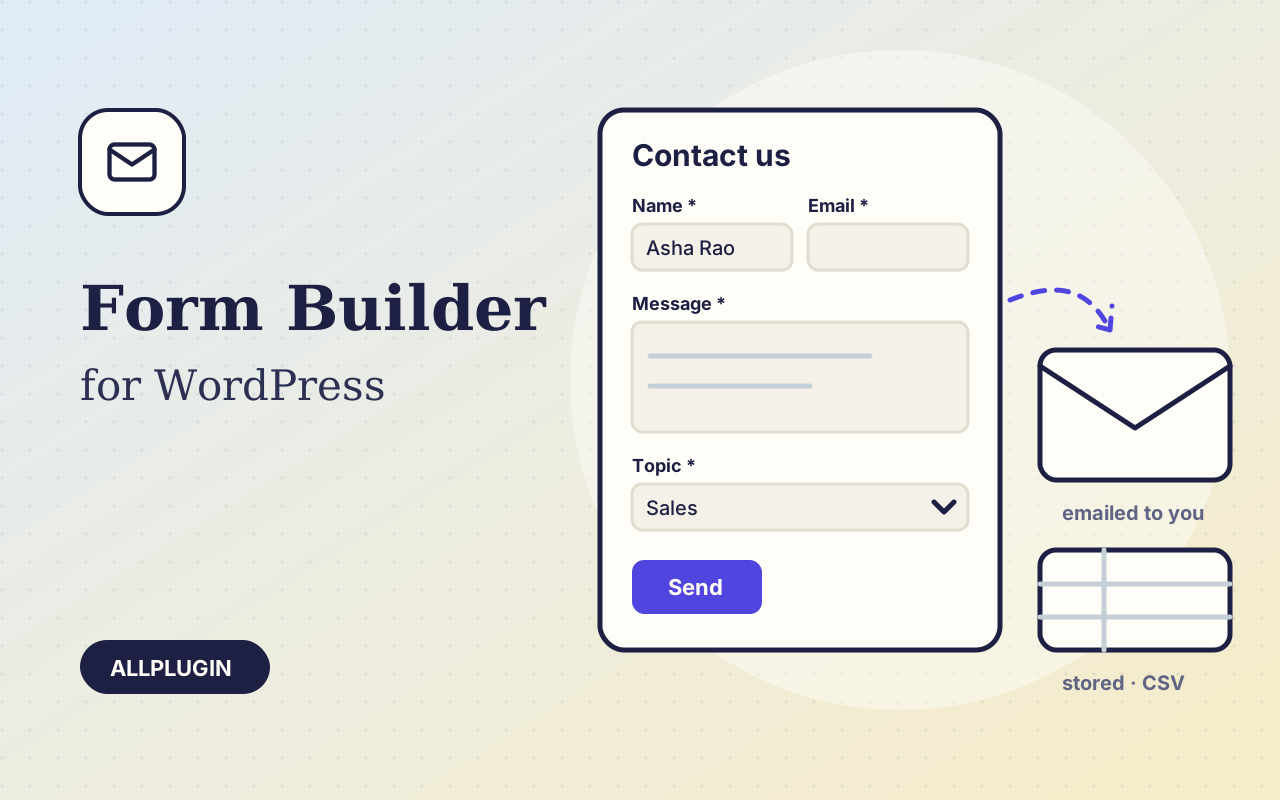
Contact, quote and sign-up forms you build by dragging fields into order. Entries are emailed, stored and exportable, with spam protection that needs no CAPTCHA.
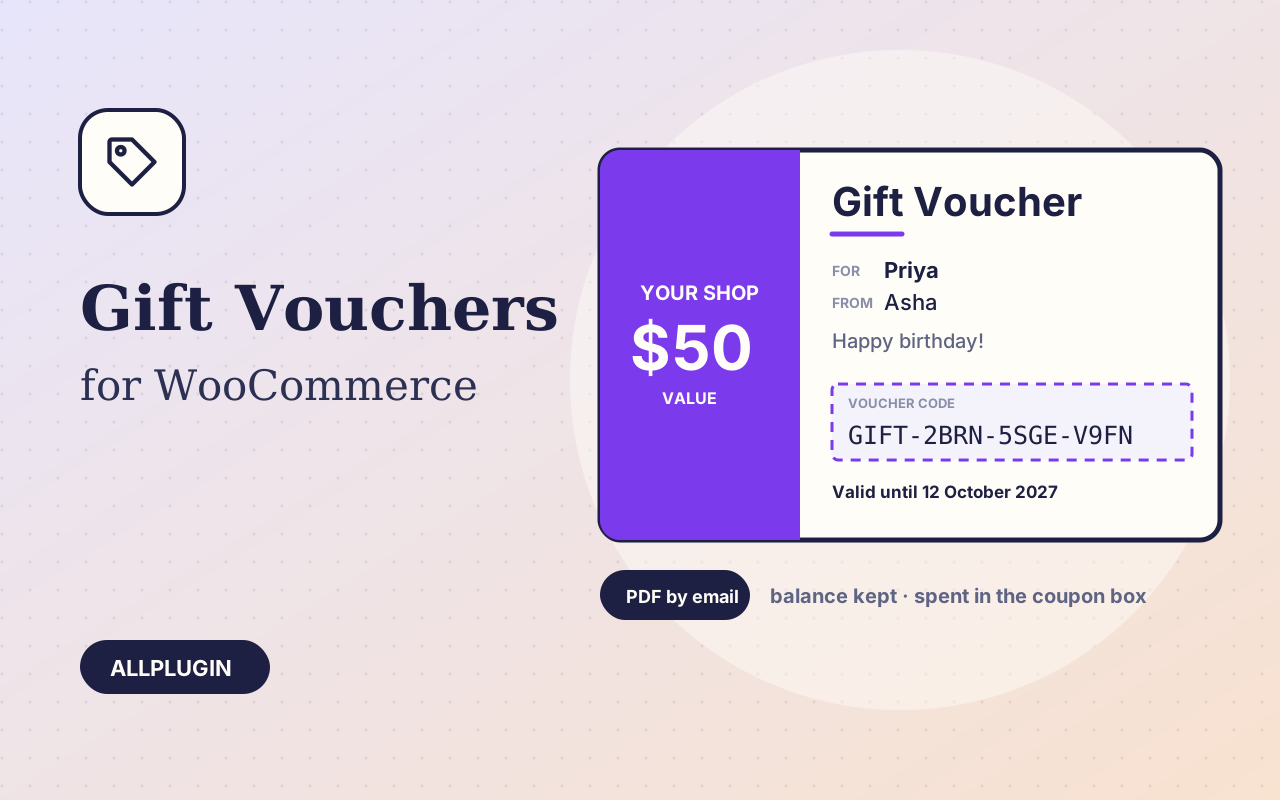
Sell gift vouchers in your store. The recipient gets a smart PDF by email, and the code keeps its balance until it is spent.
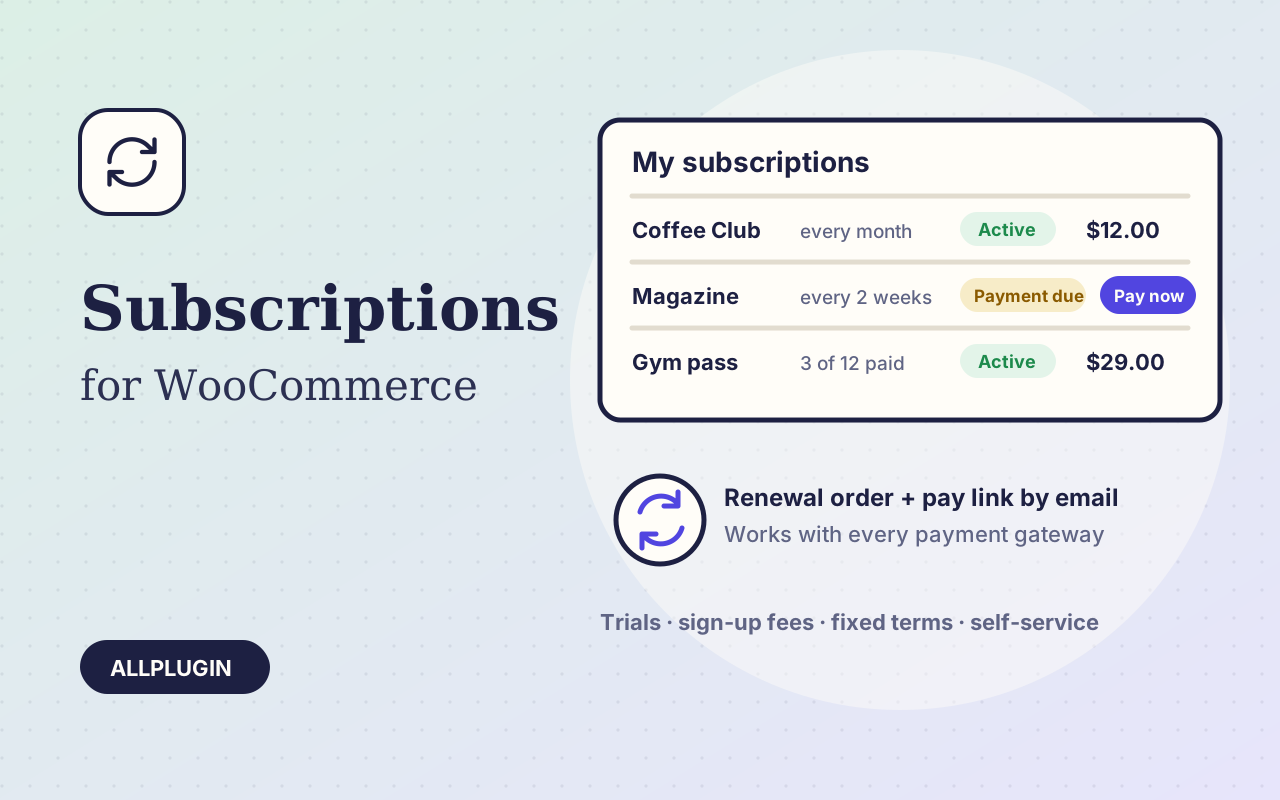
Sell products on a recurring schedule with any payment gateway: each renewal creates an order and emails the customer a pay link.
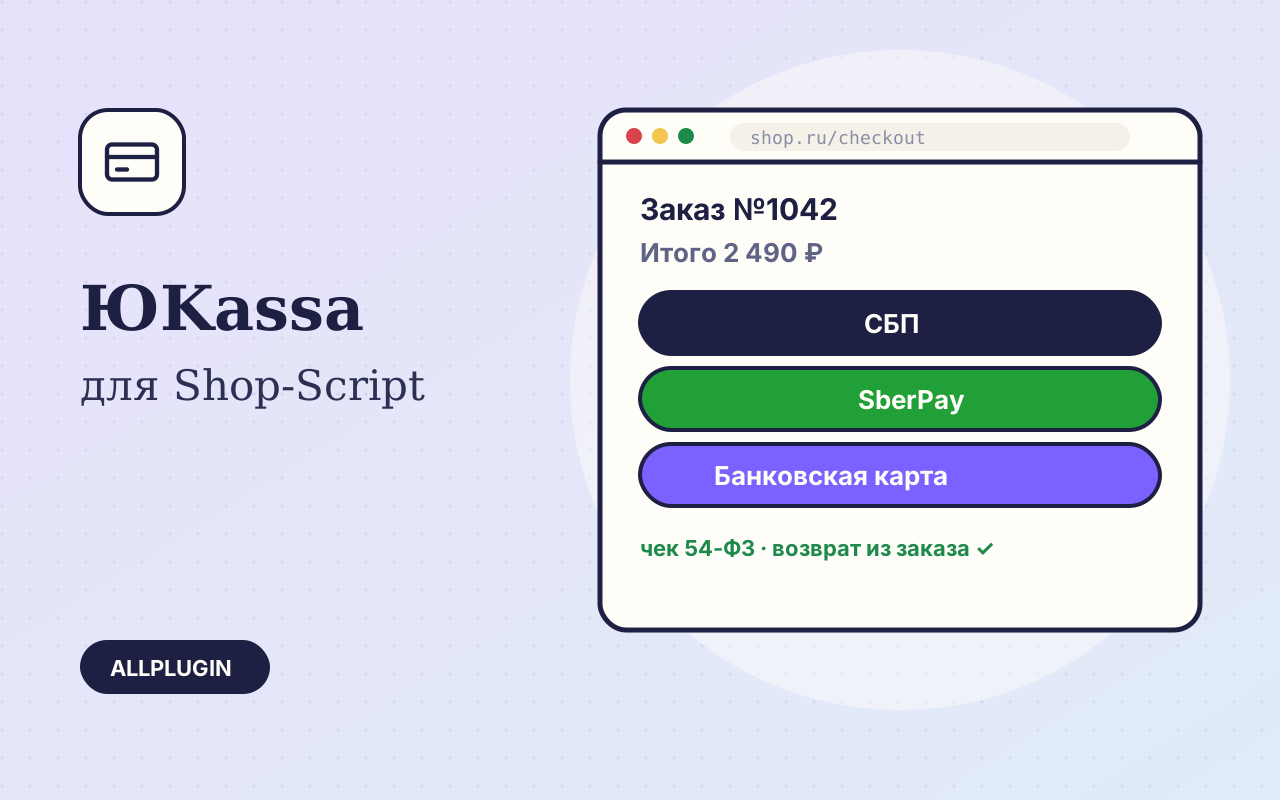
Карты, СБП, SberPay, T-Pay и ЮMoney через ЮKassa: покупатель выбирает способ прямо на сайте, чеки 54-ФЗ и возвраты из заказа.
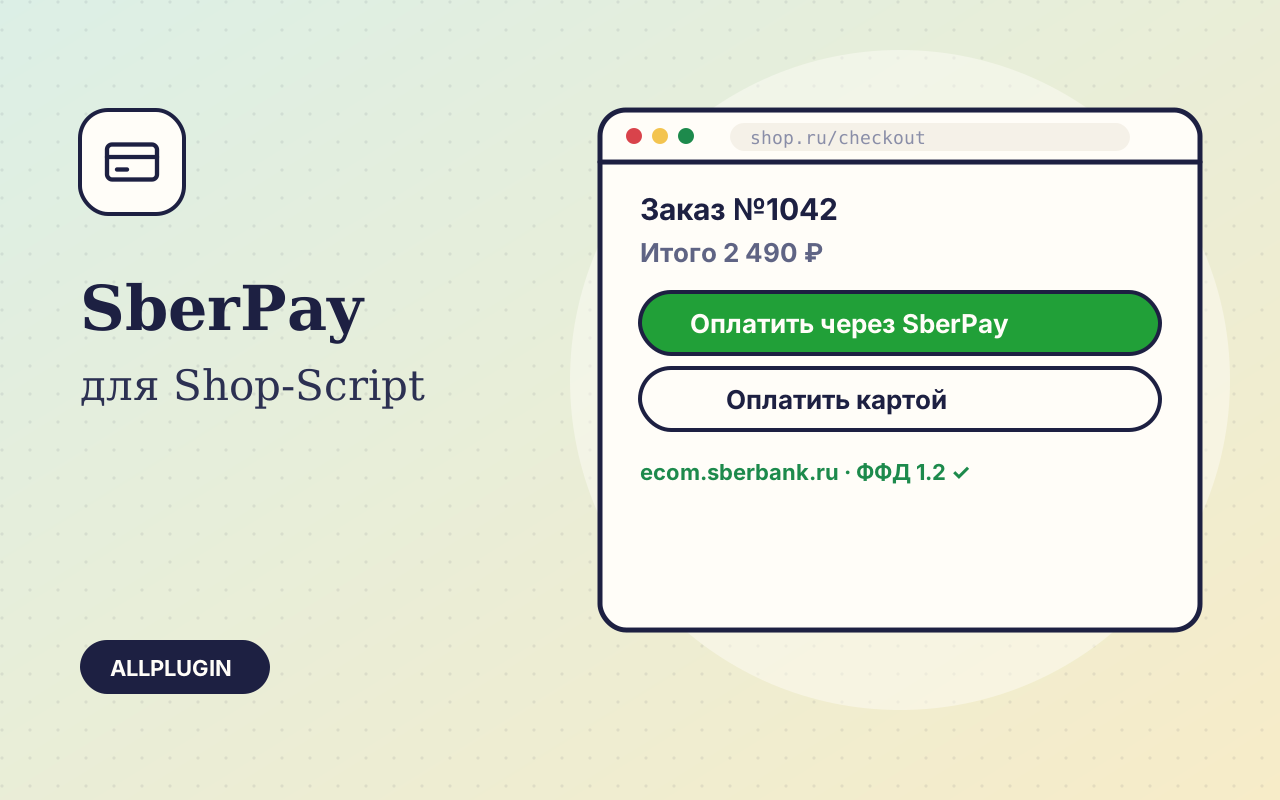
Оплата картами и через SberPay по новому API ecom.sberbank.ru: кнопка SberPay на смартфоне, чеки ФФД 1.05 и 1.2, возвраты из заказа.
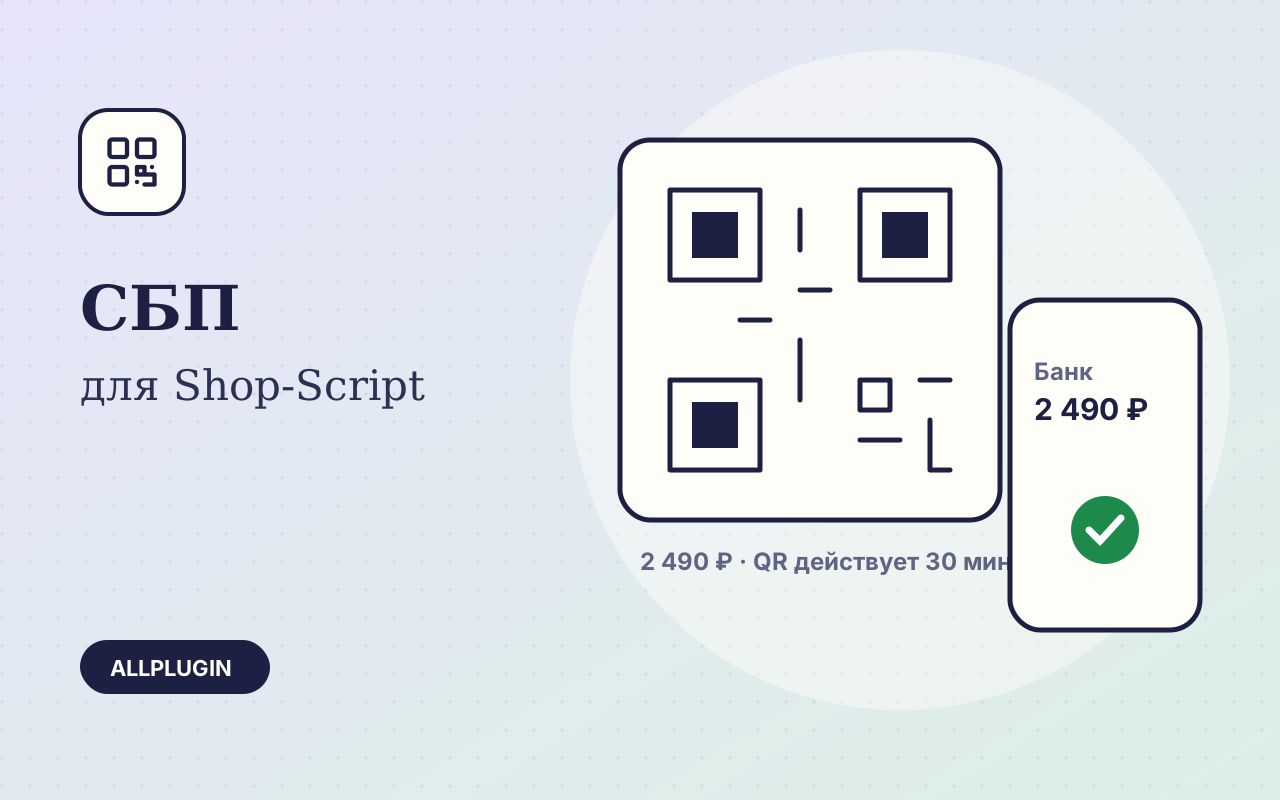
Оплата по QR-коду Системы быстрых платежей: QR на компьютере, выбор банка на смартфоне и автоматическое зачисление.
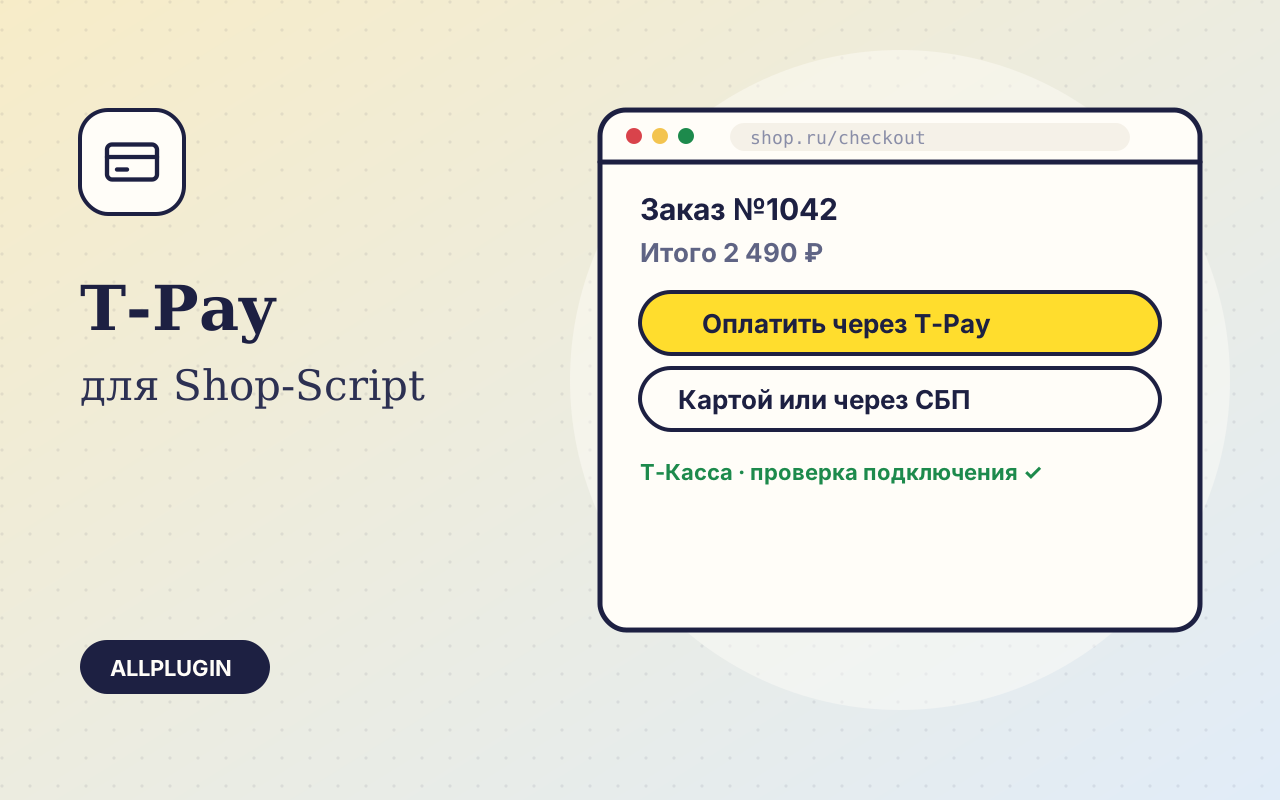
Оплата через T-Pay в один клик, картами и по СБП через интернет-эквайринг Т-Банка: чеки 54-ФЗ, возвраты, проверка подключения.
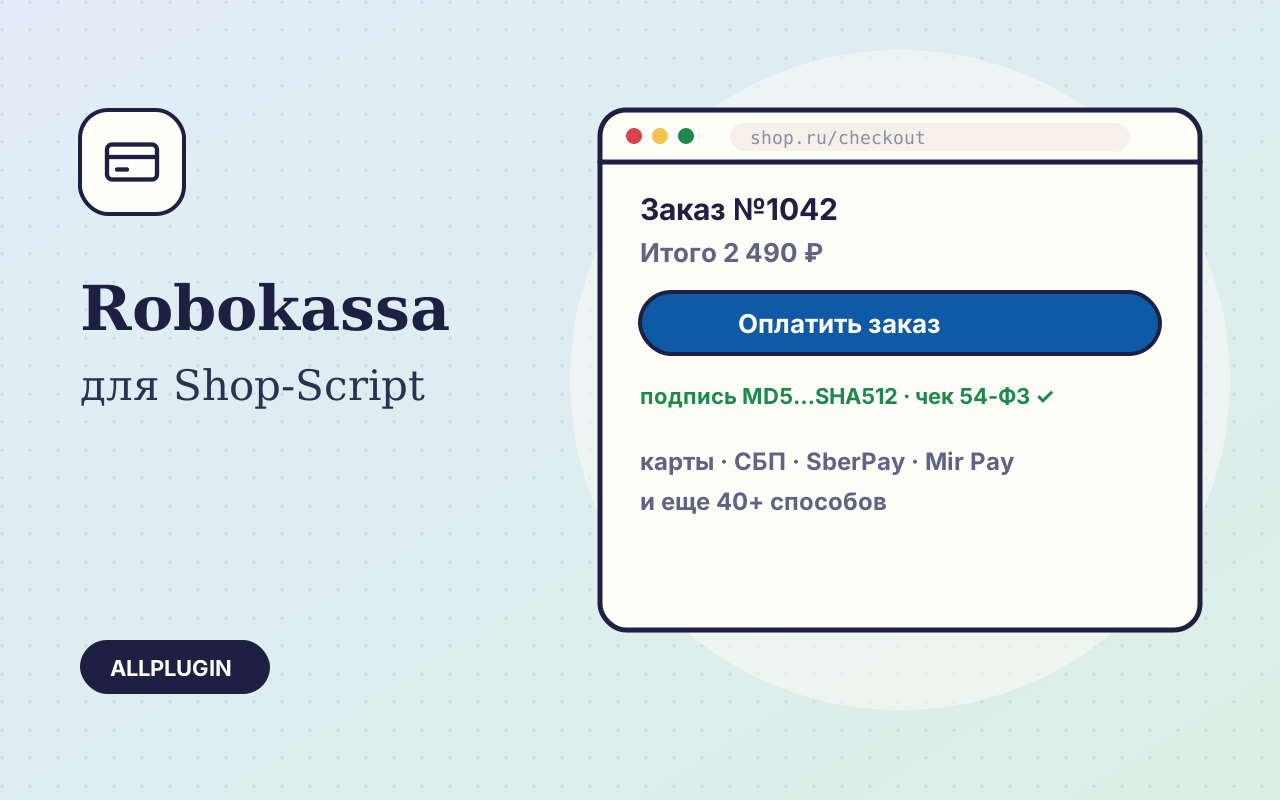
Robokassa: карты, СБП, SberPay, Mir Pay и еще 40+ способов. Чеки 54-ФЗ, возвраты из заказа через API и проверка подключения.
A “Re-Order” button on the customer’s order page: one click puts the products, quantities and services from a past order back into the cart.
Send every Webasyst SMS — order notifications, sign-in codes, CRM messages — through the current Clickatell One API with one API key.
Send every Webasyst SMS through SMSAPI.com or SMSAPI.pl with a secure OAuth token and your approved sender name.
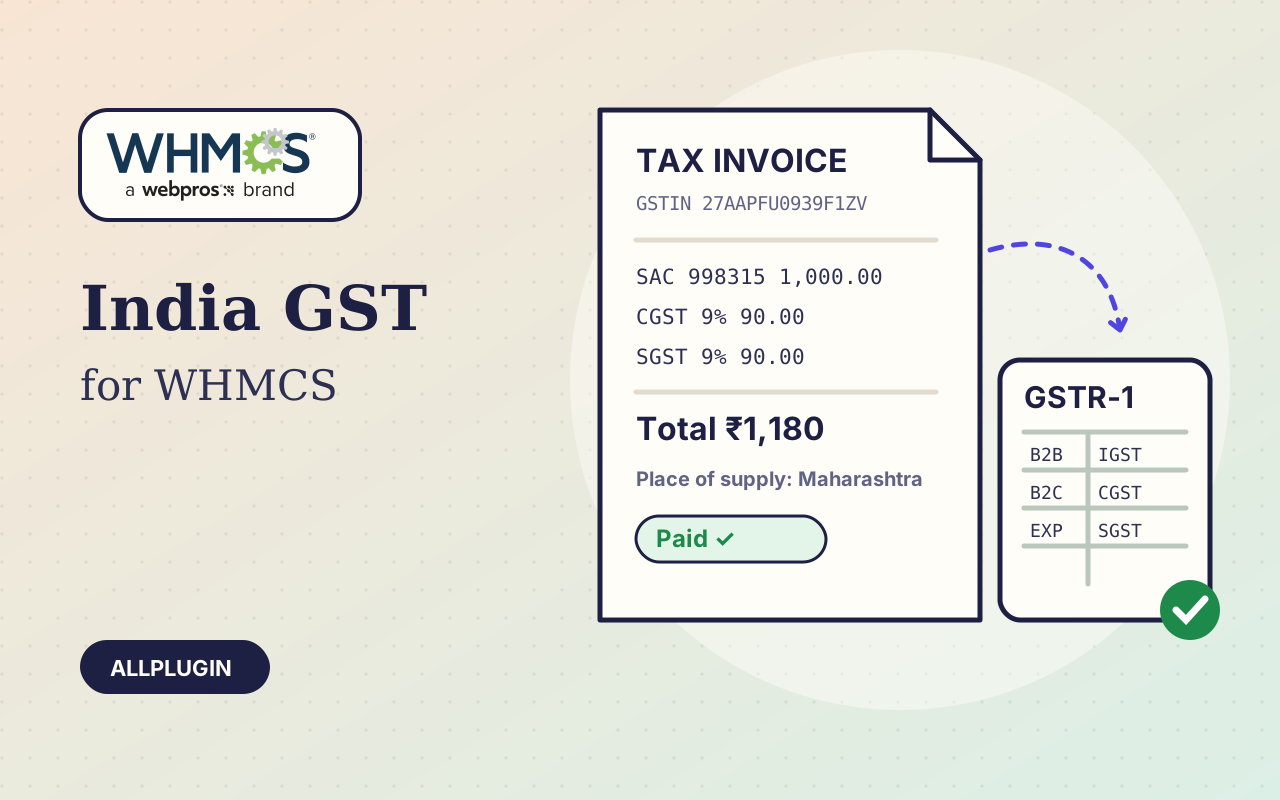
GST tax invoices from WHMCS: CGST + SGST or IGST worked out by state, GSTIN checks, SAC codes, financial-year invoice numbers and GSTR-1 exports.
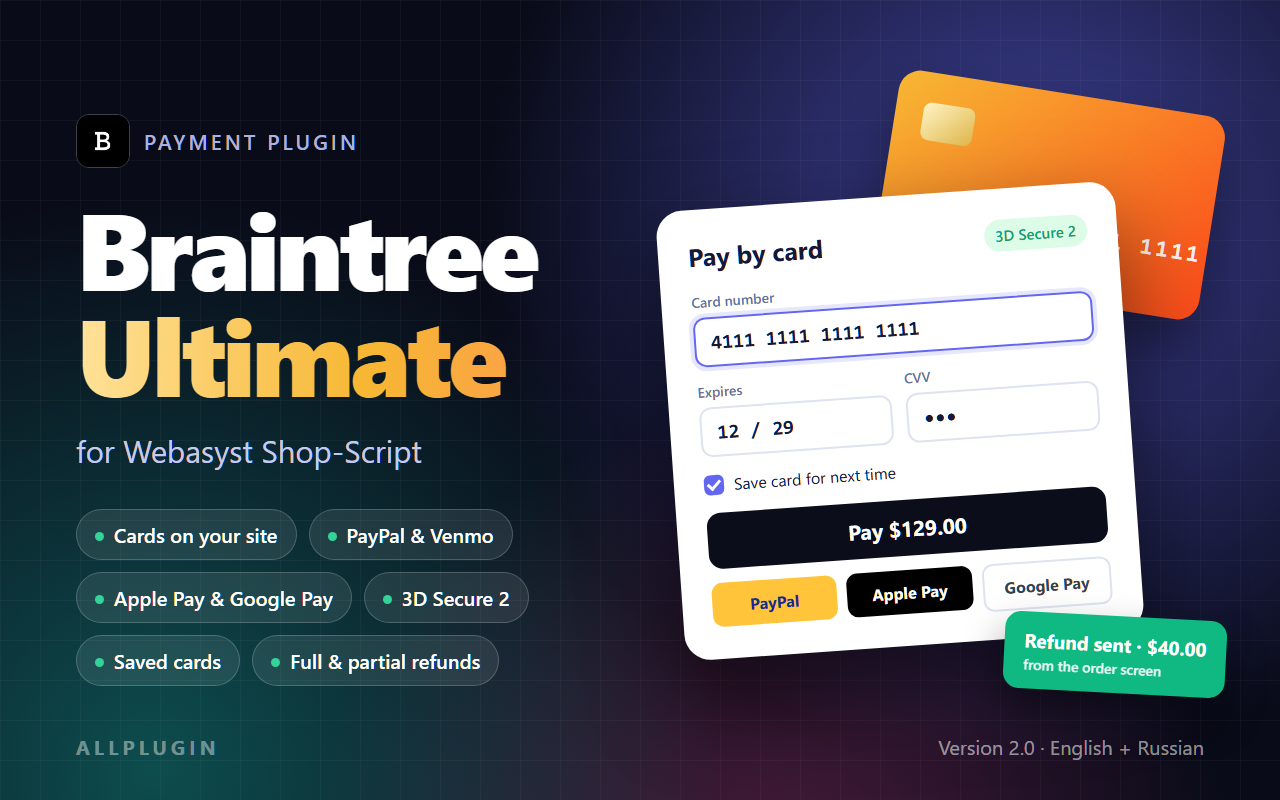
Accept cards directly on your Shop-Script order page with Braintree — plus PayPal, Apple Pay and Google Pay, 3D Secure 2, saved cards and refunds from the order screen.
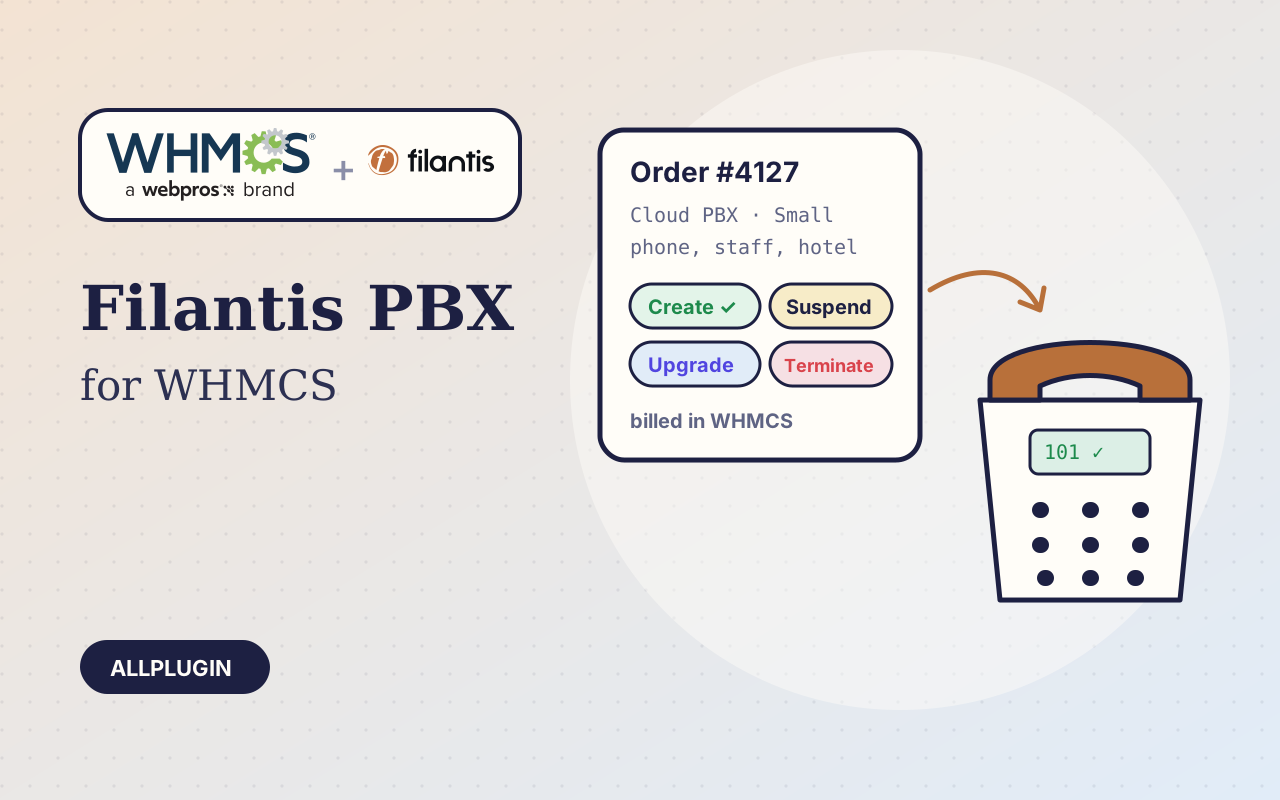
Resell hosted Filantis phone systems from your WHMCS: workspaces created on order, suspended on non-payment, upgraded and terminated automatically.
Take cards, mada, Apple Pay and STC Pay in Shop-Script through the current PayTabs API — hosted or embedded payment page, with refunds from the order screen.
Accept cards, mada, KNET, Benefit and Apple Pay across the Gulf in Shop-Script with Tap Payments — with authorize and capture, and refunds from the order screen.
Accept iDEAL, Bancontact, cards, PayPal, Klarna and SEPA in Shop-Script with Mollie — with refunds from the order screen and authorize and capture for cards.
Accept cards, Apple Pay, Google Pay, Link and local payment methods in Shop-Script with Stripe Checkout — with refunds from the order screen and authorize and capture.
Accept cards, mada, Apple Pay and Google Pay in Shop-Script with Checkout.com — hosted payment page, 3D Secure, authorize and capture, and refunds from the order screen.
Accept cards, mada, KNET, Benefit and Apple Pay in WHMCS with Tap Payments — invoices marked paid automatically, refunds from the admin area.
Accept iDEAL, Bancontact, cards, PayPal, Klarna and SEPA in WHMCS with Mollie — invoices marked paid automatically, refunds from the admin area.
Accept cards, mada, Apple Pay and Google Pay in WHMCS with the Checkout.com hosted payment page — 3D Secure, automatic invoice payment, refunds from the admin area.
Keep what you spend next to what you earn: expenses, vendors, payments and recurring costs inside WHMCS, with expense-vs-income reports.
Alerts, popups and a notification centre in the WHMCS client area, shown only to the clients you choose and only for as long as you choose.
New clients confirm their email with a code before they can order or use the client area. Throwaway addresses and sign-up floods are turned away.
Discounts that apply themselves in WHMCS: per product, by quantity and for early payment, plus tools to restrict and mass-generate promotion codes.
Add a processing fee, or give a discount, according to how the client pays. The invoice line follows when they switch payment method.
Email clients and staff when a hosting account passes the disk or bandwidth percentage you set, before the site goes down or the upgrade is missed.
A signed link in every invoice email takes the client straight to the payment page. No login, no forgotten password, fewer late invoices.
Server, panel and client logins kept encrypted inside WHMCS, shared with the right client, with a log of everyone who looked.
Clients who leave with a full cart get timed reminders and a link that puts the cart back. See how many orders the reminders bring home.
Find out why clients cancel and how a new service is going, with short surveys sent at the right moment and results per question.
Reusable quote templates, automatic follow-ups and expiry handling, and an order created the moment a WHMCS quote is accepted.
A client-area page to renew services early for several periods at a discount and to switch billing cycle, with reminders before the due date.
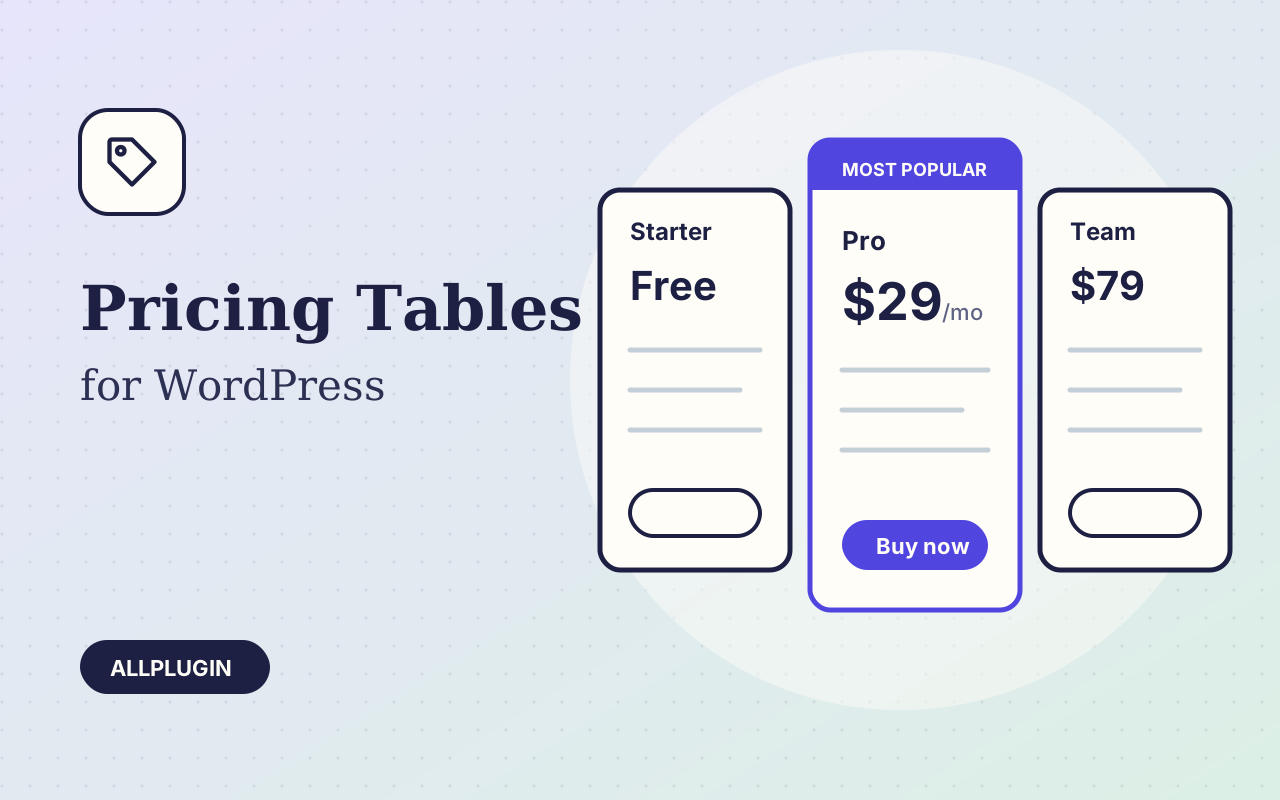
Clean, responsive pricing tables with a monthly/yearly switch, a highlighted plan and ribbons. No page builder needed.
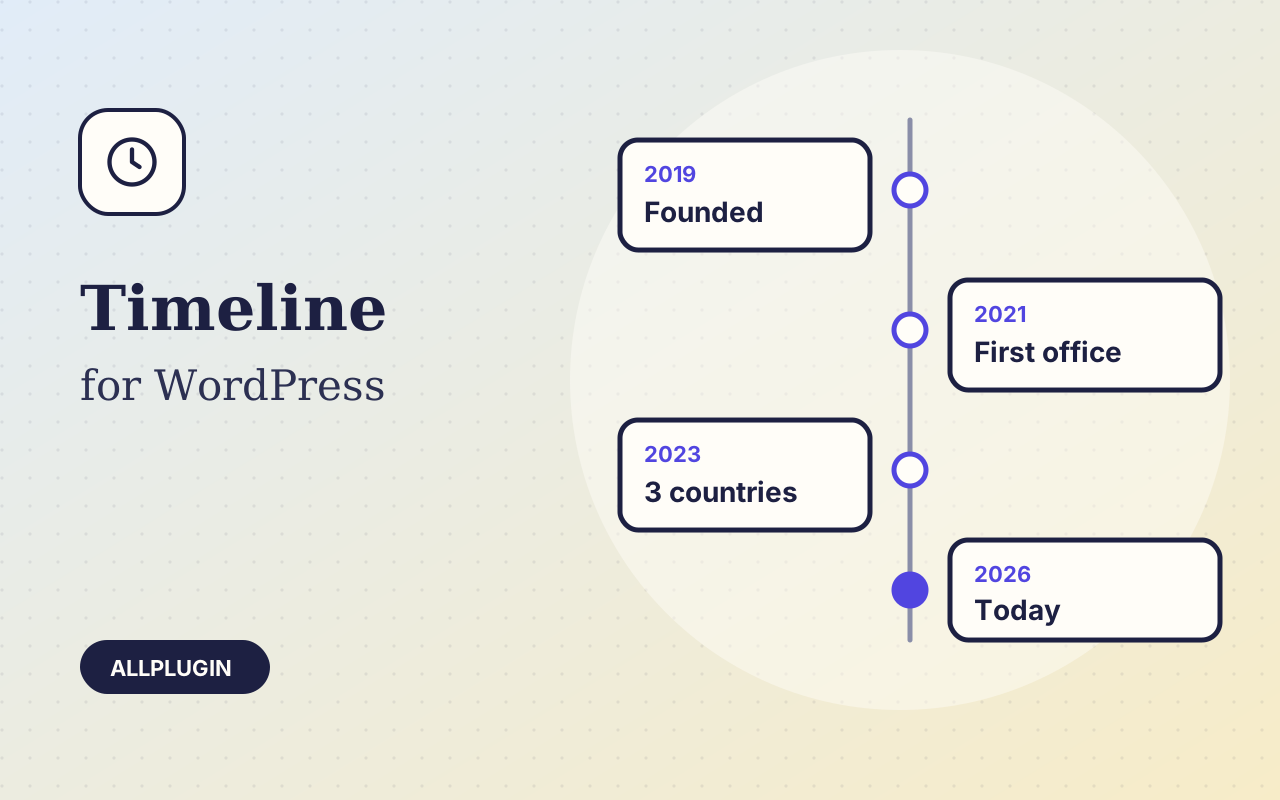
Vertical and horizontal timelines for a company history, a roadmap or a process, written by hand or built from your posts.
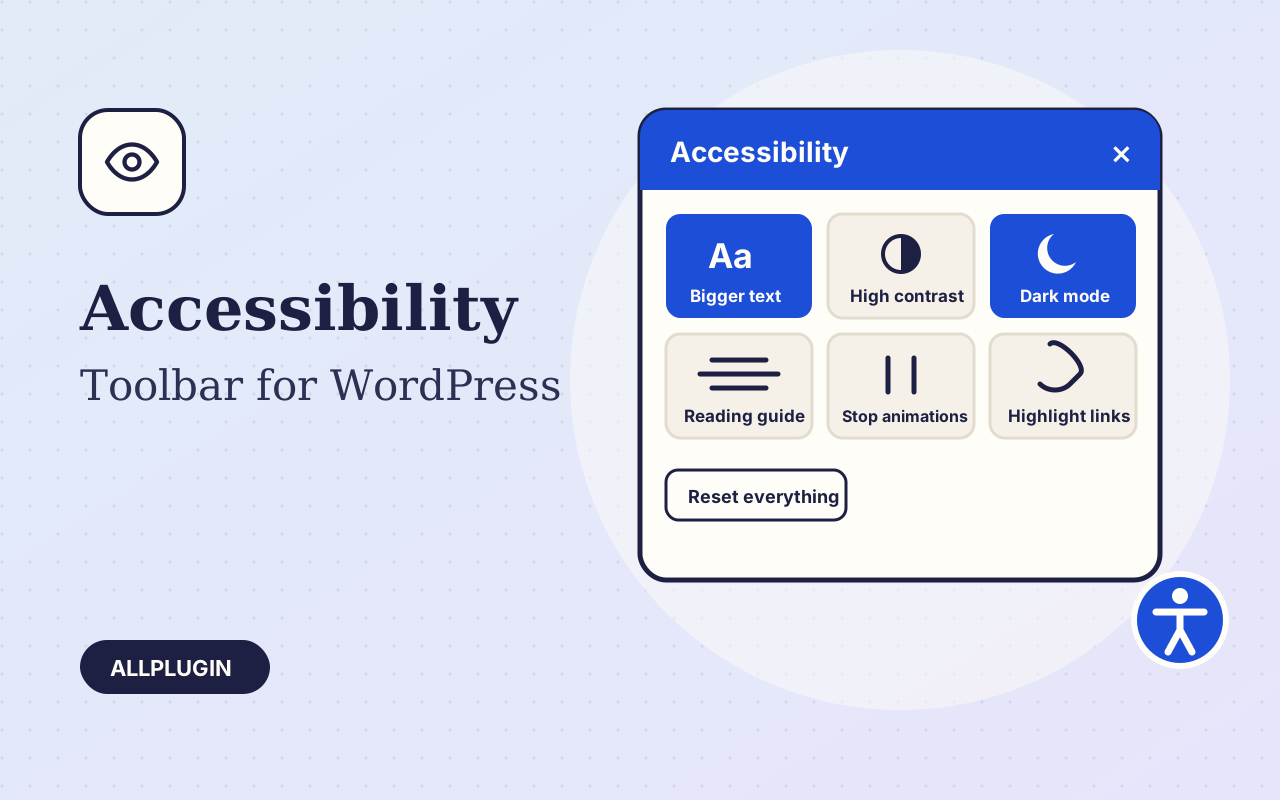
A floating toolbar that lets every visitor enlarge text, raise contrast, switch to dark or greyscale, highlight links and stop animations.
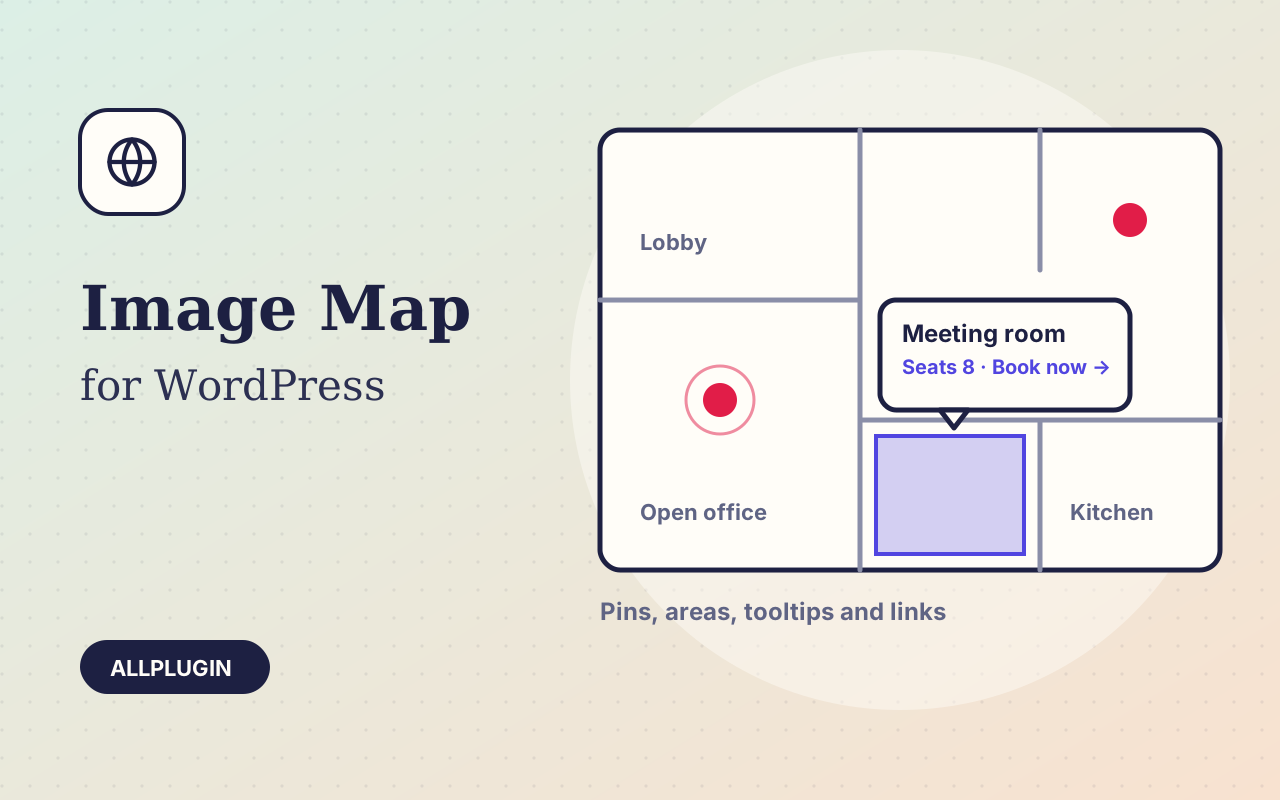
Drop pins and draw clickable areas on a floor plan, a product photo or a diagram. Each one shows a tooltip or opens a link.
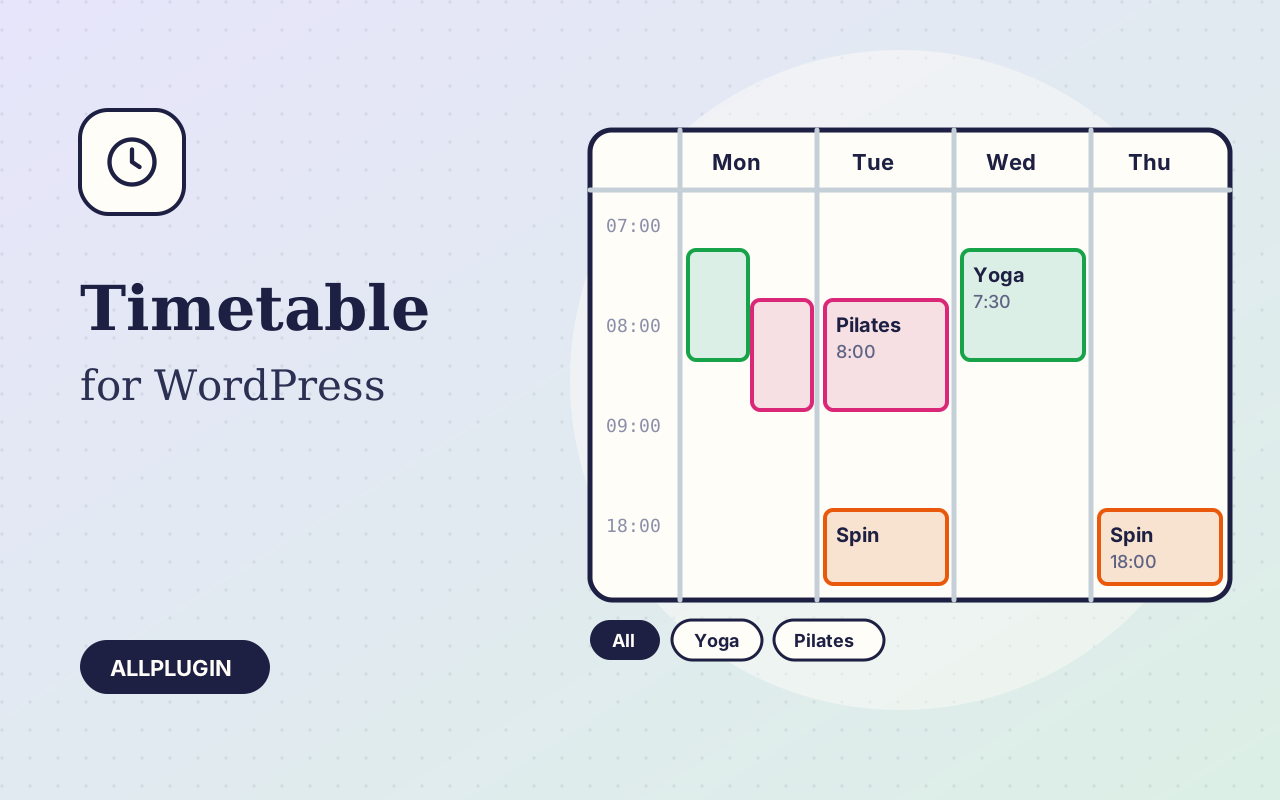
A weekly timetable for classes, lessons, clinics or events: a colour-coded grid on wide screens and a tidy day-by-day list on phones.
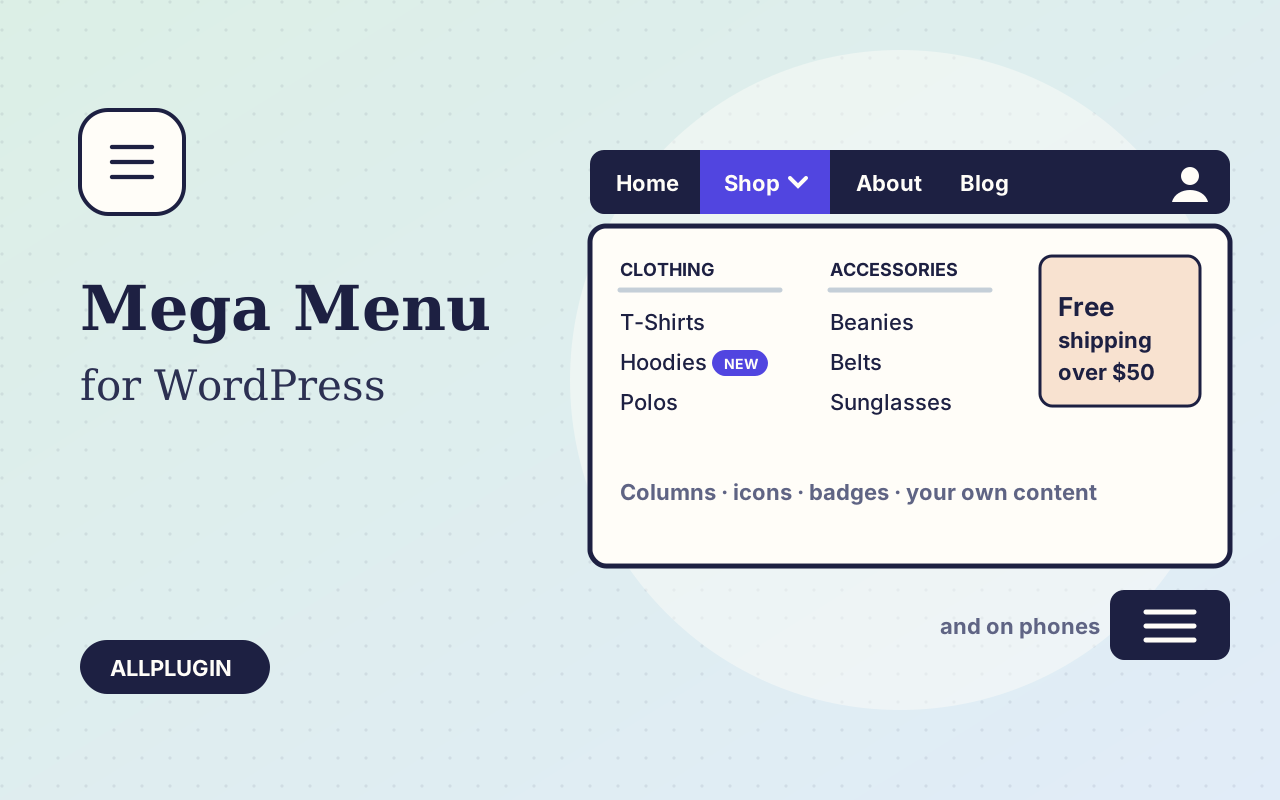
Turn the menu you already have into a mega menu: wide panels with columns, icons, badges and your own content, plus a proper mobile menu.
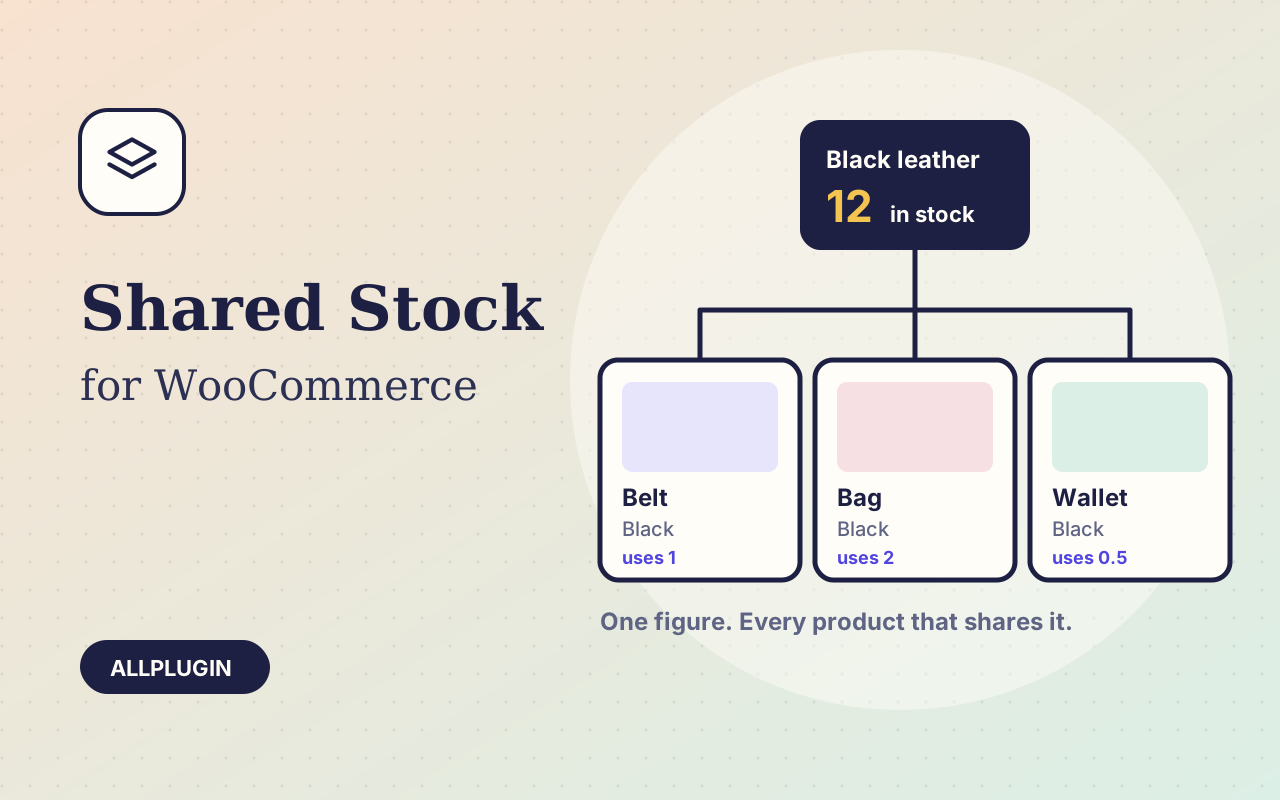
One stock figure for a colour, a material or a size, shared by every product and variation that uses it, with a different amount used per sale if you need.
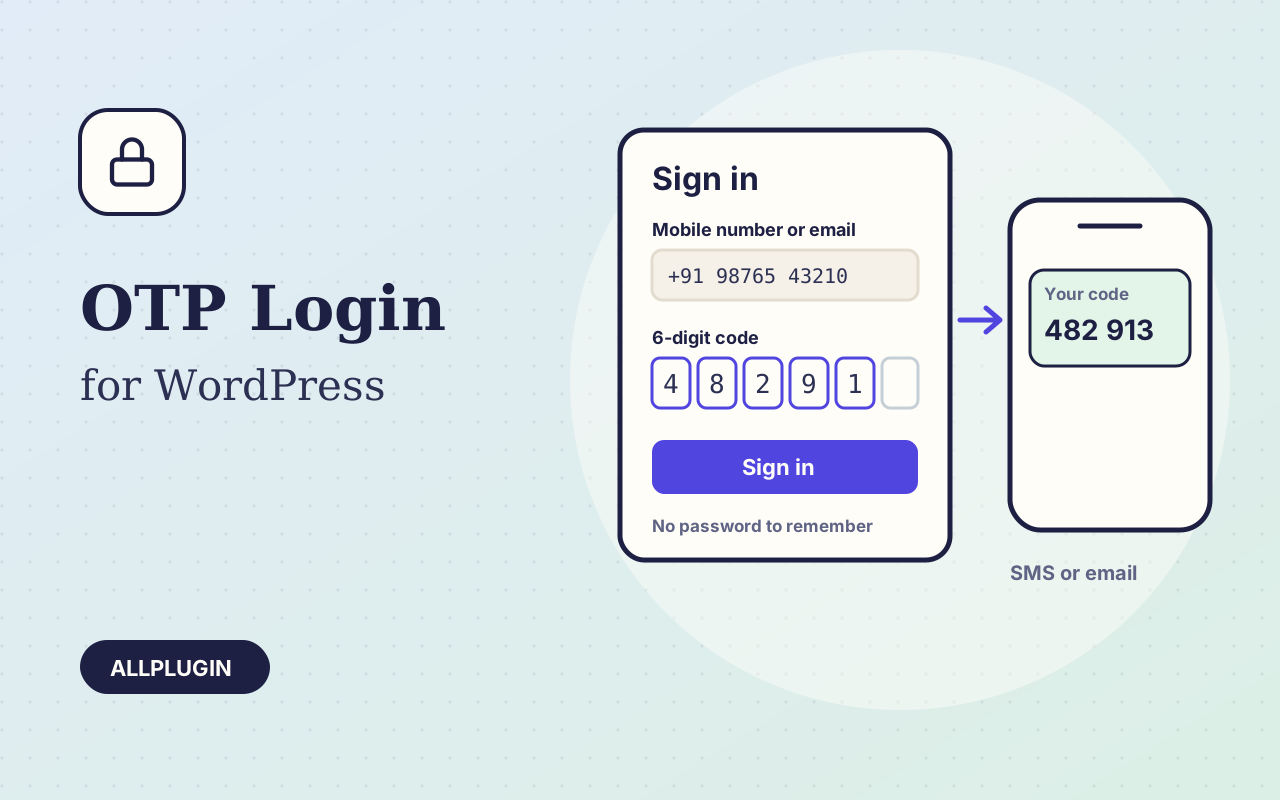
Sign in and sign up with a one-time code sent by text message or email. No password to remember, and no password to reset.
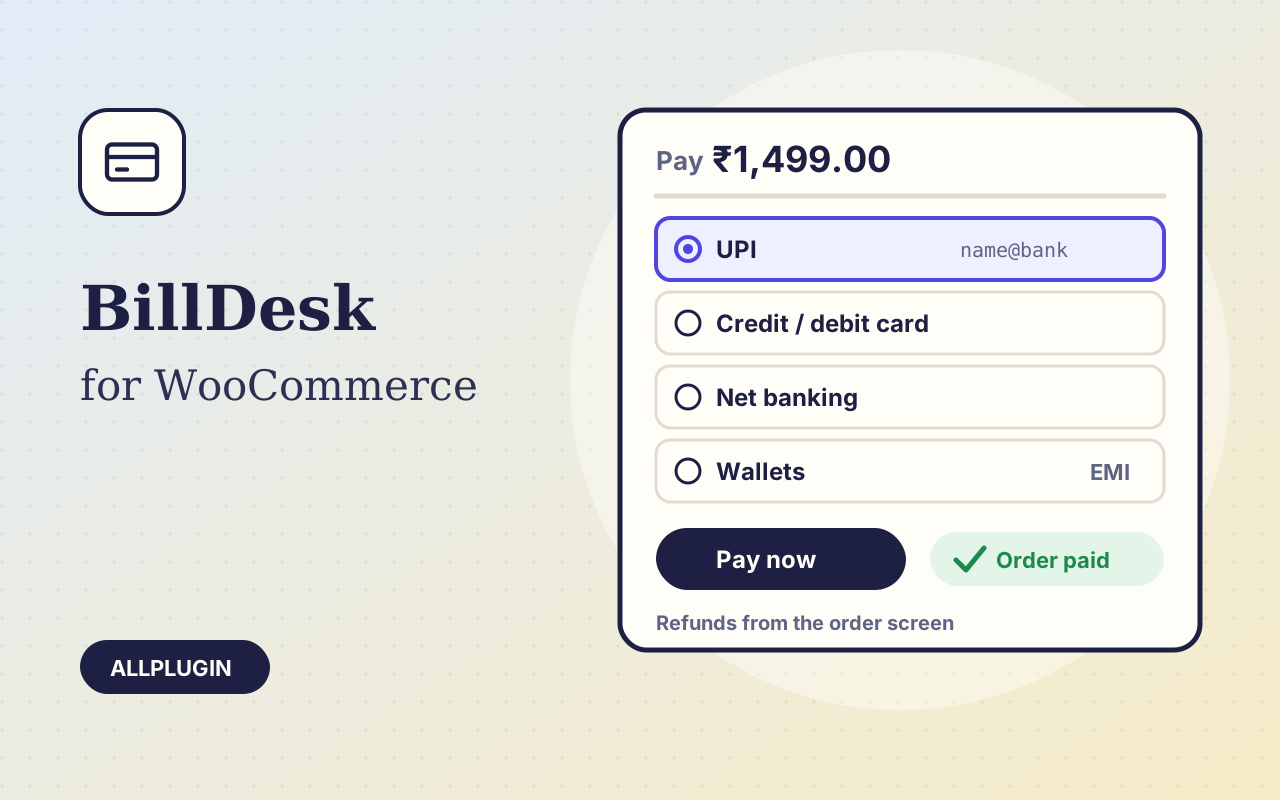
Take cards, UPI, net banking, wallets and EMI in WooCommerce through the BillDesk payment page — orders marked paid automatically, refunds from the order screen.
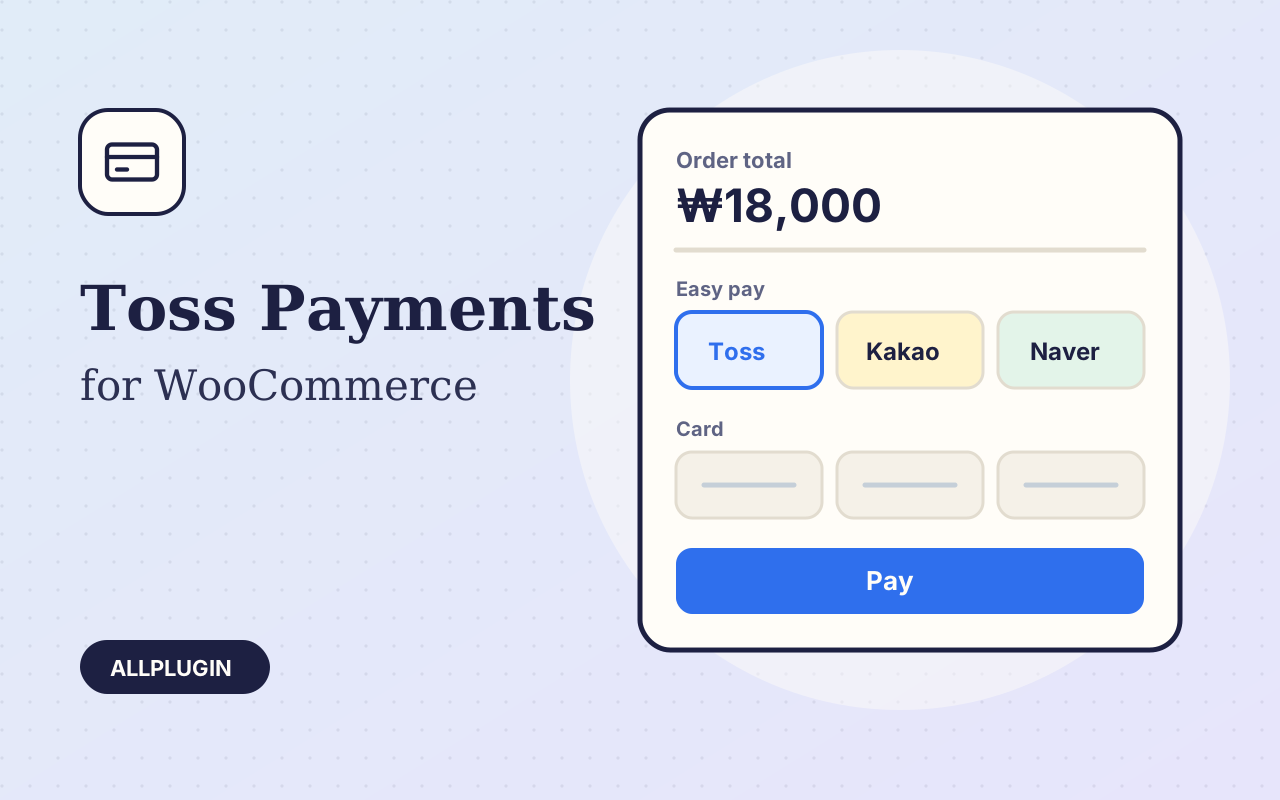
Take Korean cards, easy pay (Toss Pay, Naver Pay, Kakao Pay), bank transfer and mobile phone billing in WooCommerce with the Toss Payments window.
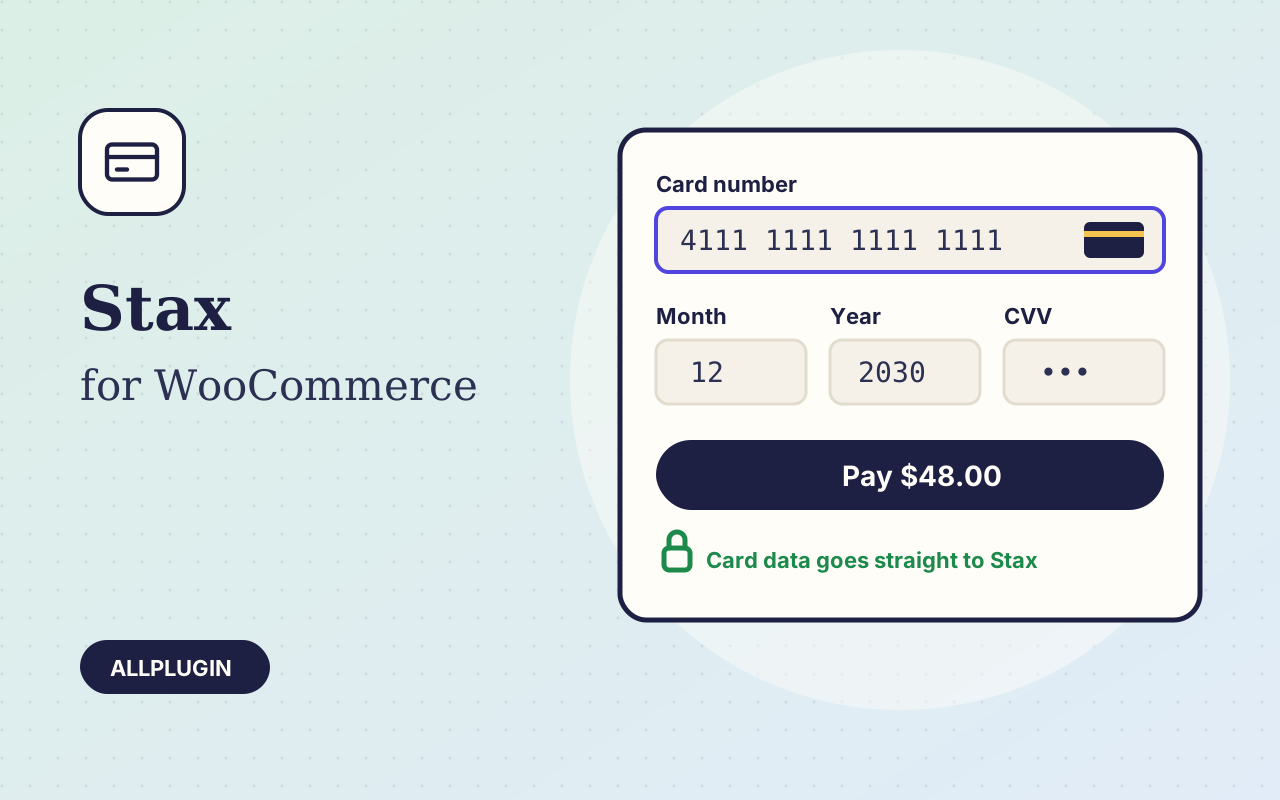
Take credit and debit cards in WooCommerce through your Stax (Fattmerchant) account — card details go straight to Stax, refunds and voids from the order screen.
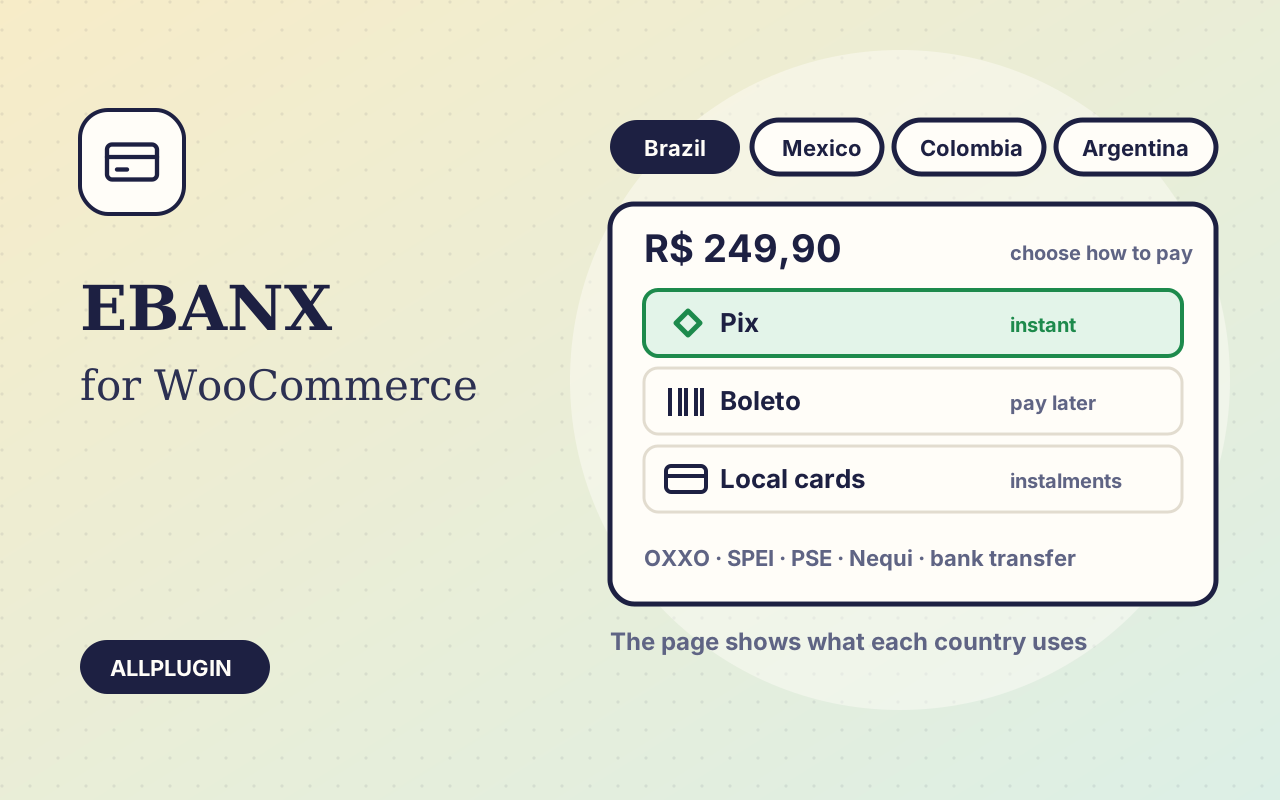
Sell to Latin America from WooCommerce: Pix, boleto, OXXO, SPEI, PSE and local cards on the EBANX payment page, with orders updated automatically.
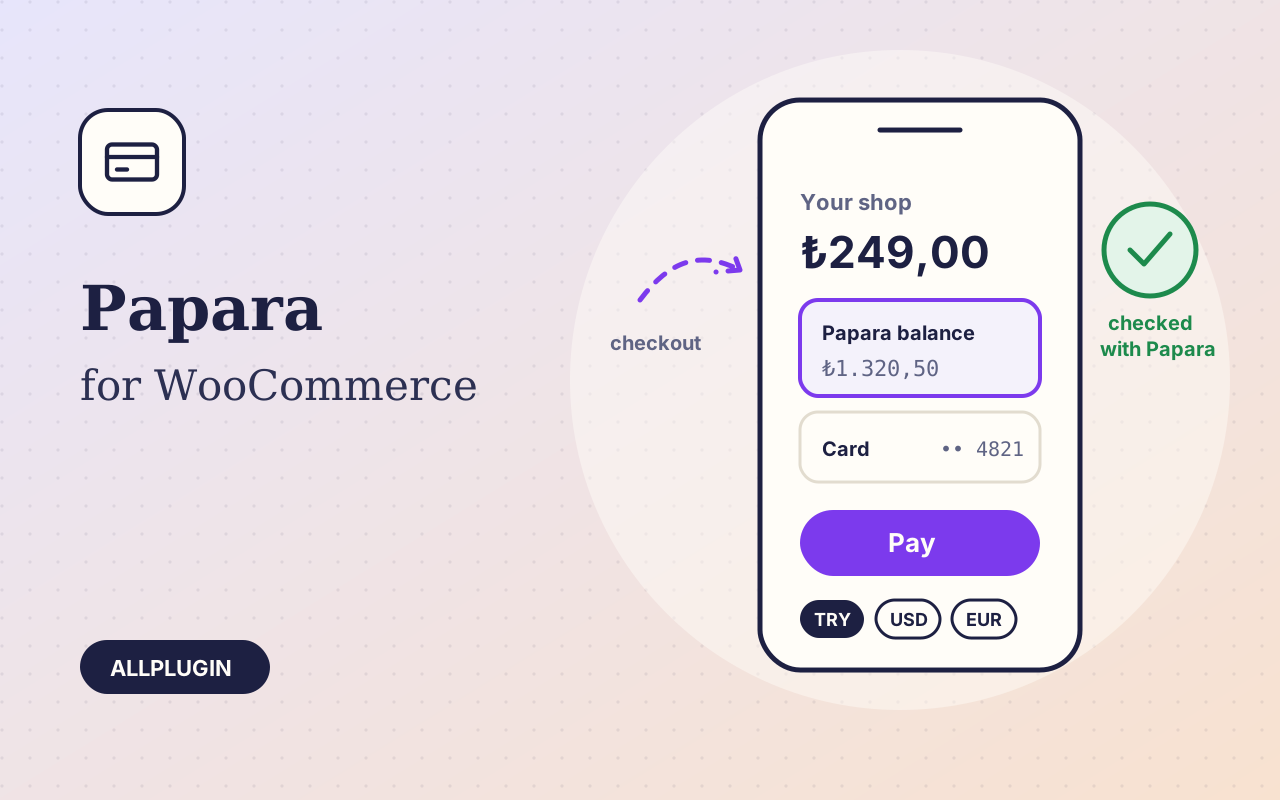
Accept Papara in WooCommerce: customers pay from their Papara balance or a card, and every payment is checked with Papara before the order is marked paid.
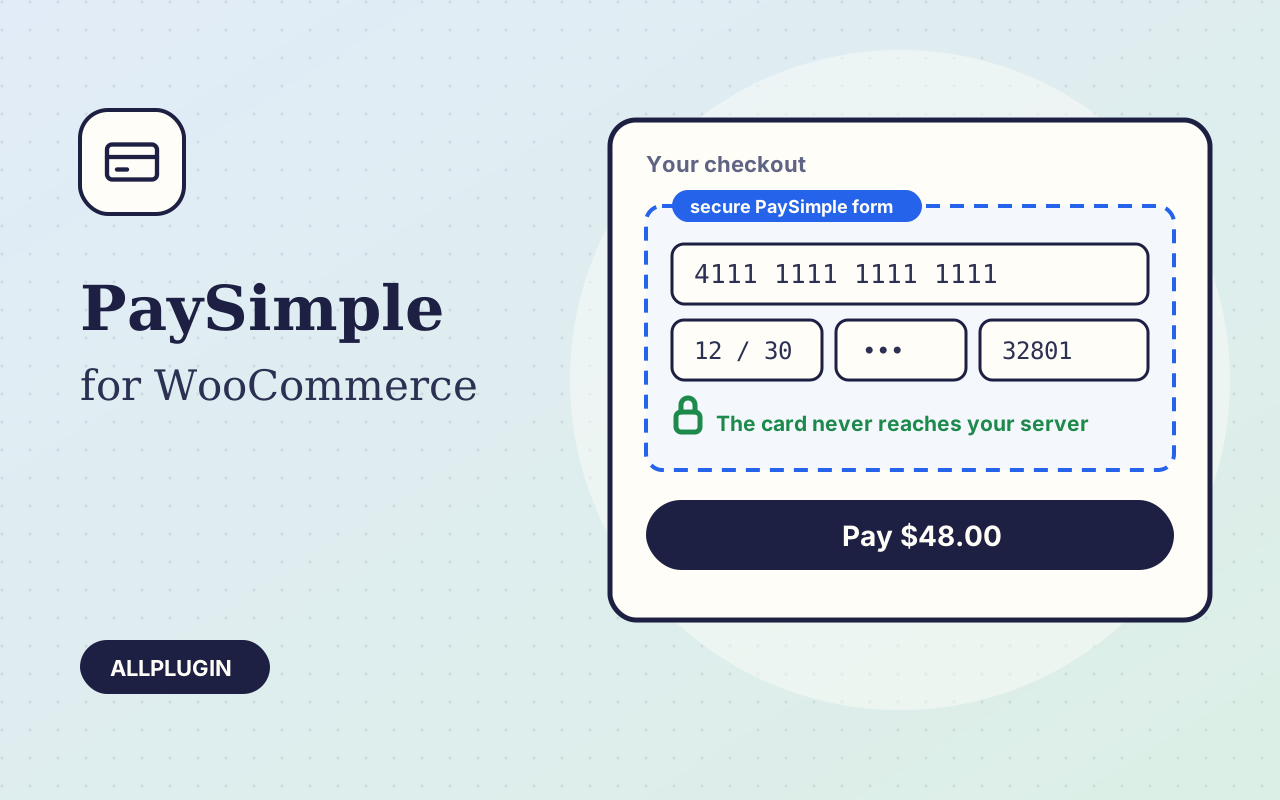
Take credit and debit cards in WooCommerce through your PaySimple account — the card is typed into PaySimple's own secure form, with voids and refunds from the order screen.
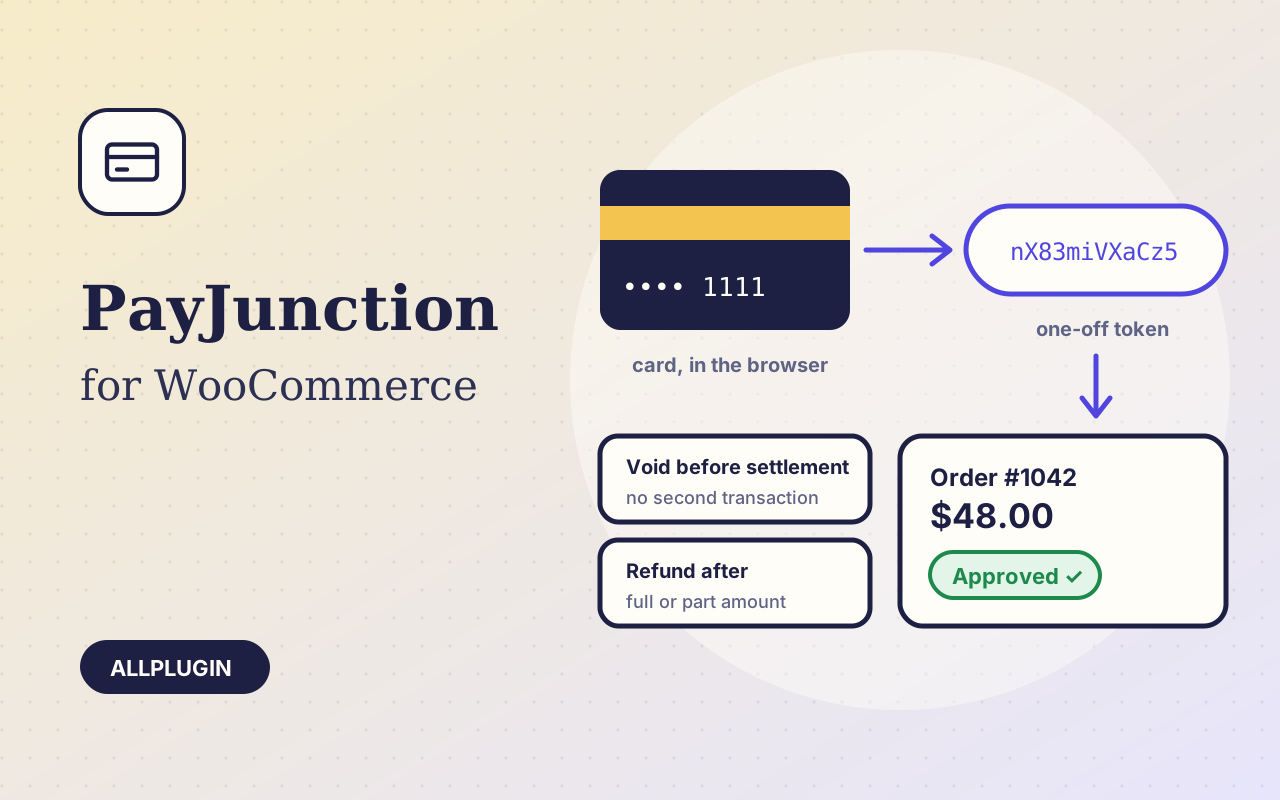
Take credit and debit cards in WooCommerce through your PayJunction account — the card becomes a one-off token in the browser, with voids and refunds from the order screen.
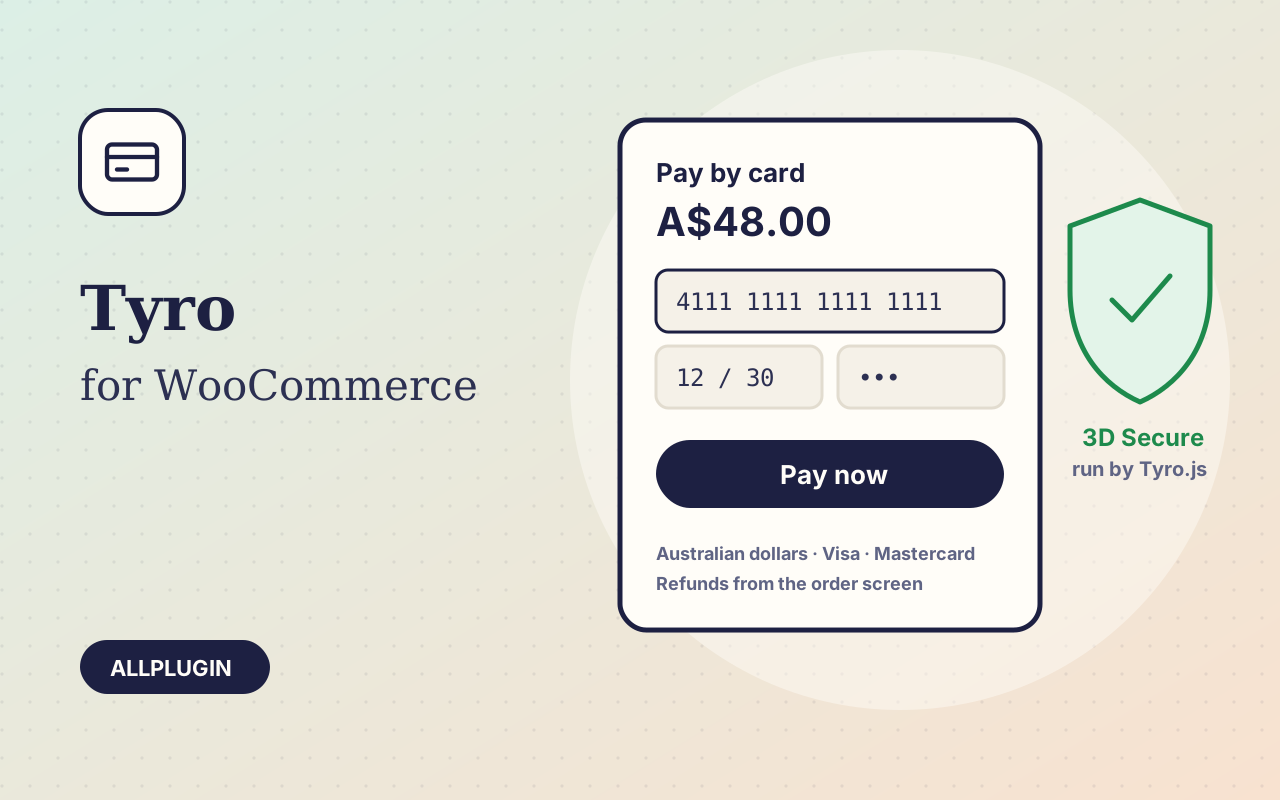
Take cards online in WooCommerce through Tyro eCommerce — the Tyro.js pay form with 3D Secure on your own checkout, and refunds from the order screen.