SoftwareWordPress 6.0+
Media Library Folders for WordPress
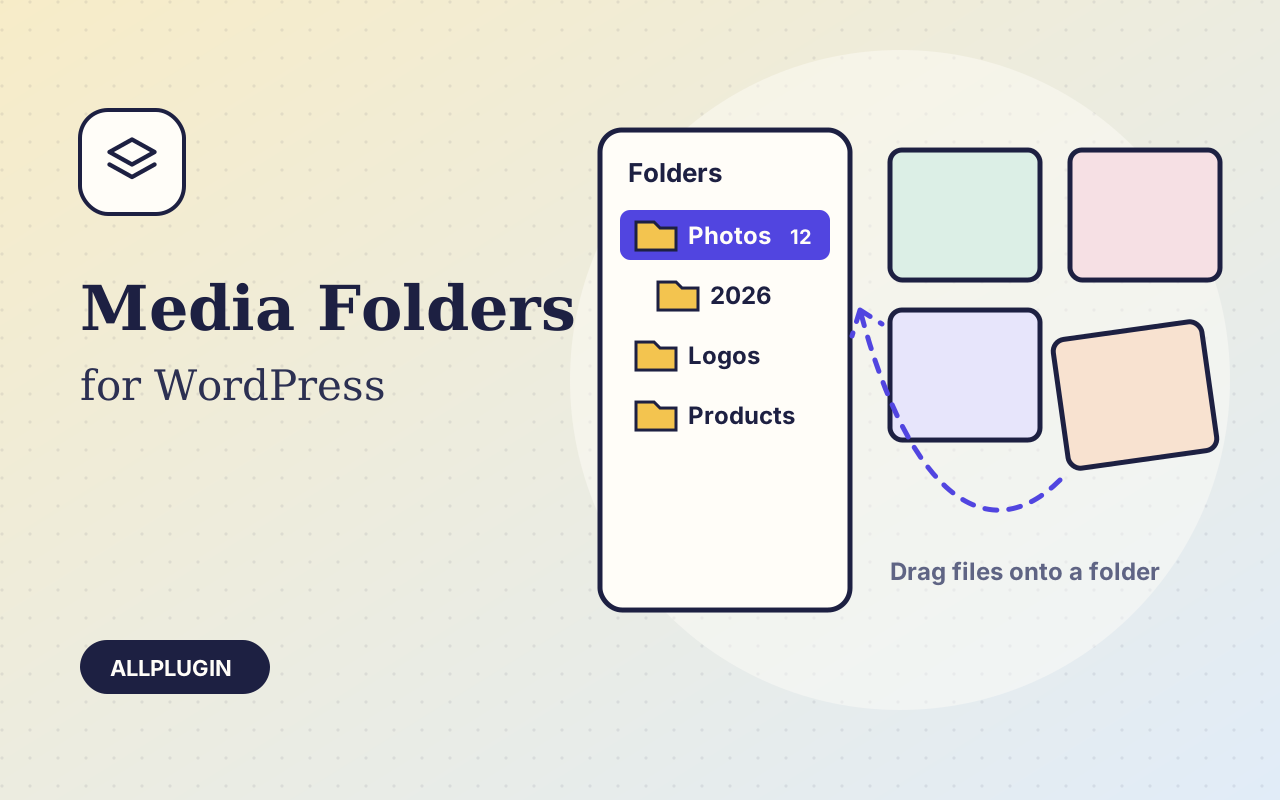
Sort thousands of images and files into folders. Drag files onto a folder, upload straight into one, and find them fast when inserting media.
$19.00 View
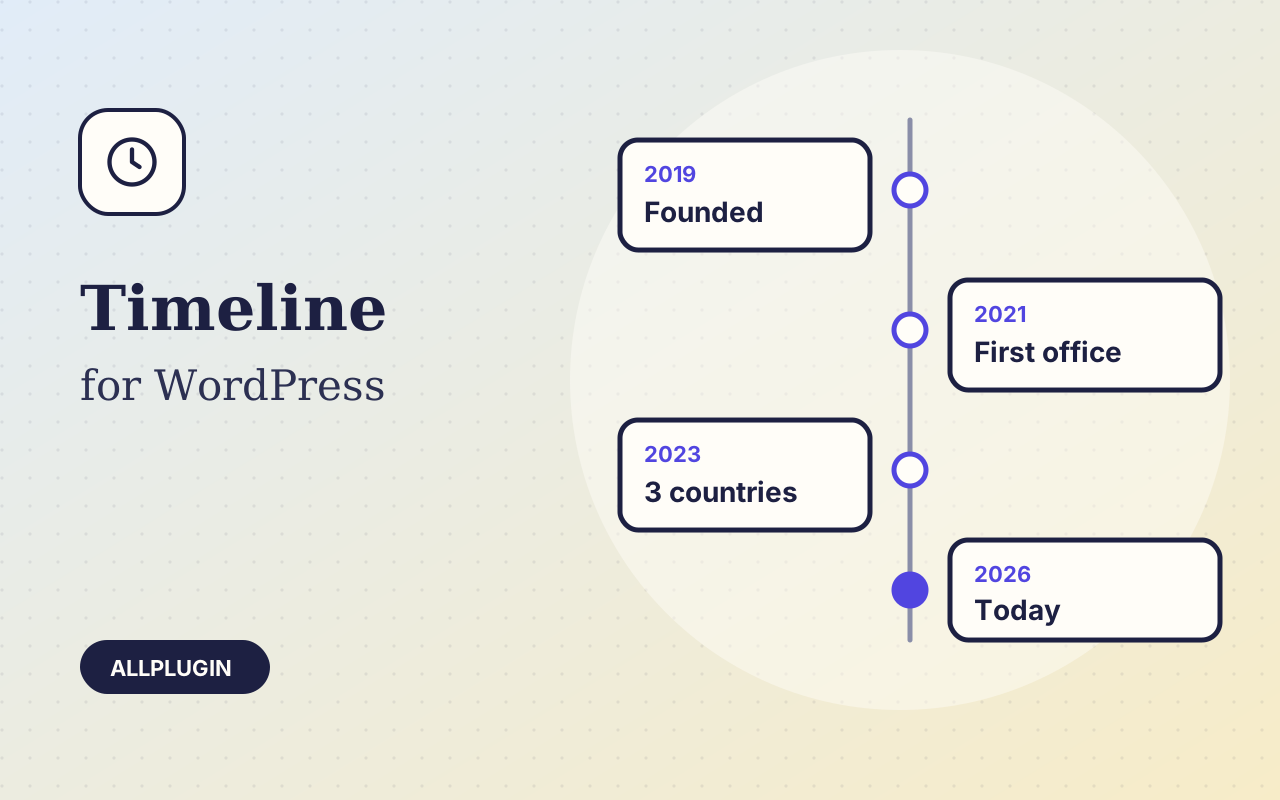
Timeline turns a list of dates into something people actually read: your company history, a product roadmap, the steps of a process, a project log.
Write the entries yourself, each with a date or label, a title, text, an image and a link, and drag them into order. Or point the timeline at your posts: choose the content type, a category and how many, and it stays up to date as you publish.
Entries alternating left and right of a centre line, entries on one side, or a horizontal row that scrolls sideways with arrow buttons. On phones the two-sided layout folds to one side by itself.
Entries fade in as the visitor scrolls. Visitors who have asked their device to reduce motion see them straight away. Boxes or plain text, images above or below the text, your own accent colour.
| Platform | WordPress 6.0 or newer |
|---|---|
| PHP | 7.4 or newer |
| Tested with | WordPress 7.1 |
| Placement | shortcode [ap_timeline] and the Timeline block |
| Delivery | plugin zip, installed from Plugins > Add New > Upload |
| Licence | one WordPress site |
Ask about compatibility or licensing. Need it to do something it doesn't? We build custom versions for a fixed quote.
Sort thousands of images and files into folders. Drag files onto a folder, upload straight into one, and find them fast when inserting media.
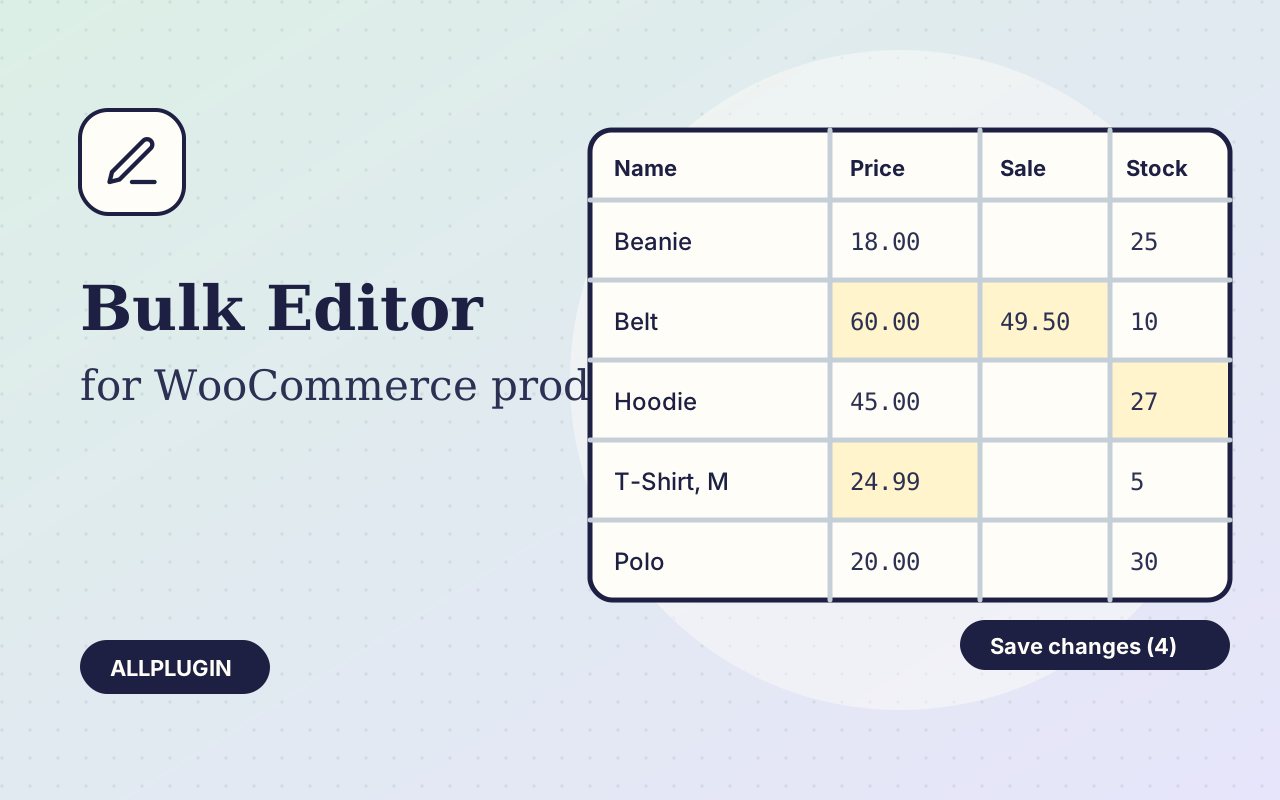
Change prices, stock, SKUs and status of hundreds of products and variations on one spreadsheet-style screen, with one-click undo.
Let shoppers narrow your shop by price, category, colour, size, stock and more. Results update instantly and every choice shows its product count.