SoftwareWordPress 6.0+
Bulk Product Editor for WooCommerce
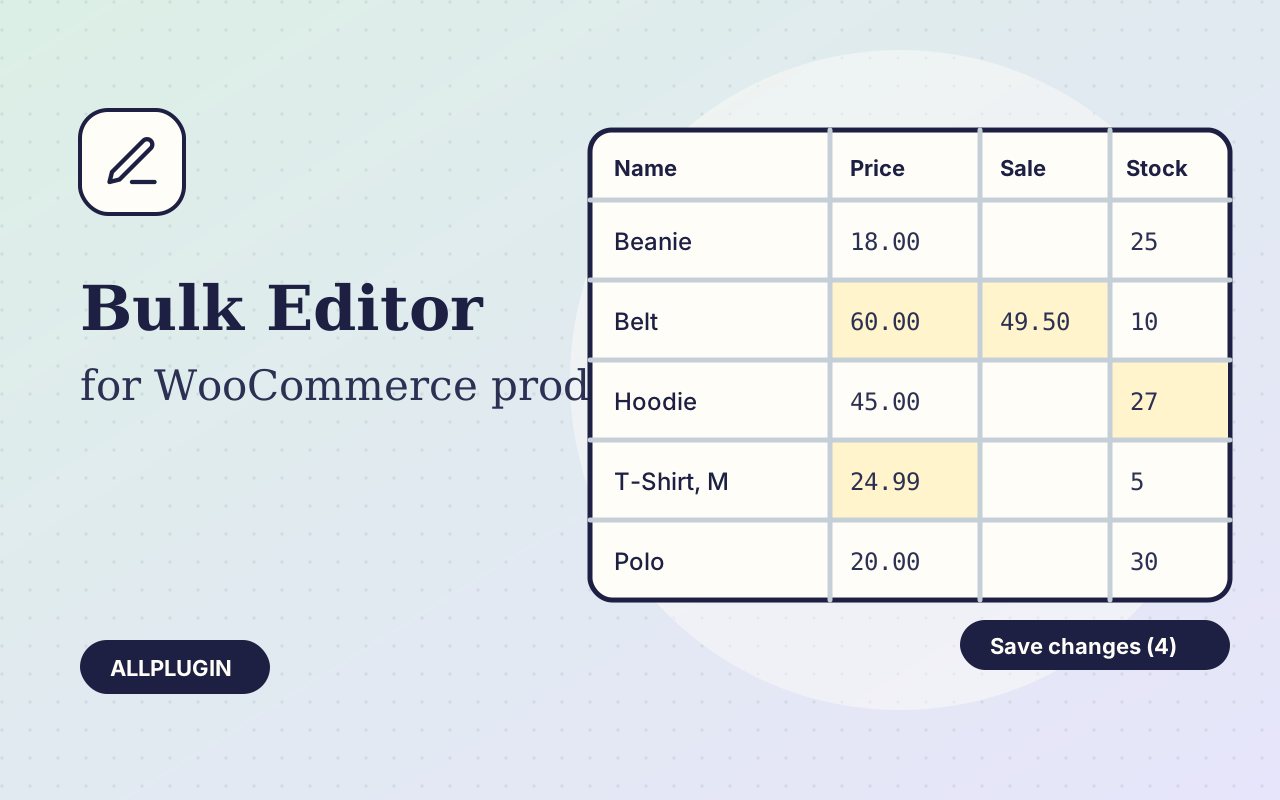
Change prices, stock, SKUs and status of hundreds of products and variations on one spreadsheet-style screen, with one-click undo.
$29.00 View
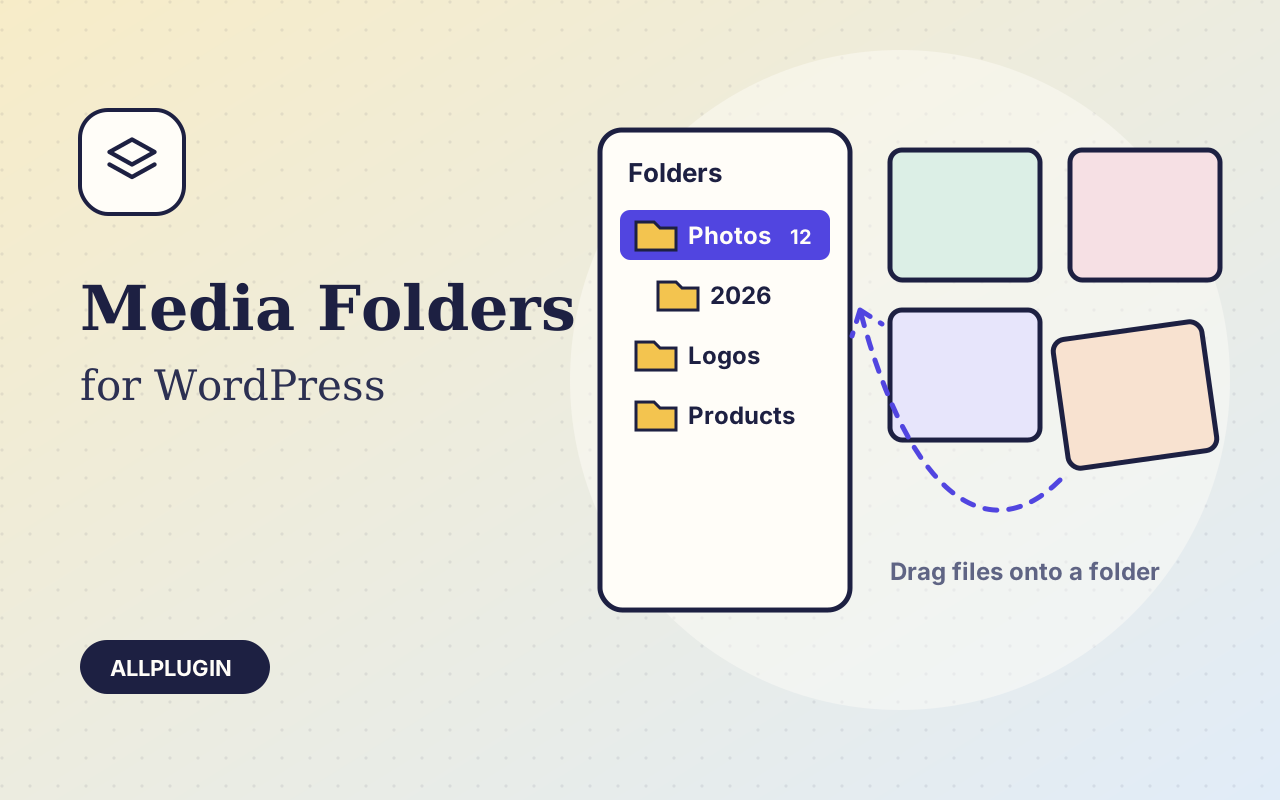
WordPress keeps every upload in one long list. Media Library Folders adds the folder panel it never had, right on the Media Library screen.
Create folders and folders inside folders. Drag one file, or select several and drag them together, onto a folder. Drag a folder onto another to nest it. Click a folder first and whatever you upload lands in it.
The "Add media" window, where you pick an image for a post or a product, gets a folder dropdown beside the type and date filters. "Not in a folder" shows what is still unsorted.
Folders are labels in the database. Files are never moved on disk and their addresses never change, so no image on your site can go missing. Delete a folder and its files stay; remove the plugin and every file stays.
| Platform | WordPress 6.0 or newer |
|---|---|
| PHP | 7.4 or newer |
| Tested with | WordPress 7.1 |
| Who can manage folders | users who can upload files |
| Delivery | plugin zip, installed from Plugins > Add New > Upload |
| Licence | one WordPress site |
Ask about compatibility or licensing. Need it to do something it doesn't? We build custom versions for a fixed quote.
Change prices, stock, SKUs and status of hundreds of products and variations on one spreadsheet-style screen, with one-click undo.
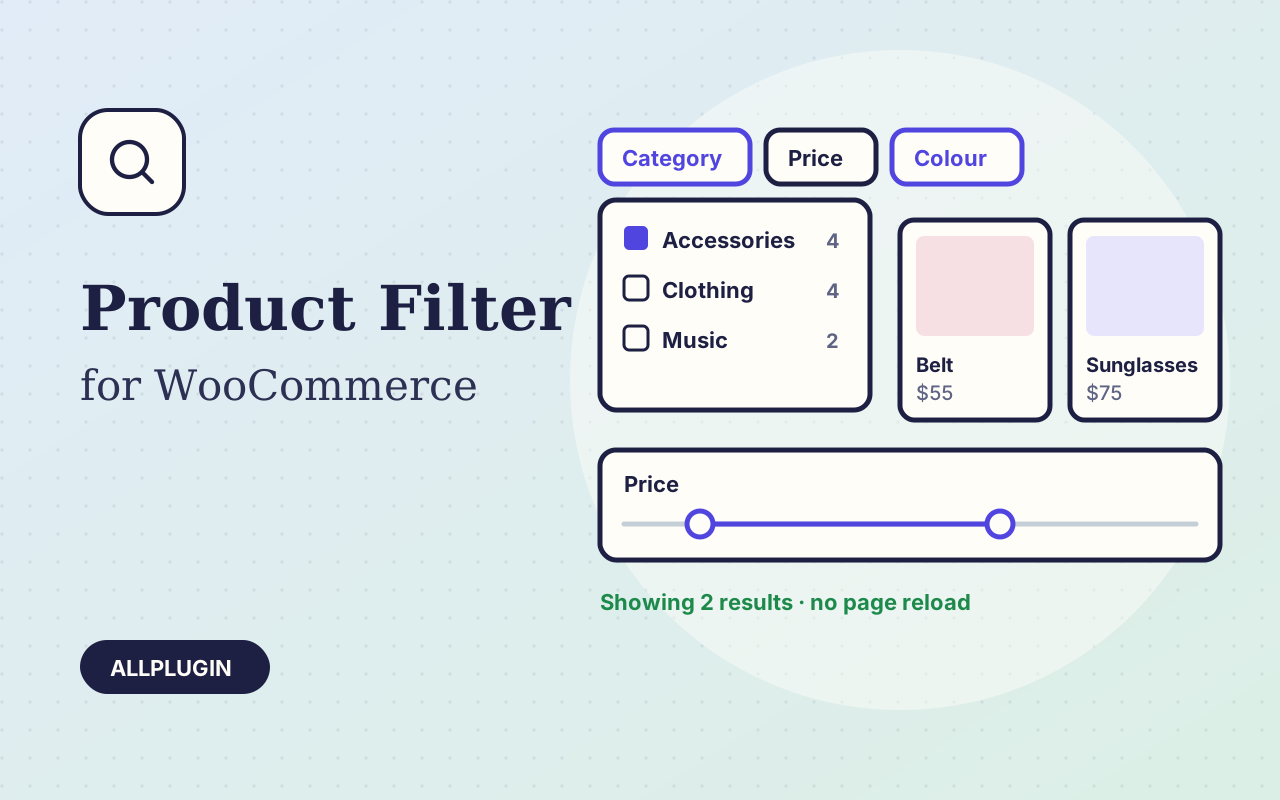
Let shoppers narrow your shop by price, category, colour, size, stock and more. Results update instantly and every choice shows its product count.
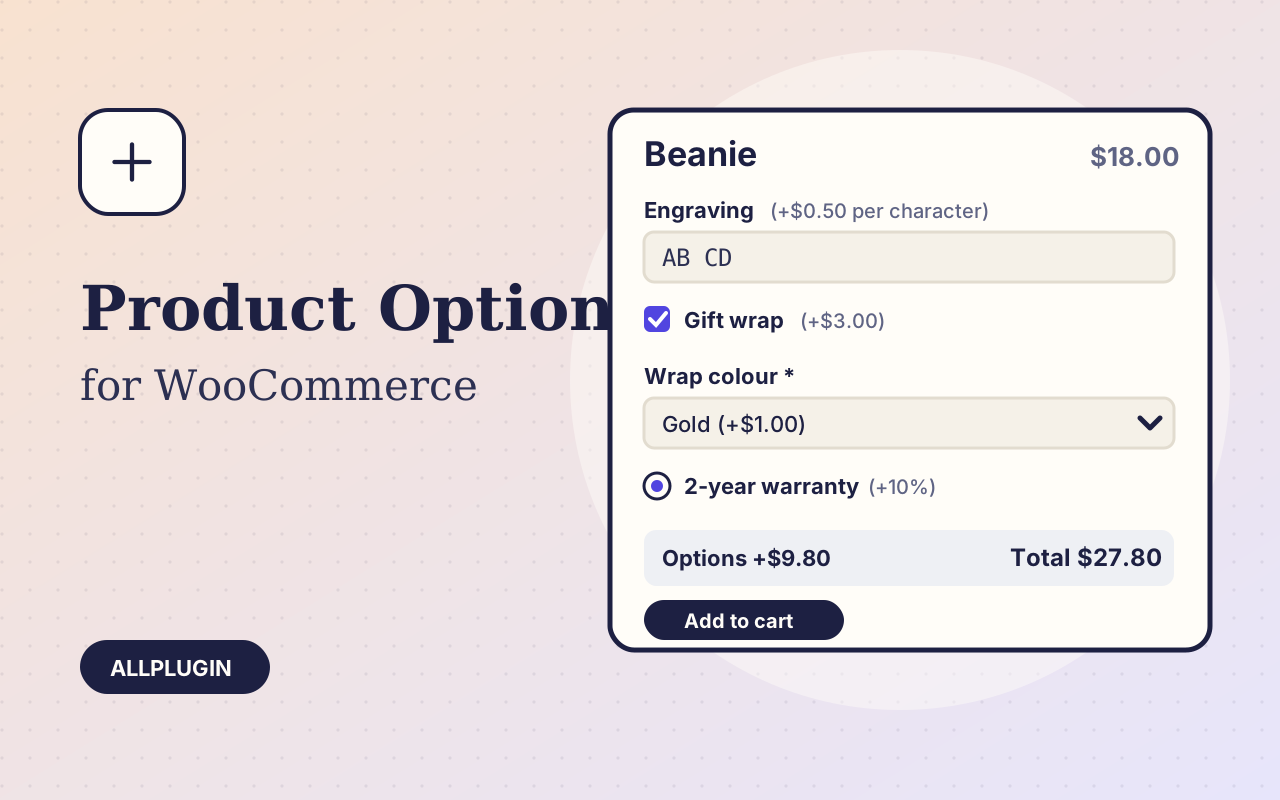
Sell engraving, gift wrap, warranties and custom text: extra options on the product page, each with its own price, required rule and condition.