SoftwareWordPress 6.0+
Media Library Folders for WordPress
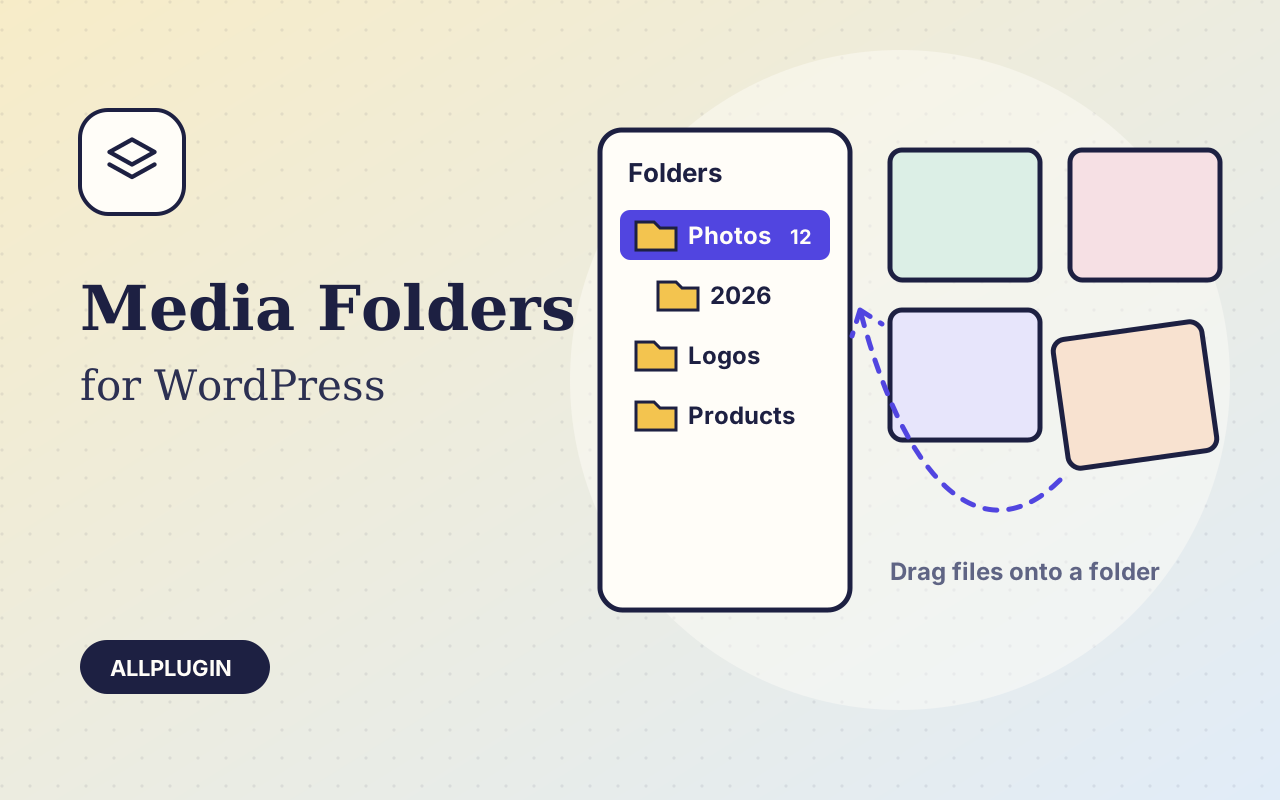
Sort thousands of images and files into folders. Drag files onto a folder, upload straight into one, and find them fast when inserting media.
$19.00 View
Shoppers who can filter find what they want and buy it. Product Filter adds a filter bar to your shop, category and product-search pages the moment you activate it.
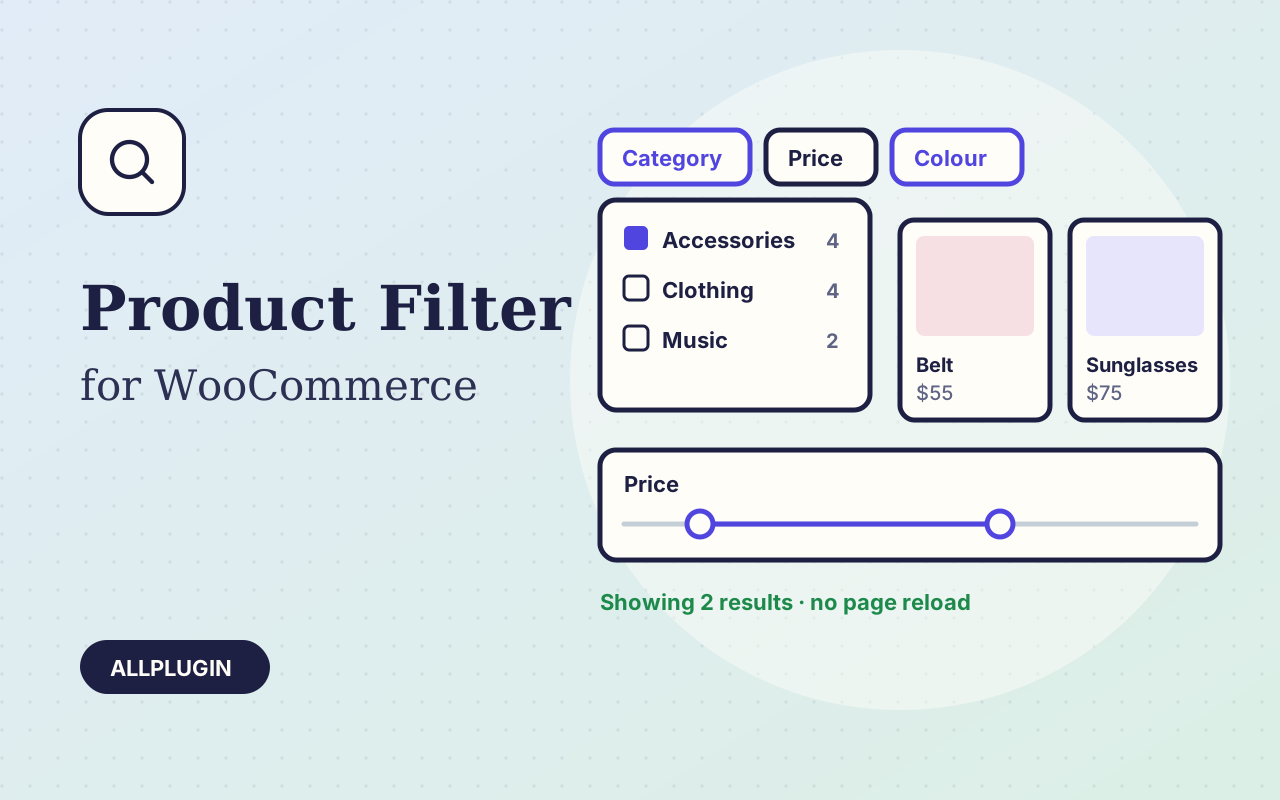
Tick a choice and the products change without the page reloading. Each choice shows how many products it would give, taking every other filter into account, and choices that would give nothing are hidden, so nobody lands on an empty page.
Category, price (a slider and from/to boxes), rating, in stock only, on sale, and one filter for each of your product attributes such as colour, size or brand. Show them as tick boxes, buttons or a dropdown, and drag them into the order you want.
The address changes with every choice, so a filtered view can be bookmarked, shared and used in adverts, and the Back button works. Chosen filters appear as removable tags with a "Clear all" link. Without JavaScript the filters still work.
| Platform | WordPress 6.0 or newer with WooCommerce |
|---|---|
| PHP | 7.4 or newer |
| Tested with | WordPress 7.1, WooCommerce 11.2 |
| Placement | automatic, shortcode [ap_product_filter], or widget |
| Attributes | the shop-wide ones under Products > Attributes |
| Delivery | plugin zip, installed from Plugins > Add New > Upload |
| Licence | one store |
Ask about compatibility or licensing. Need it to do something it doesn't? We build custom versions for a fixed quote.
Sort thousands of images and files into folders. Drag files onto a folder, upload straight into one, and find them fast when inserting media.
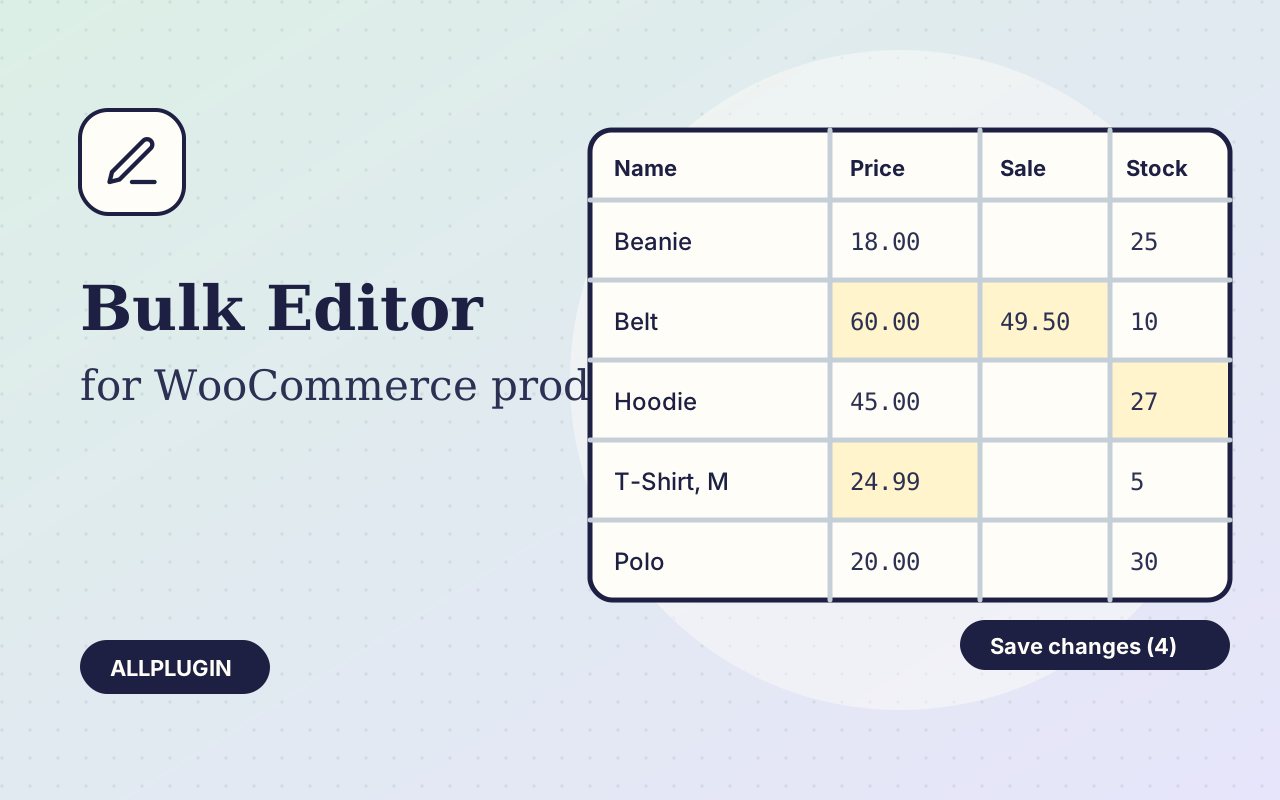
Change prices, stock, SKUs and status of hundreds of products and variations on one spreadsheet-style screen, with one-click undo.
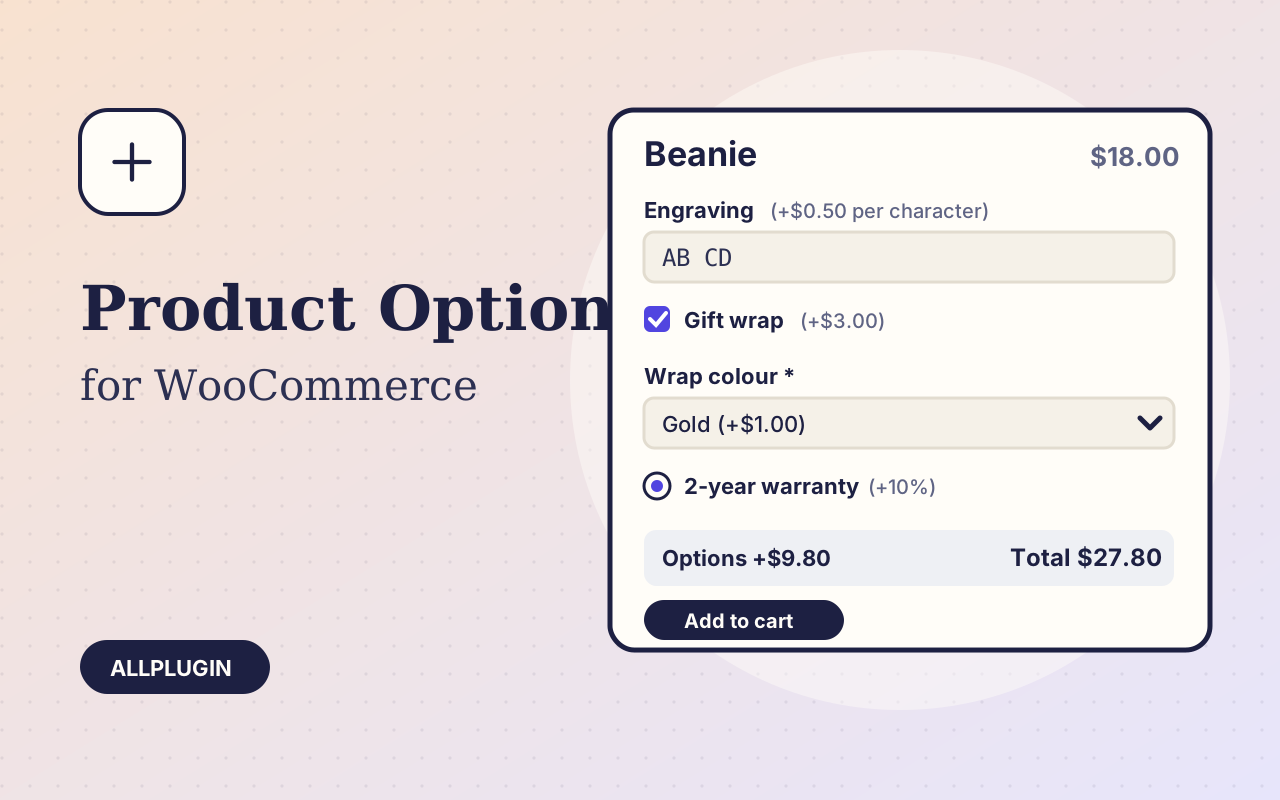
Sell engraving, gift wrap, warranties and custom text: extra options on the product page, each with its own price, required rule and condition.