SoftwareWordPress 6.0+
Media Library Folders for WordPress
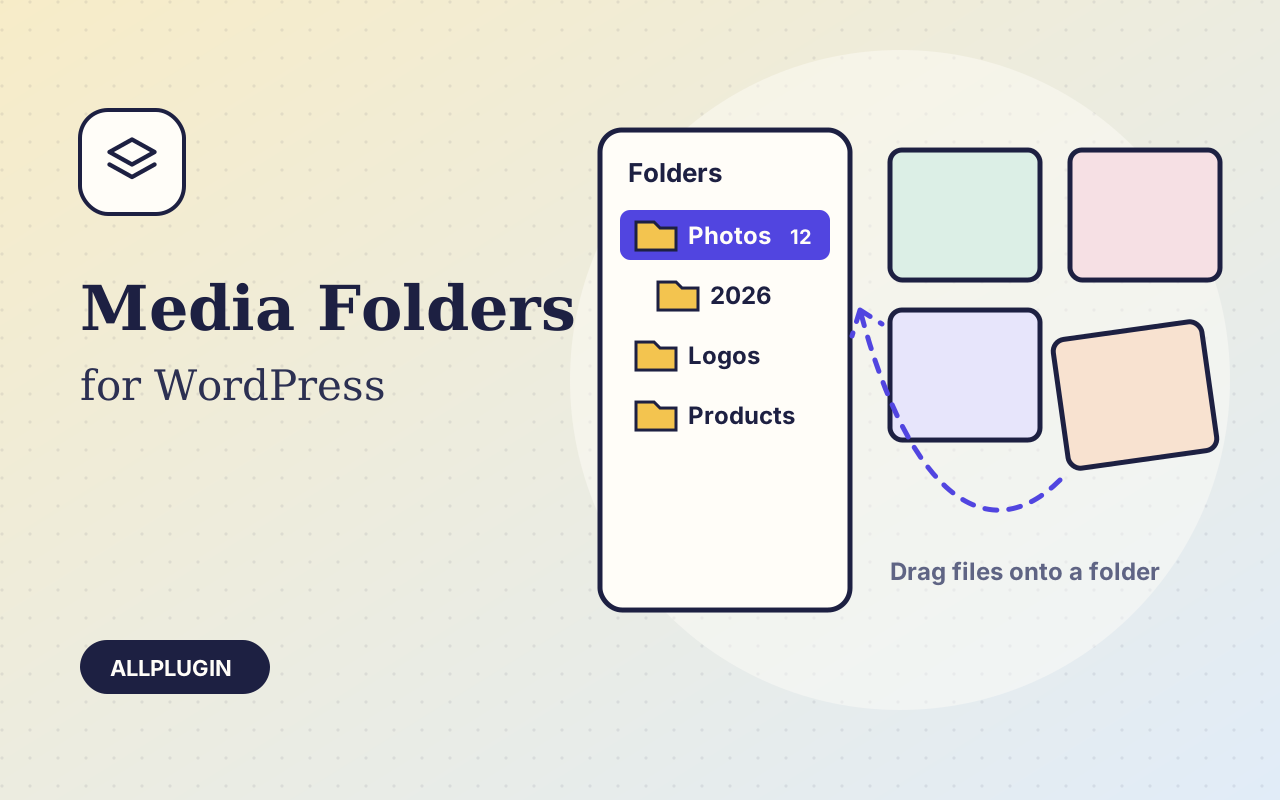
Sort thousands of images and files into folders. Drag files onto a folder, upload straight into one, and find them fast when inserting media.
$19.00 View
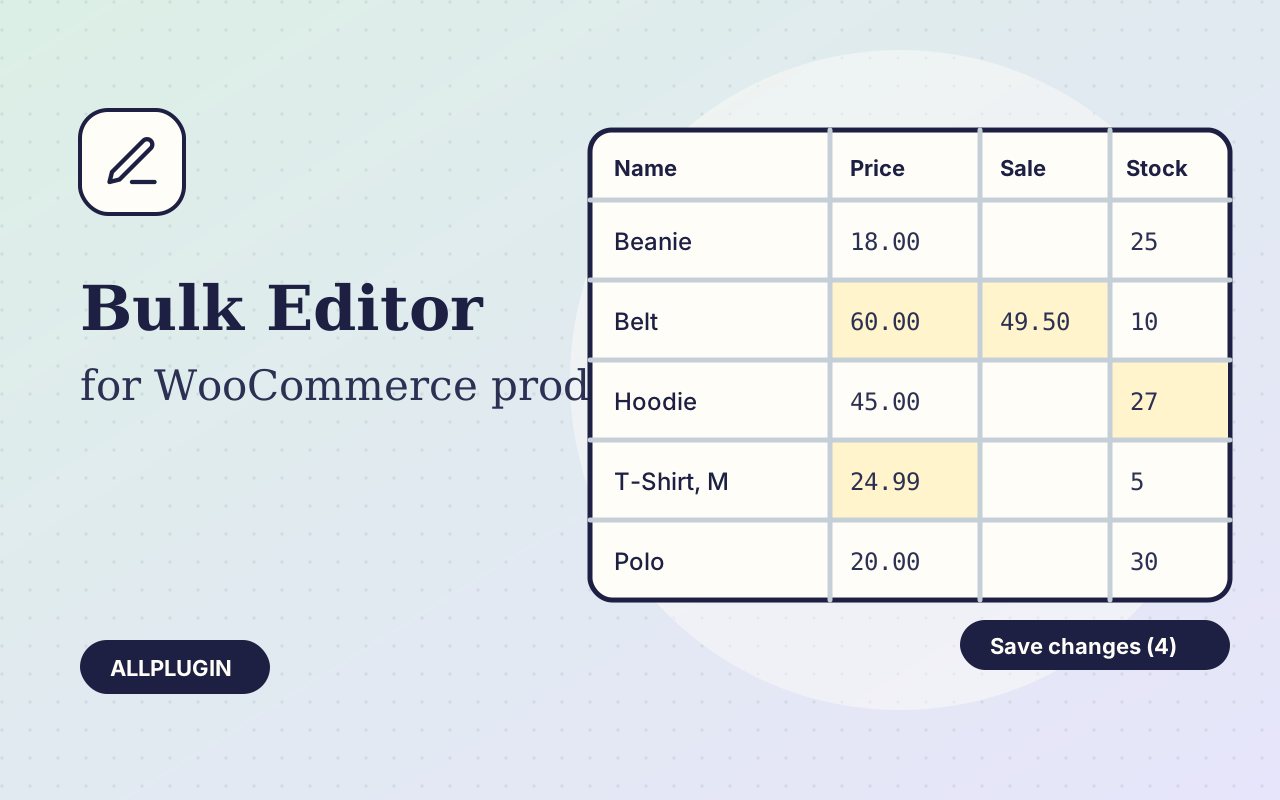
Raising prices by 10%, running a sale on one category, or counting stock should not mean opening every product. Bulk Product Editor puts your products and their variations in one table you can type into.
Click a cell and type. Enter and the arrow keys move down the column. Changed cells turn yellow and nothing is stored until you press Save, so you can look over every change first, or discard them all.
Tick the rows, pick a column and what to do: raise or lower prices by a percentage or an amount, set the sale price to the regular price minus a percentage, round to .99, add or subtract stock, find and replace in names and SKUs, set the status.
A row that cannot be saved turns red and tells you why: a duplicate SKU, a sale price that is not below the regular price, something that is not a number. And "Undo last save" puts back the previous values of everything the last save changed.
| Platform | WordPress 6.0 or newer with WooCommerce |
|---|---|
| PHP | 7.4 or newer |
| Tested with | WordPress 7.1, WooCommerce 11.2 |
| Product types | simple, variable (with variations), grouped, external |
| Who can use it | users who can edit products |
| Delivery | plugin zip, installed from Plugins > Add New > Upload |
| Licence | one store |
Ask about compatibility or licensing. Need it to do something it doesn't? We build custom versions for a fixed quote.
Sort thousands of images and files into folders. Drag files onto a folder, upload straight into one, and find them fast when inserting media.
Let shoppers narrow your shop by price, category, colour, size, stock and more. Results update instantly and every choice shows its product count.
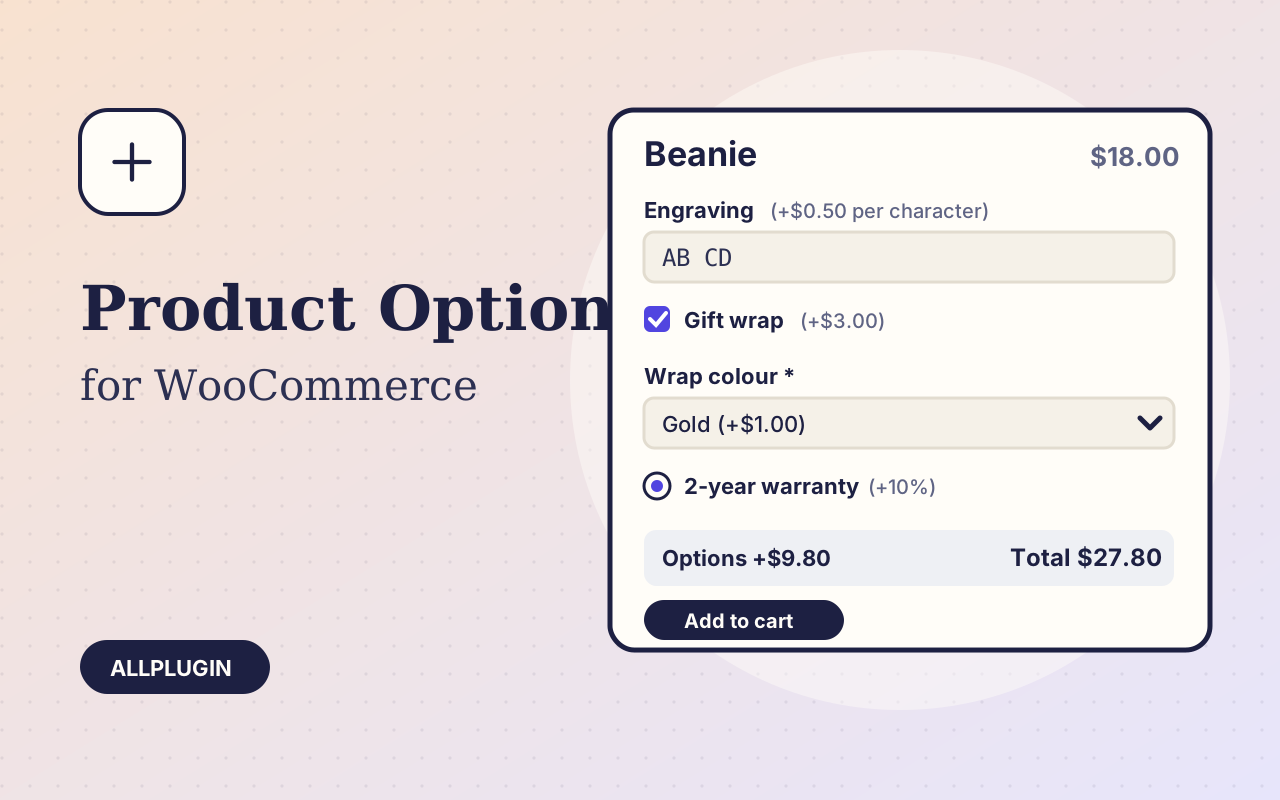
Sell engraving, gift wrap, warranties and custom text: extra options on the product page, each with its own price, required rule and condition.