SoftwareWordPress 6.0+
Media Library Folders for WordPress
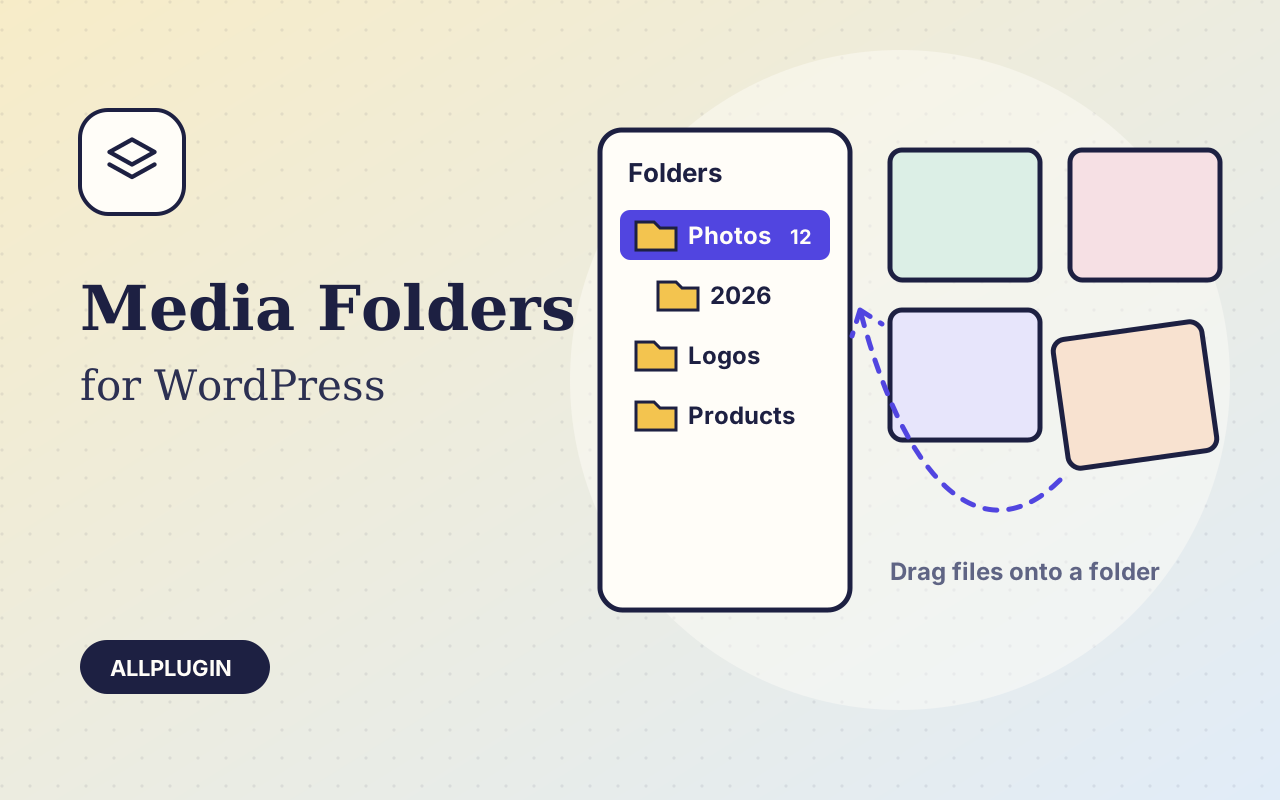
Sort thousands of images and files into folders. Drag files onto a folder, upload straight into one, and find them fast when inserting media.
$19.00 View
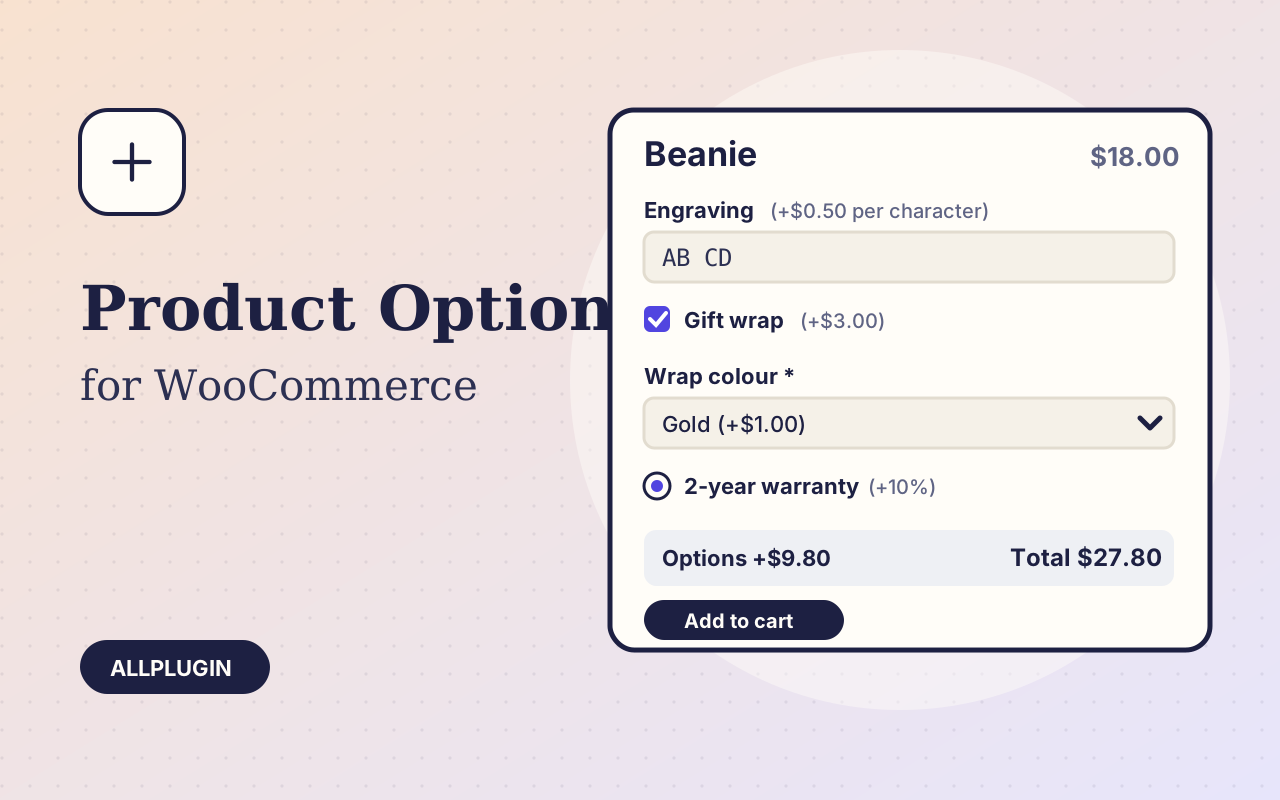
Some products need a question answered before they go in the cart: the name to engrave, whether to gift wrap, which warranty. Extra Product Options adds those questions to the product page and charges for the answers.
Text box, large text box, number, dropdown, choose one, choose several, single tick box, date, and a heading or note. Put them in groups and show a group on every product, on chosen categories, or on products you pick.
A fixed amount, a percentage of the product price, a price per character typed, or a price multiplied by a number the shopper enters. Dropdowns and tick boxes take a price per choice. A negative price is a discount. The page shows the options total and the new total as the shopper chooses.
Show an option only when another option has a given choice: the wrap colour appears when gift wrap is ticked. A hidden option is never required and never charged.
Choices appear under the product in the cart and at checkout, on the order in your admin and in the order emails. Prices are worked out again on the server, so a tampered page cannot change them.
| Platform | WordPress 6.0 or newer with WooCommerce |
|---|---|
| PHP | 7.4 or newer |
| Tested with | WordPress 7.1, WooCommerce 11.2 |
| Product types | simple and variable |
| Delivery | plugin zip, installed from Plugins > Add New > Upload |
| Licence | one store |
Ask about compatibility or licensing. Need it to do something it doesn't? We build custom versions for a fixed quote.
Sort thousands of images and files into folders. Drag files onto a folder, upload straight into one, and find them fast when inserting media.
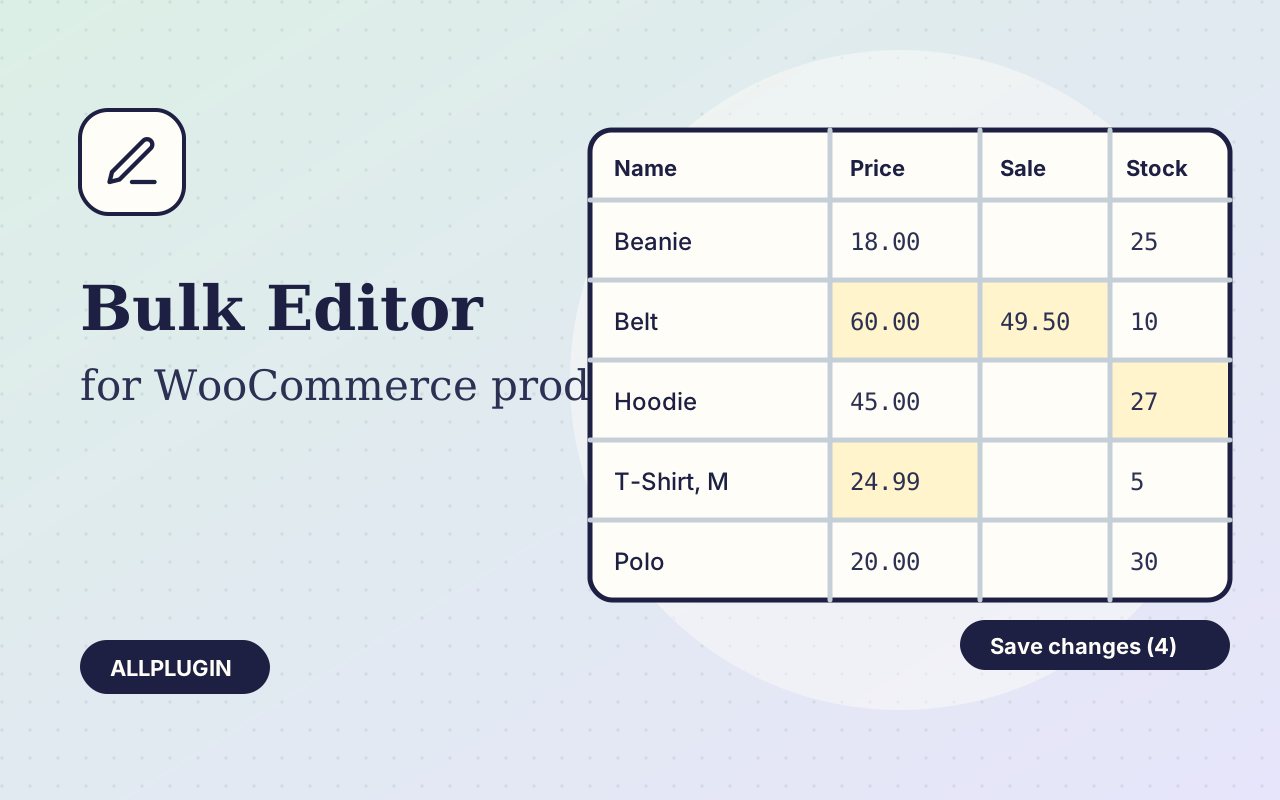
Change prices, stock, SKUs and status of hundreds of products and variations on one spreadsheet-style screen, with one-click undo.
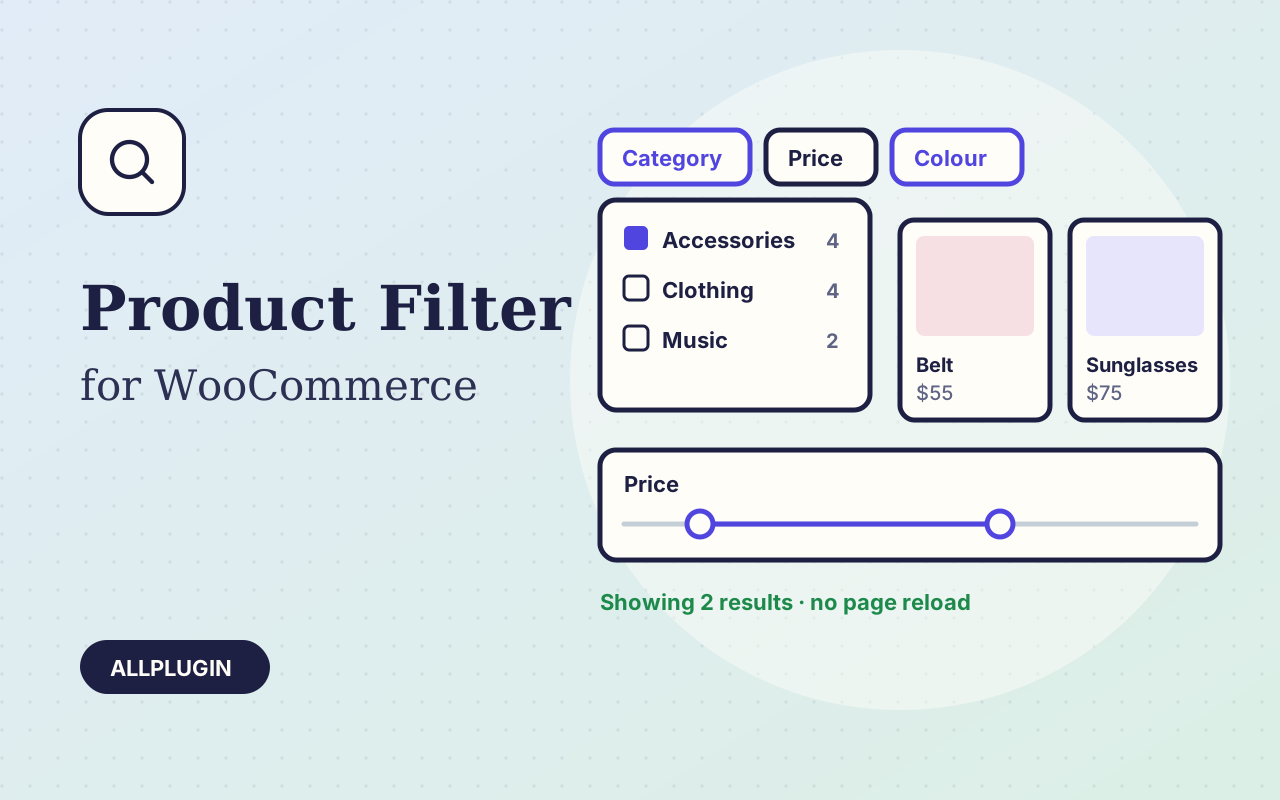
Let shoppers narrow your shop by price, category, colour, size, stock and more. Results update instantly and every choice shows its product count.