SoftwareWordPress 6.0+
Media Library Folders for WordPress
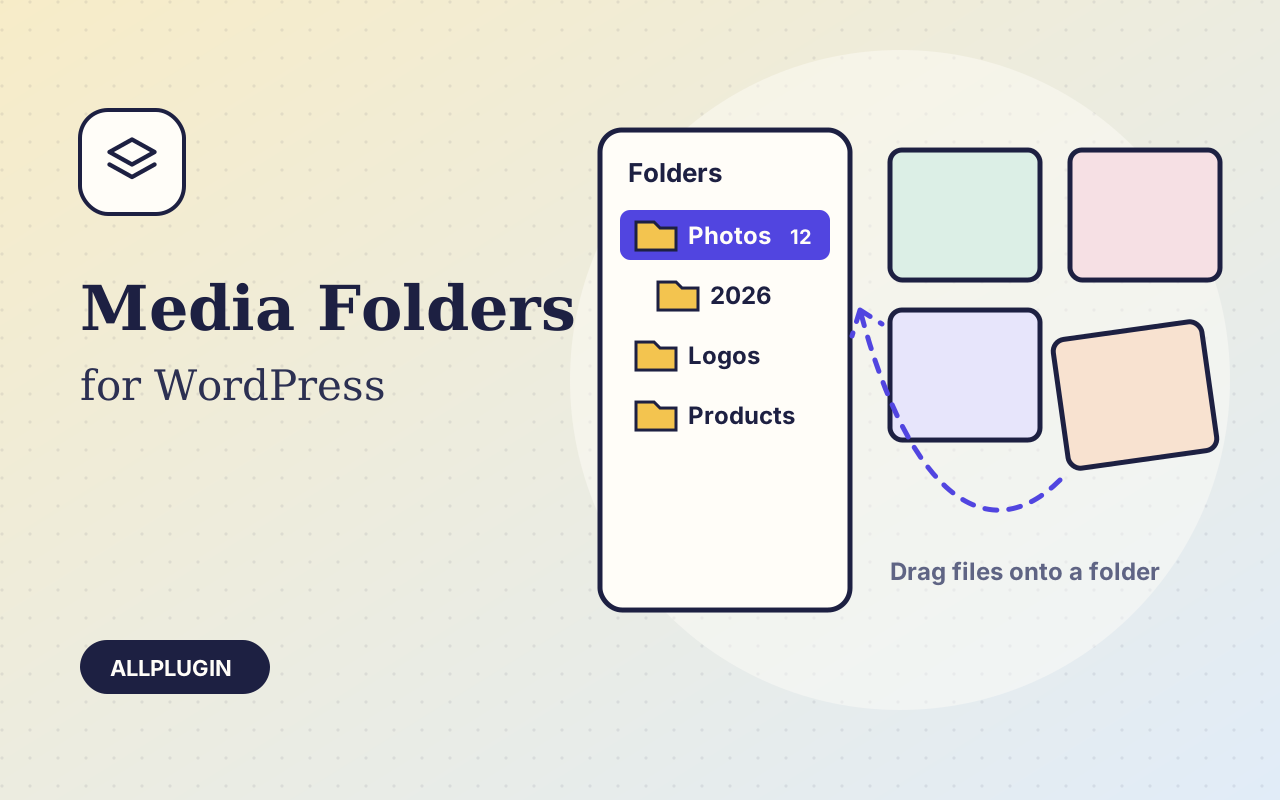
Sort thousands of images and files into folders. Drag files onto a folder, upload straight into one, and find them fast when inserting media.
$19.00 View
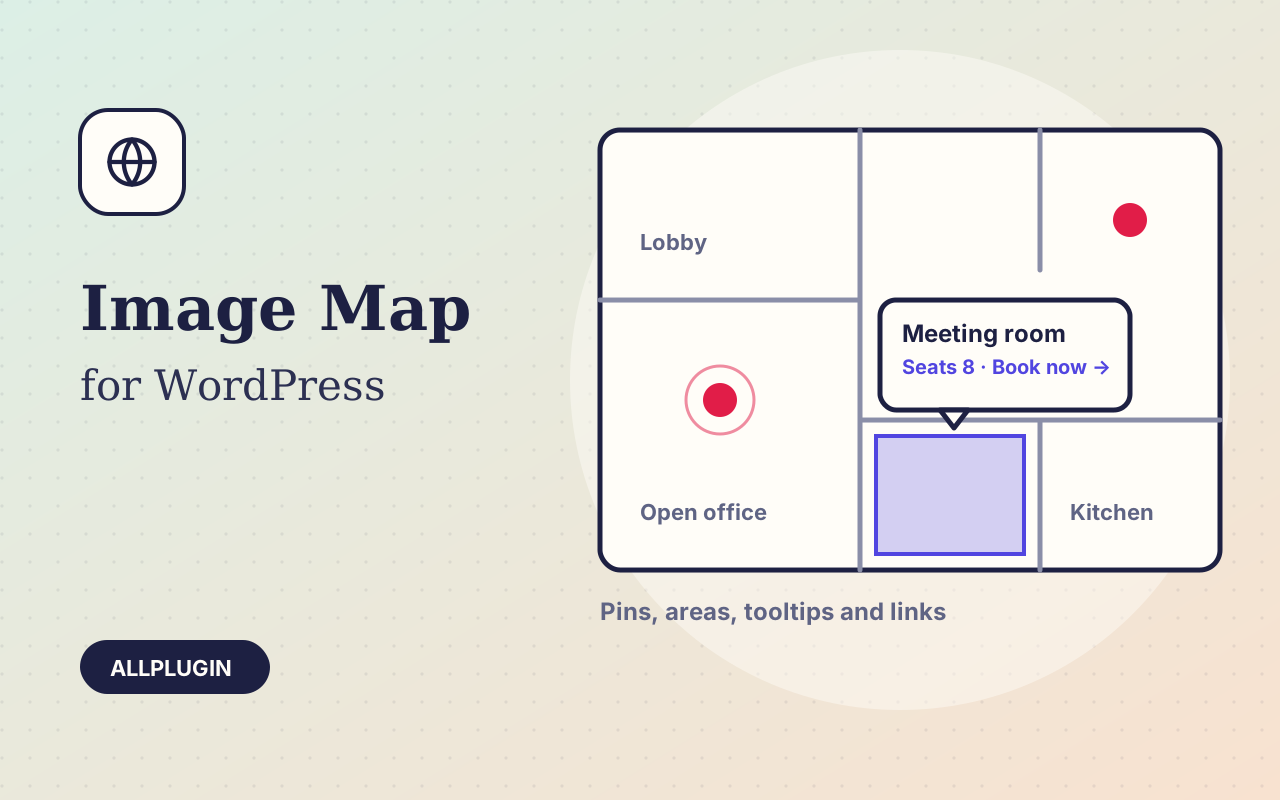
Interactive Image Map makes a picture explain itself: the rooms on a floor plan, the parts of a machine, the stalls at a fair, the features of a product, the offices on a map.
Choose an image, pick a tool and mark it. Click to drop a pin. Drag for a rectangle or an oval. Click corner by corner for any other shape. Then type the title, text and link for that spot beside the image, and drag spots to move them.
A spot shows a tooltip with its title, text and a link when a visitor points at it, or only when they click; on a phone a tap opens it. Or make a spot a plain link that goes straight to a page. Tooltips stay inside the image, so nothing is cut off at the edges.
Positions are stored as percentages of the image, so pins and areas stay exactly in place from a phone to a wide monitor. Every spot can be reached with the Tab key, and an optional list under the image gives the same information as text.
| Platform | WordPress 6.0 or newer |
|---|---|
| PHP | 7.4 or newer |
| Tested with | WordPress 7.1 |
| Placement | shortcode [ap_image_map] and the Image Map block |
| Images | anything in the Media Library (JPG, PNG, WebP, SVG if your site allows it) |
| Delivery | plugin zip, installed from Plugins > Add New > Upload |
| Licence | one WordPress site |
Ask about compatibility or licensing. Need it to do something it doesn't? We build custom versions for a fixed quote.
Sort thousands of images and files into folders. Drag files onto a folder, upload straight into one, and find them fast when inserting media.
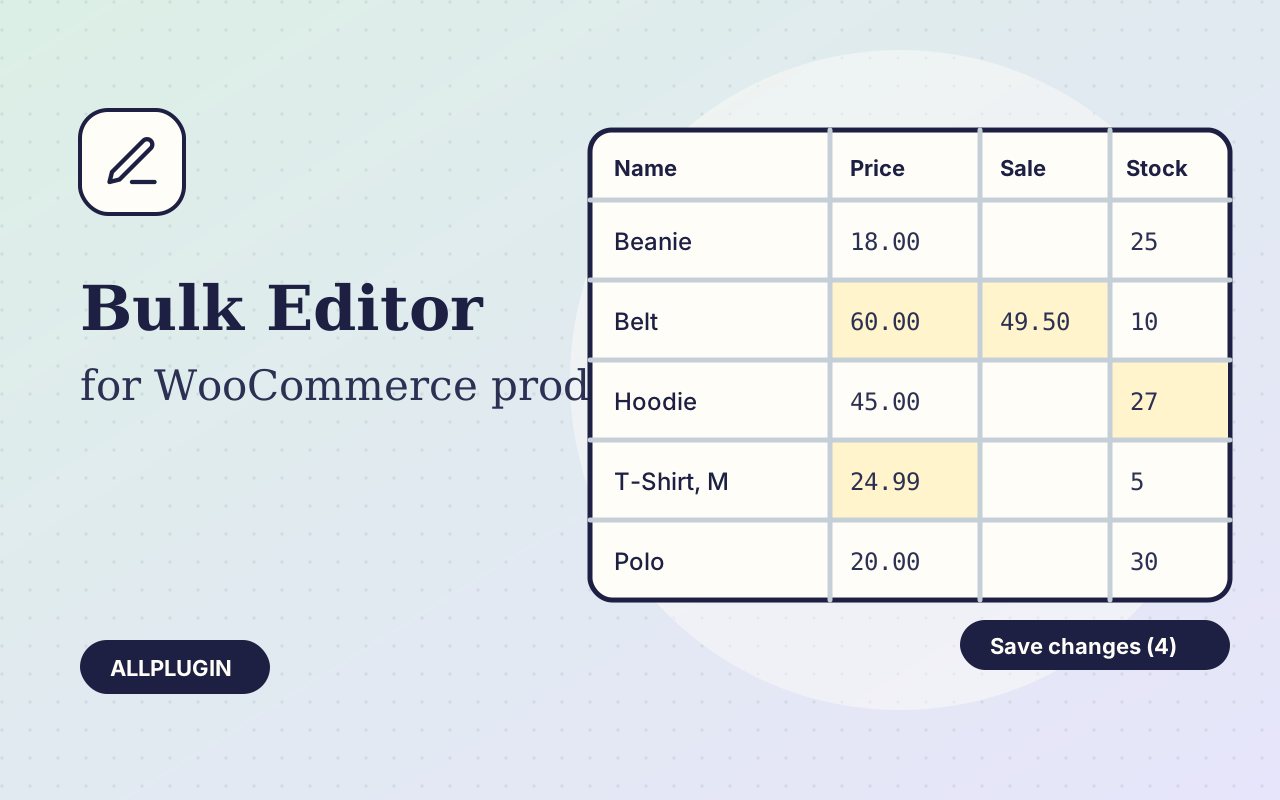
Change prices, stock, SKUs and status of hundreds of products and variations on one spreadsheet-style screen, with one-click undo.
Let shoppers narrow your shop by price, category, colour, size, stock and more. Results update instantly and every choice shows its product count.