SoftwareWordPress 6.0+
Media Library Folders for WordPress
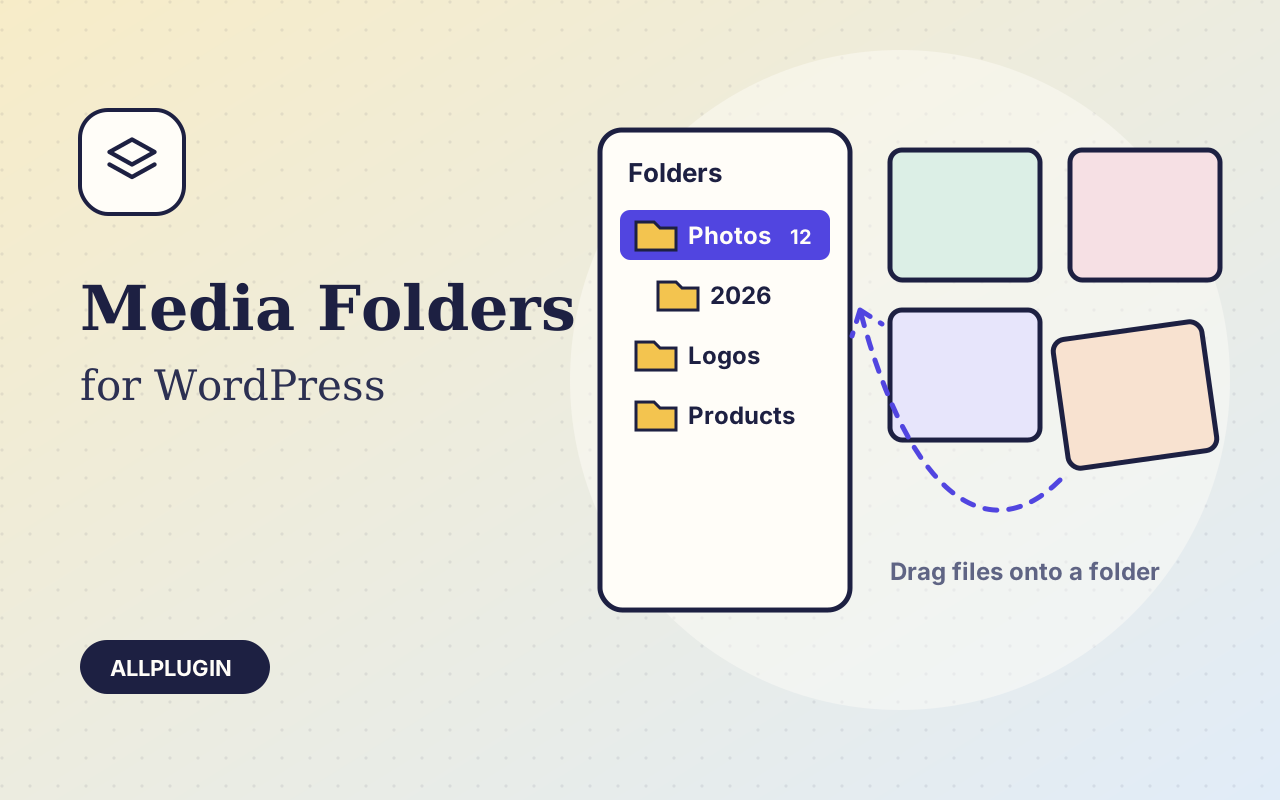
Sort thousands of images and files into folders. Drag files onto a folder, upload straight into one, and find them fast when inserting media.
$19.00 View
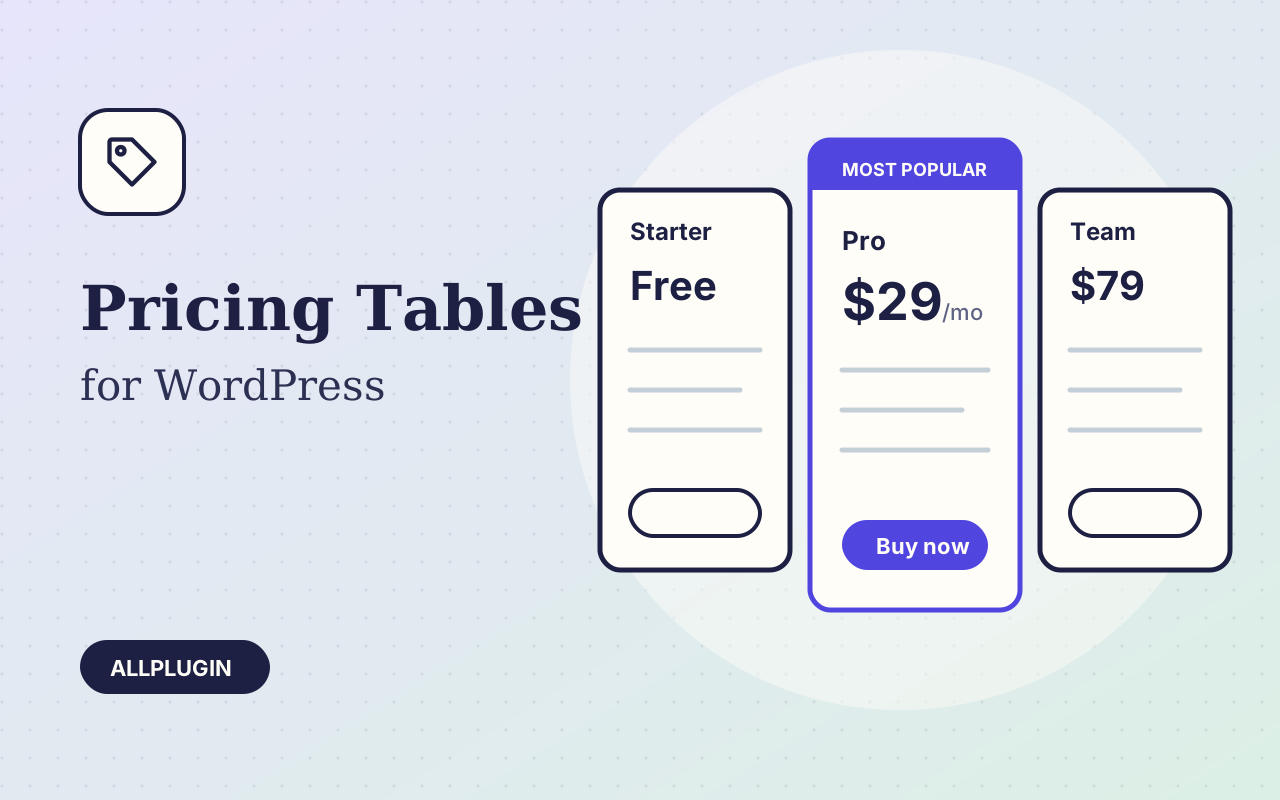
Pricing Tables lets you build a plan comparison in a couple of minutes and drop it into any page. Type your plans, pick a design and a colour, and paste the shortcode or add the block.
Offer monthly and yearly prices side by side: tick one box and every plan gets a second price, and visitors get a switch above the table. Each plan can send the button to a different link for each price, so the yearly button goes straight to the yearly checkout.
Features are typed one per line. Start a line with a minus and it is shown crossed out as "not included"; start it with a hash and it becomes a small heading. Type "Free" or "Custom" as the price and it is shown as typed, without a currency sign.
Four designs (cards, joined columns, minimal, dark), your own accent colour and corner radius, currency sign before or after the amount. Tables stack neatly on phones.
| Platform | WordPress 6.0 or newer |
|---|---|
| PHP | 7.4 or newer |
| Tested with | WordPress 7.1 |
| Placement | shortcode [ap_pricing_table] and the Pricing Table block |
| Delivery | plugin zip, installed from Plugins > Add New > Upload |
| Licence | one WordPress site |
Ask about compatibility or licensing. Need it to do something it doesn't? We build custom versions for a fixed quote.
Sort thousands of images and files into folders. Drag files onto a folder, upload straight into one, and find them fast when inserting media.
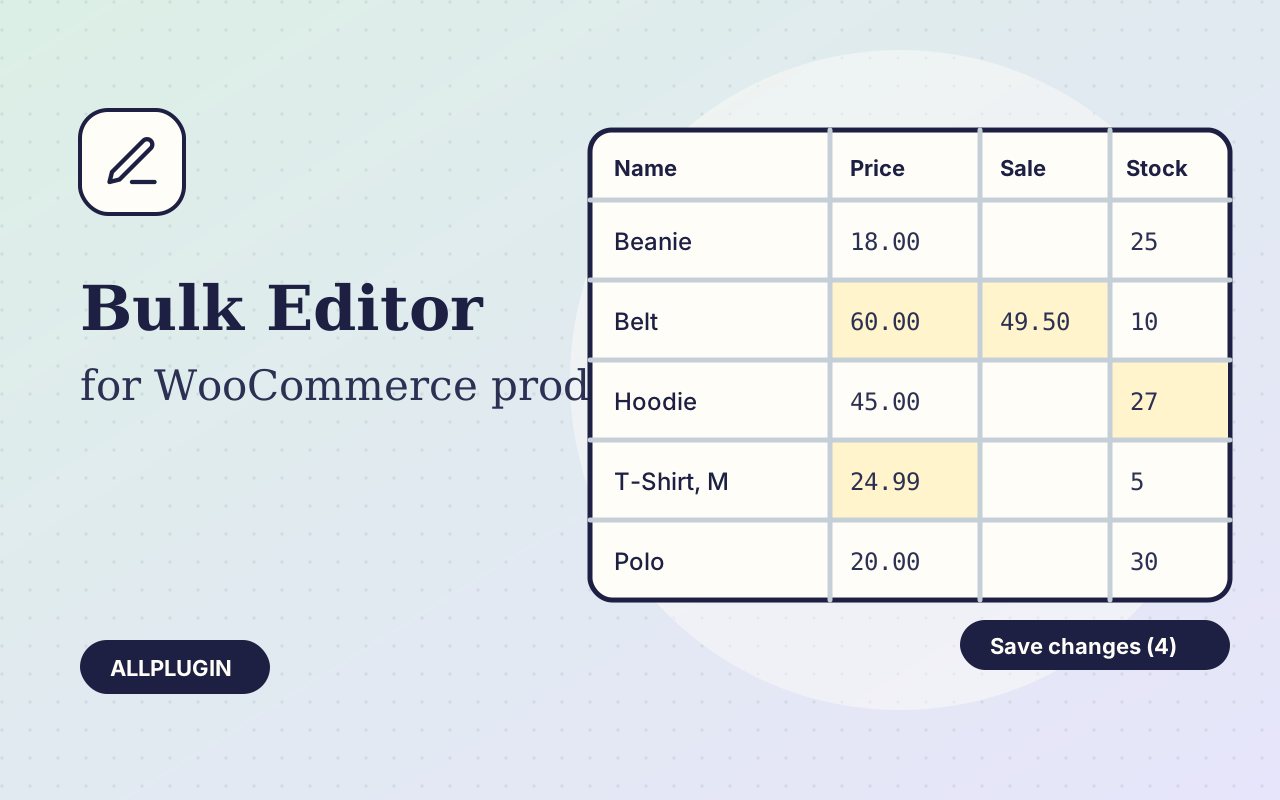
Change prices, stock, SKUs and status of hundreds of products and variations on one spreadsheet-style screen, with one-click undo.
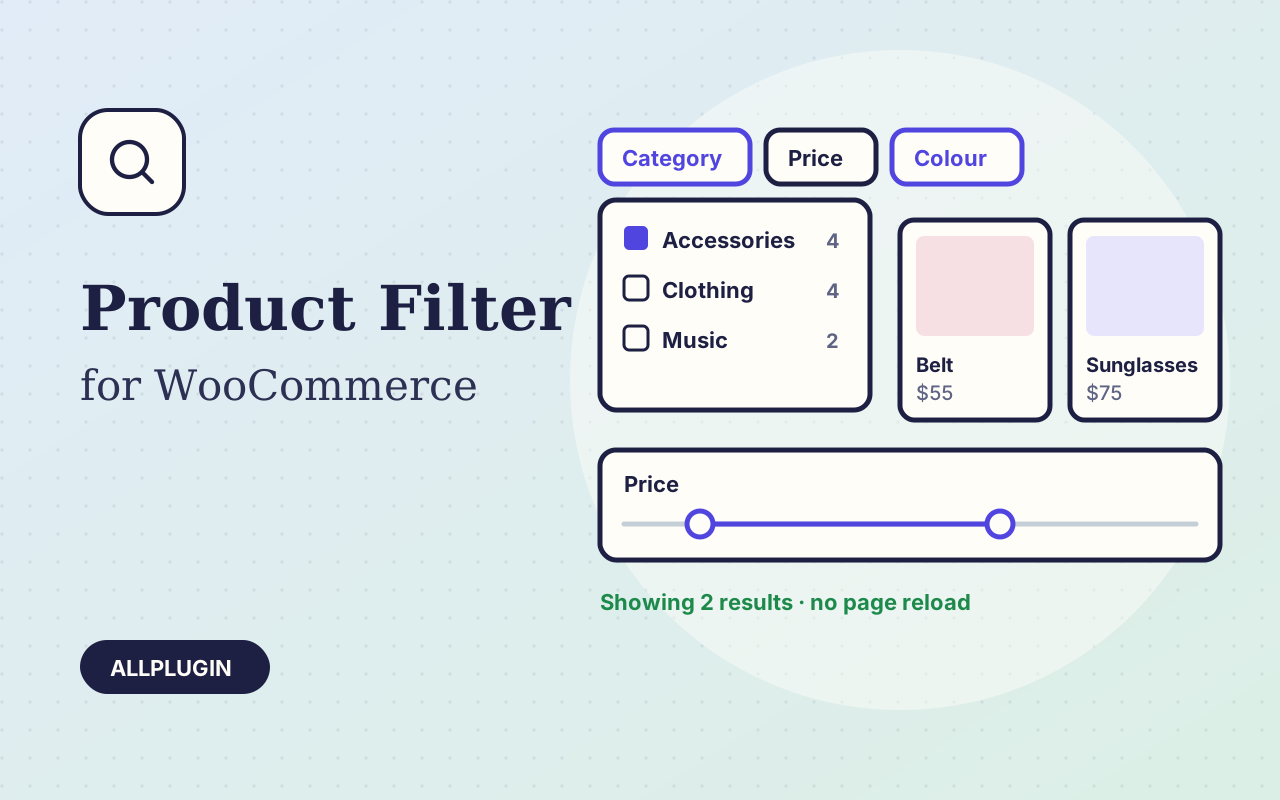
Let shoppers narrow your shop by price, category, colour, size, stock and more. Results update instantly and every choice shows its product count.