SoftwareWordPress 6.0+
Media Library Folders for WordPress
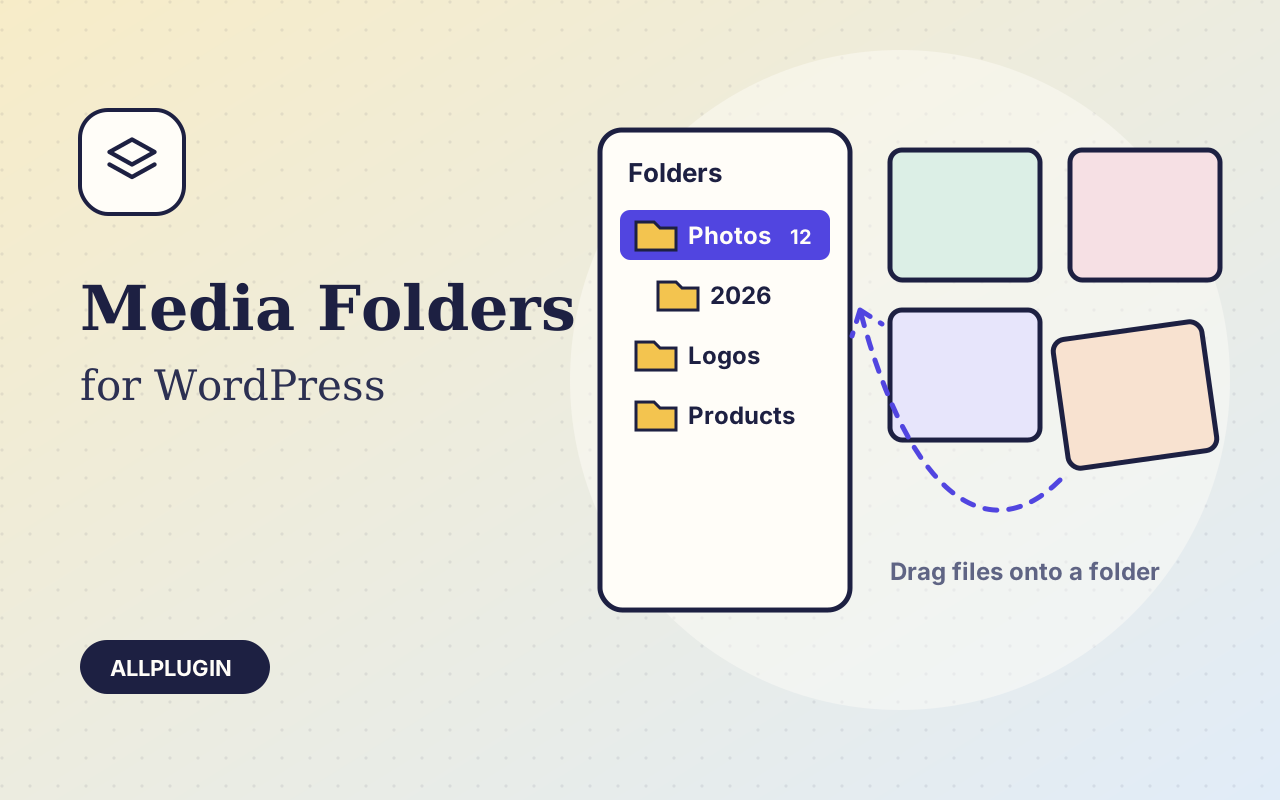
Sort thousands of images and files into folders. Drag files onto a folder, upload straight into one, and find them fast when inserting media.
$19.00 View
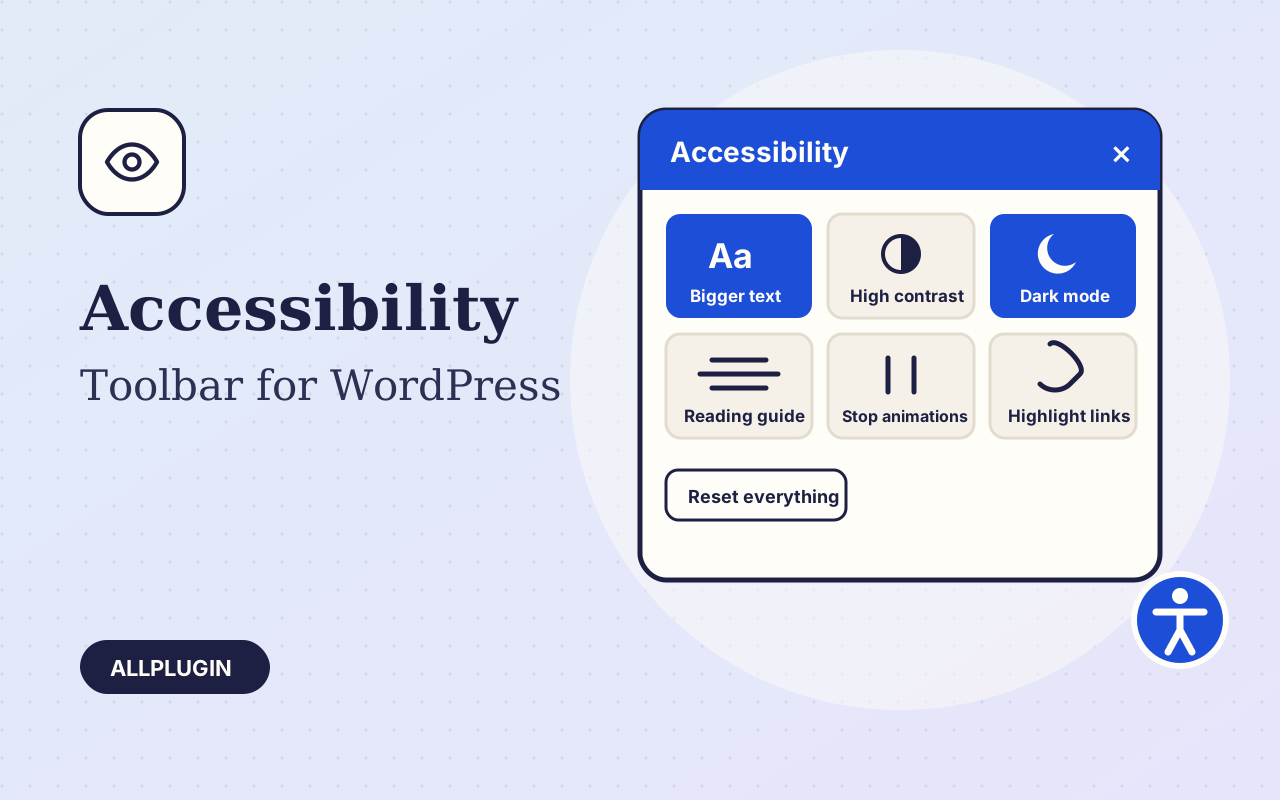
Not every visitor reads your site the way you designed it. Accessibility Toolbar adds a small button to every page that opens a panel of reading aids, so each person can set the site up for their own eyes.
Bigger text in four steps, wider text spacing, taller lines, a plain readable font, high contrast, dark mode, greyscale, highlighted links, a big cursor, a reading guide that follows the pointer, stop animations, and hide images. One button resets everything.
A visitor's choices are kept in their own browser and applied on every page they open. Nothing is sent to a server and no cookie is set, so there is nothing to add to your cookie notice.
Alt + A opens the panel, Tab moves through it, Escape closes it. A "Skip to content" link is added as the first stop for keyboard users. Bigger text works on themes that set sizes in pixels too.
A toolbar helps people read your site; it does not by itself make a site meet WCAG, the ADA or EN 301 549. That also depends on your theme and content: image descriptions, headings, colours and forms.
| Platform | WordPress 6.0 or newer |
|---|---|
| PHP | 7.4 or newer |
| Tested with | WordPress 7.1 |
| External requests | none |
| Cookies | none |
| Delivery | plugin zip, installed from Plugins > Add New > Upload |
| Licence | one WordPress site |
Ask about compatibility or licensing. Need it to do something it doesn't? We build custom versions for a fixed quote.
Sort thousands of images and files into folders. Drag files onto a folder, upload straight into one, and find them fast when inserting media.
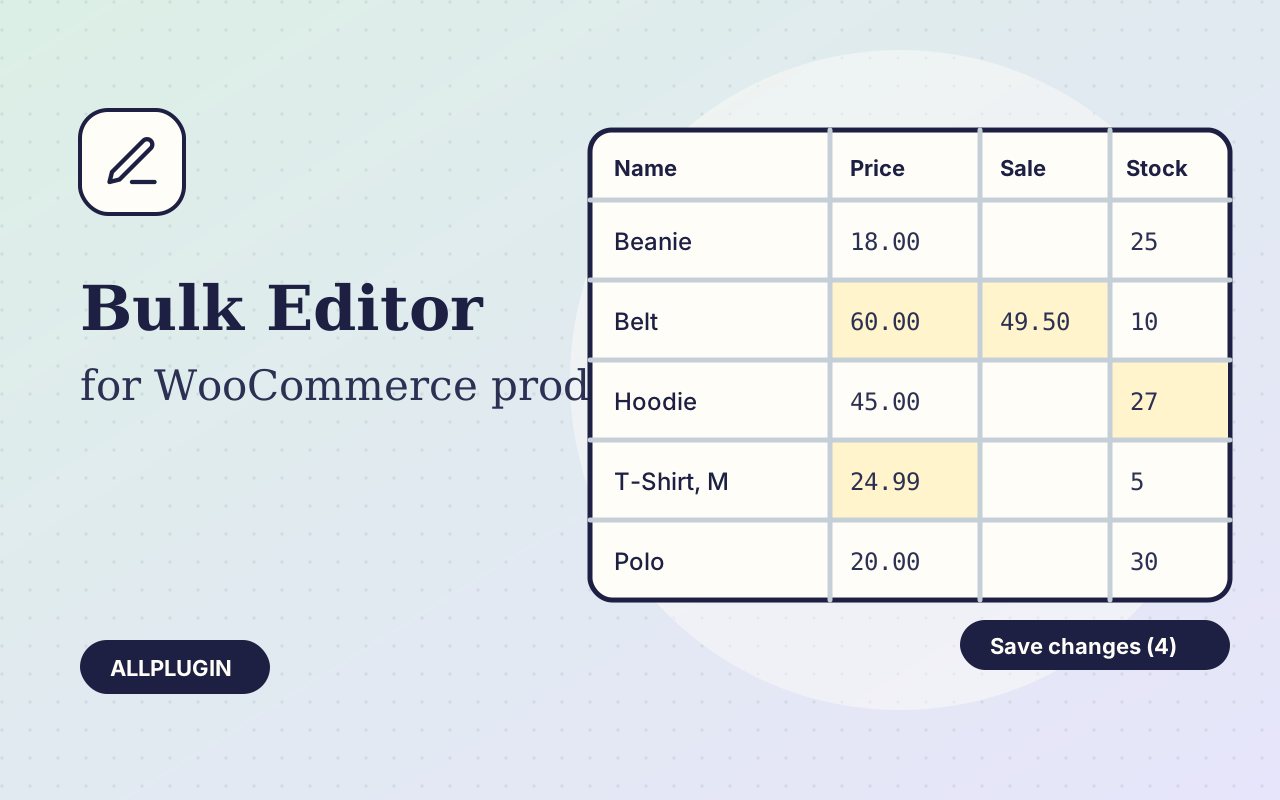
Change prices, stock, SKUs and status of hundreds of products and variations on one spreadsheet-style screen, with one-click undo.
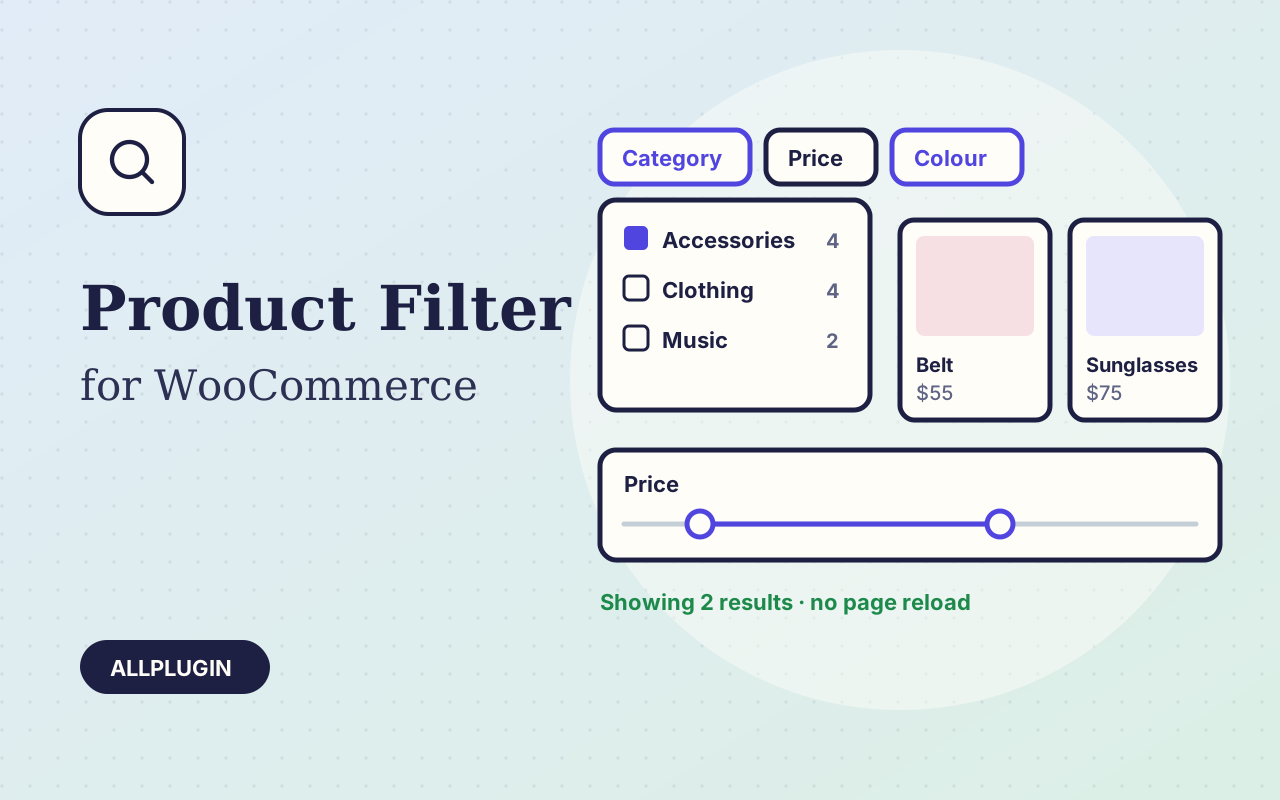
Let shoppers narrow your shop by price, category, colour, size, stock and more. Results update instantly and every choice shows its product count.