SoftwareWordPress 6.0+
Media Library Folders for WordPress
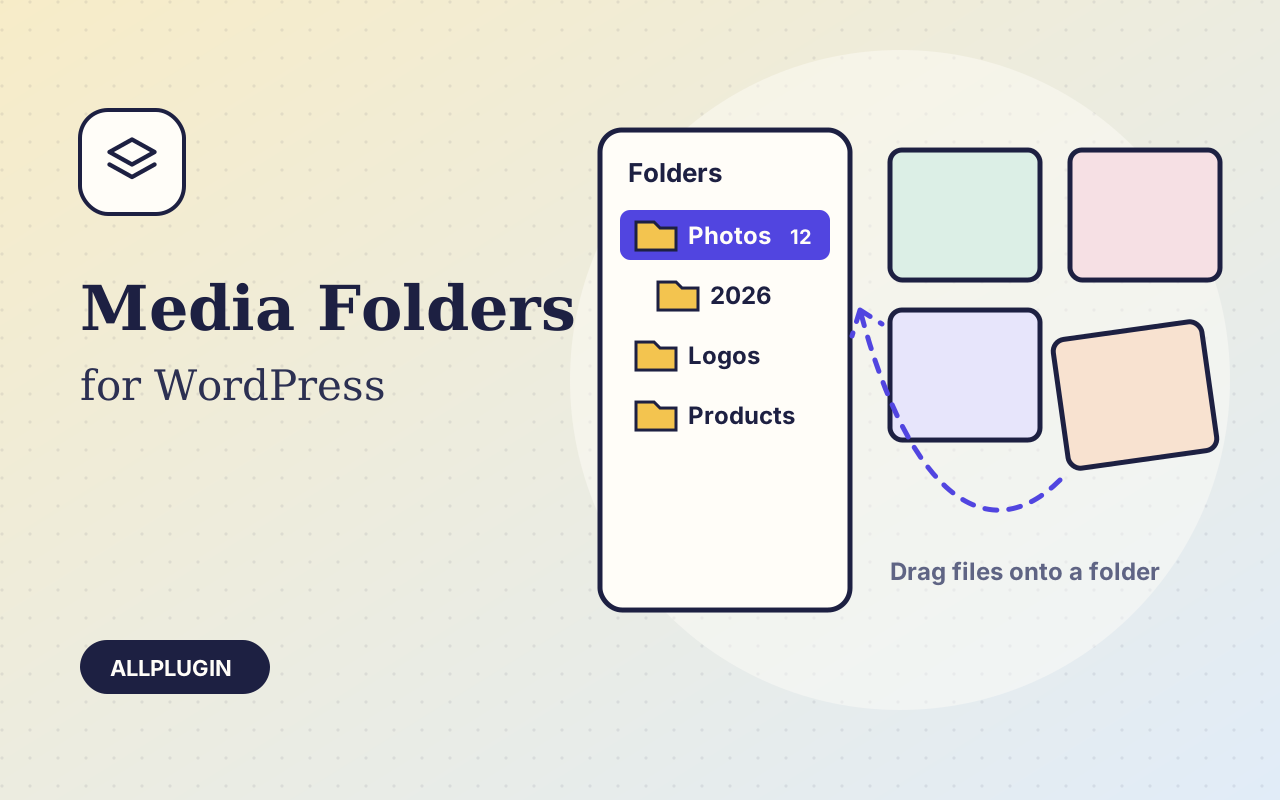
Sort thousands of images and files into folders. Drag files onto a folder, upload straight into one, and find them fast when inserting media.
$19.00 View
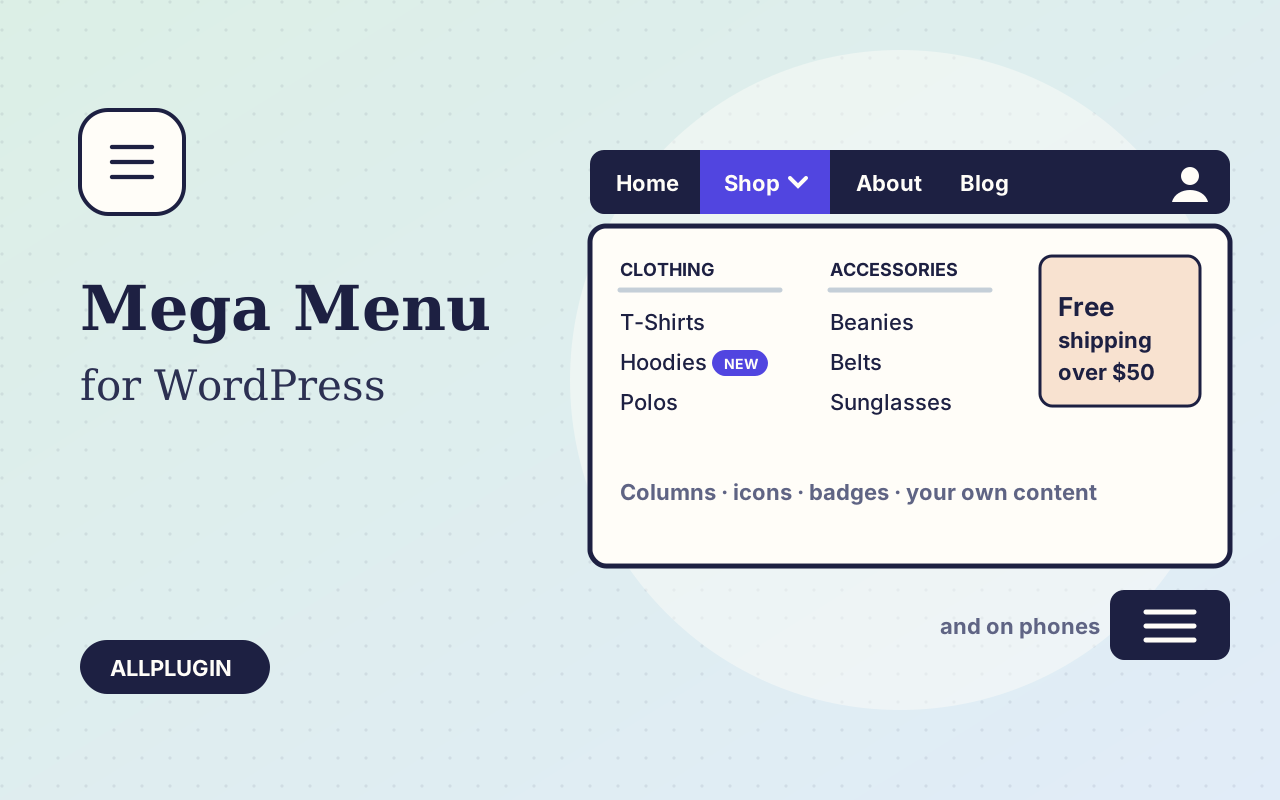
A site with more than a handful of pages outgrows a plain drop-down. Mega Menu lets a menu item open a wide panel that shows a whole section at a glance, built from the menu you already manage under Appearance > Menus.
Tick one box on a top-level menu item and its sub-items become columns: each sub-item is a column heading and the items under it are the links. Choose one to six columns. Items you leave alone keep normal drop-downs, to any depth.
Give any item an icon, a badge such as "New" or "Sale", or show it as an icon only. Put an image, a promotion or a shortcode under an item inside a panel. Push a Login or Cart item to the far end of the bar.
Below the width you choose, the bar becomes a button that opens a stacked menu; the first tap opens a sub-menu and the second follows the link. Arrow keys, Tab and Escape work throughout, and panels never run off the edge of the window.
Take over one of your theme's menu locations with a tick box, or place a menu anywhere with a shortcode, which is how it goes into the header of a block theme.
| Platform | WordPress 6.0 or newer |
|---|---|
| PHP | 7.4 or newer |
| Tested with | WordPress 7.1, Twenty Twenty-One (classic) and Twenty Twenty-Five (block) |
| Placement | theme menu location, or shortcode [ap_mega_menu menu="Main"] |
| Menus | the standard WordPress menus under Appearance > Menus |
| Delivery | plugin zip, installed from Plugins > Add New > Upload |
| Licence | one WordPress site |
Ask about compatibility or licensing. Need it to do something it doesn't? We build custom versions for a fixed quote.
Sort thousands of images and files into folders. Drag files onto a folder, upload straight into one, and find them fast when inserting media.
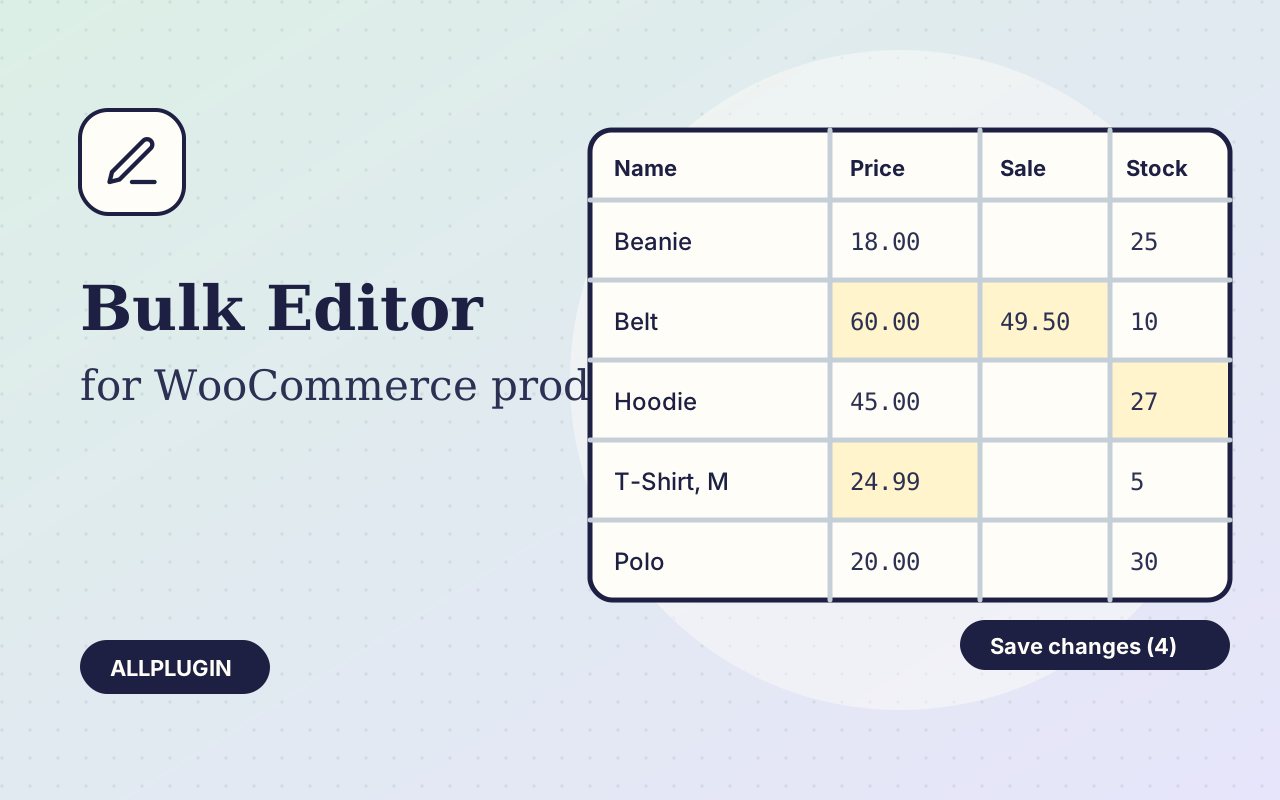
Change prices, stock, SKUs and status of hundreds of products and variations on one spreadsheet-style screen, with one-click undo.
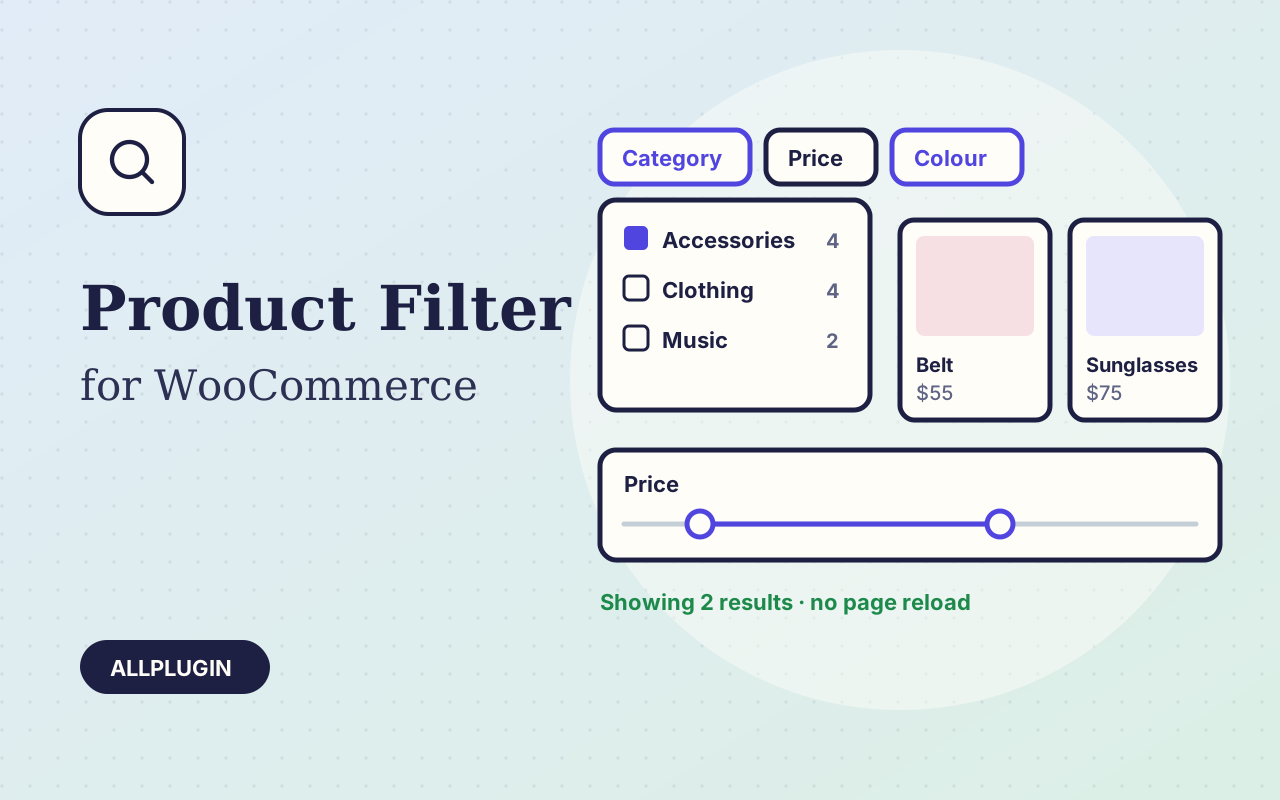
Let shoppers narrow your shop by price, category, colour, size, stock and more. Results update instantly and every choice shows its product count.