A sale that visibly ends is easier to act on than one that might run forever. Sale Countdown Timer shows customers on the product page exactly how many days, hours, minutes and seconds are left, and disappears by itself when the sale is over.

  • Set the end date and time, and optionally the start: before the start and after the end the timer is not shown.
  • Dates are entered in your store time zone; the settings page shows that zone and the current time, so there is no guesswork.
  • Choose where it appears: products with a compare-at price higher than the price (the default), products in one product set, static or dynamic, or all products.
  • Shown on the product page next to the “Add to cart” button, counting down every second without reloading the page.
  • When the time runs out on an open page, the timer hides itself.
  • Your own heading, or the built-in “Sale ends in” in the storefront language.
  • Two looks: colored boxes or a single line of text, in any CSS color (#c62828 by default).
  • One line for your theme, {shopApcountdownPlugin::timer()}, if you also want the timer on the home page, in a category or in a banner.
  • No theme edits needed for product pages. English and Russian included.

The timer only shows the time left; it does not change prices. Set up the discount itself in Shop-Script as usual and enter the same end date here.

What you get

  • Live countdown next to the “Add to cart” button
  • End date and optional start, in the store time zone
  • Discounted products, one product set, or all products
  • Hides itself when the time runs out
  • Colored boxes or a single line of text, any color
  • Your own heading or the built-in “Sale ends in”
  • One-line theme helper for home page, category or banner
  • No theme edits for product pages; English and Russian

Specifications

PlatformWebasyst + Shop-Script 10 or newer (tested on 12)
PHP7.4 – 8.5
Interface languagesEnglish, Russian
PackageShop-Script plugin, .tar.gz
Licenceone store

Good to know

How do I get Sale Countdown Timer for Webasyst Shop-Script after paying?

The download and your licence key unlock in your account as soon as the payment is confirmed. There is nothing to wait for.

Is this a subscription?

No. The price is paid once. Fixes and compatibility updates for the version you bought are included.

What does it work with?

Sale Countdown Timer for Webasyst Shop-Script works with Webasyst, Shop-Script 10+, PHP 7.4–8.5. The current version is 1.0.0. If your setup is unusual, ask before you buy and we will tell you plainly whether it fits.

How can I pay?

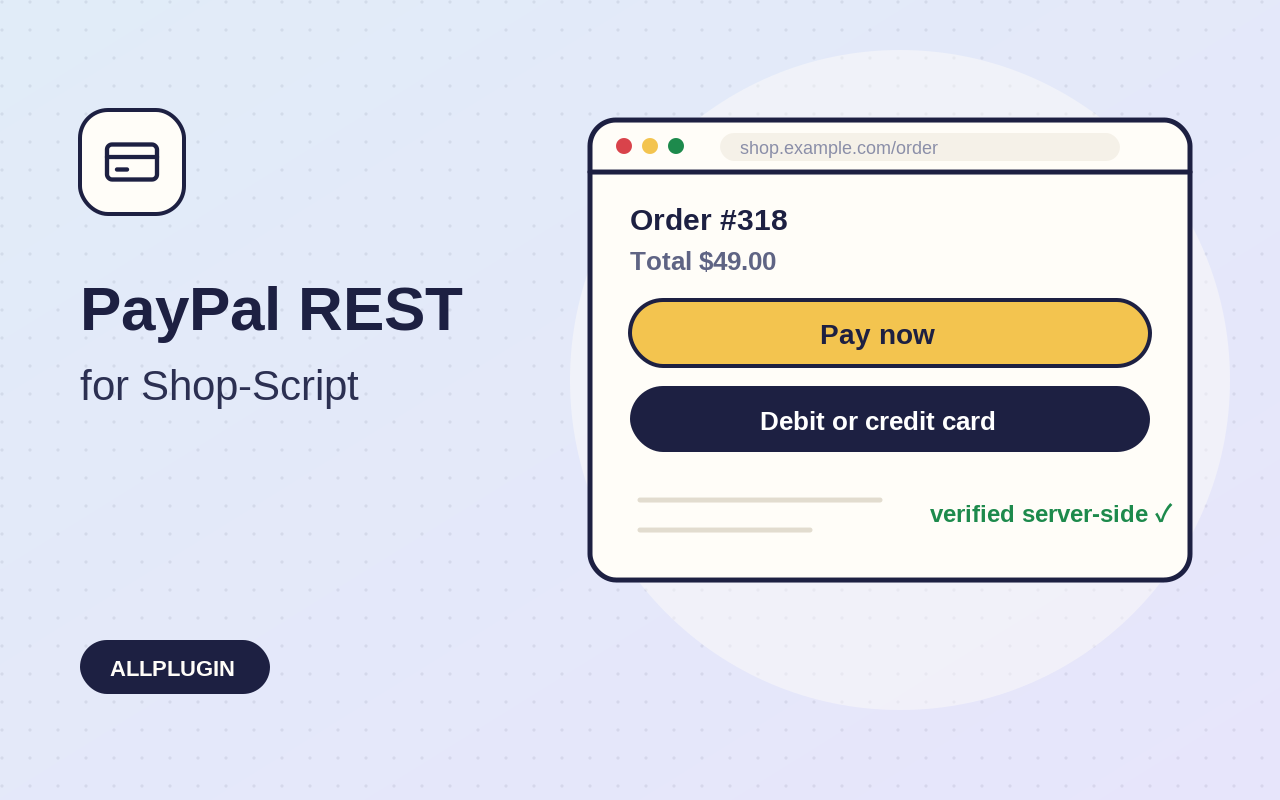
Checkout is through PayPal, which also takes debit and credit cards. Buying from India? Switch the currency to INR at the foot of the page to pay by UPI.

What if I get stuck installing it?

Installation support is included. Open a ticket from your account and the engineer who wrote it will help you get it running.

Questions before you buy?

Ask about compatibility or licensing. Need it to do something it doesn't? We build custom versions for a fixed quote.

  • Instant downloadFiles and licence key unlock when payment lands
  • One-time priceNo subscription unless the page says so
  • Free updatesFixes and compatibility updates for your version
  • Support from the authorTickets go to the engineer who wrote it
Coming soon UPI QR + Auto-Confirm for Shop-Script
SoftwareWebasystShop-Script 8+

UPI QR + Auto-Confirm for Shop-Script

Dynamic UPI QR at checkout, order number in the payment note, and automatic confirmation with UPI Payment Watch.

Get notified at launch View
ЮKassa для Webasyst Shop-Script
SoftwareWebasystShop-Script 8+

ЮKassa для Webasyst Shop-Script

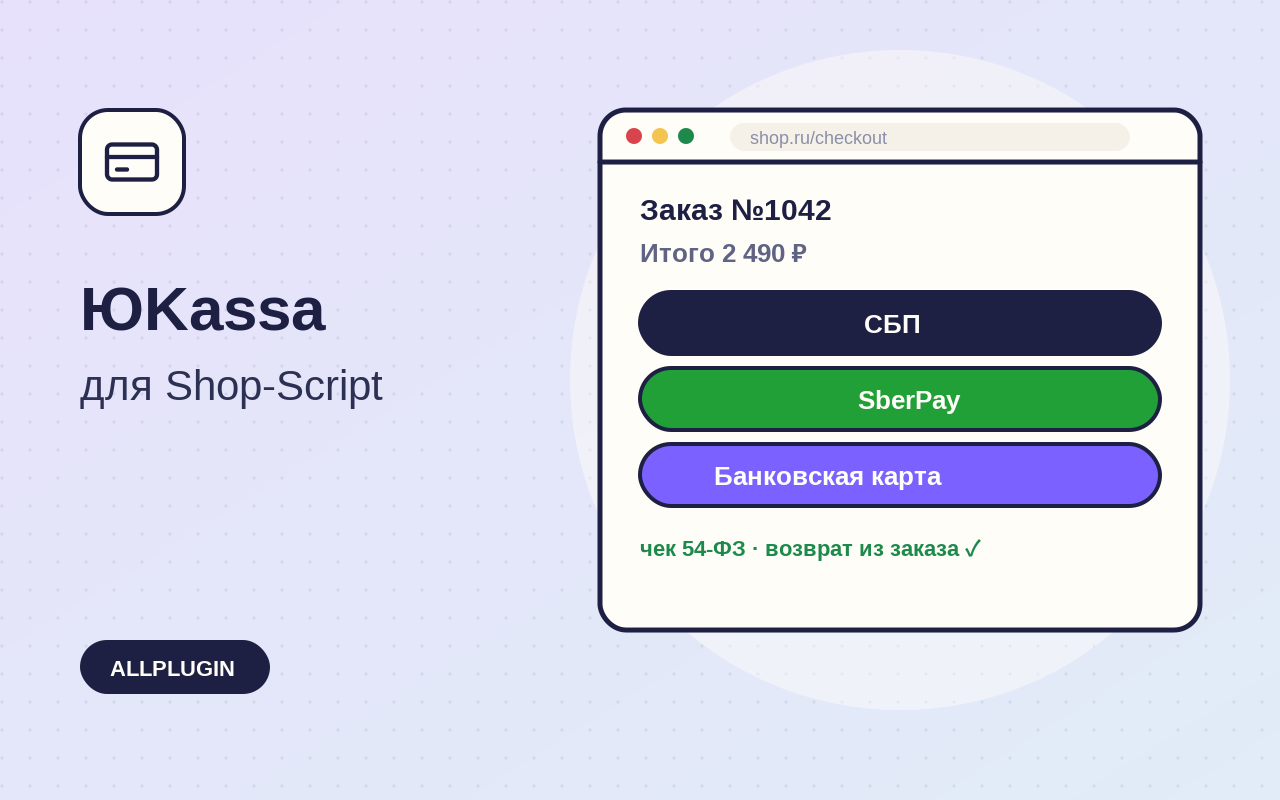
Карты, СБП, SberPay, T-Pay и ЮMoney через ЮKassa: покупатель выбирает способ прямо на сайте, чеки 54-ФЗ и возвраты из заказа.

$15.00
View
$19.99
Sale Countdown Timer for We…