How to accept UPI on your website without a payment gateway
A UPI QR sends money straight from your customer's bank to yours, with no gateway and no fee per order. The hard part is knowing which order each payment belongs to. Here is how to set it up so payments match themselves.
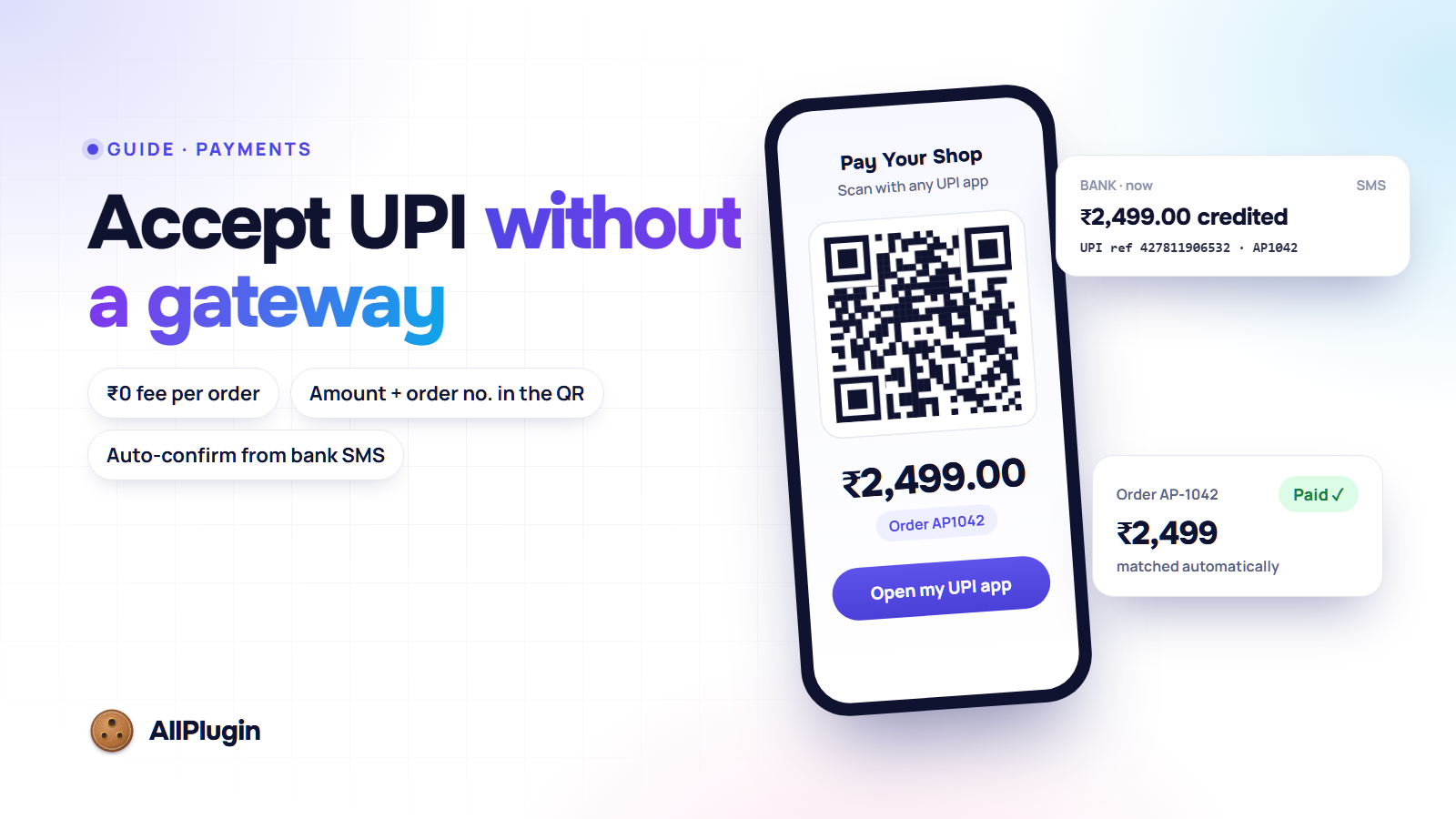
Every UPI app in India can pay a QR code. If that QR code carries your own UPI ID, the money goes from your customer's bank straight into your account. There is no payment gateway in between, no sign-up, no settlement delay and no fee per order.
So why does almost every online store still use a gateway for UPI? Because of one boring problem: when a payment lands in your bank, nothing tells your website which order it was for. Someone has to open the bank app, find the credit, match it to an order and mark the order paid. With five orders a day that is a nuisance. With fifty it is a job.
This guide shows how to set up direct UPI so that the matching is done for you.
Step 1: put the amount and the order number in the QR
A fixed QR code printed on a counter makes the customer type the amount. On a website that is asking for trouble: ₹2,499 becomes ₹2,449, or the customer pays twice, or pays for the wrong order.
Generate a fresh QR code for every order instead, with your UPI ID, the exact amount and the order number in the payment note. The customer types nothing, so the amount is right, and the order number travels with the payment.
Two details are easy to miss:
- Make the QR code on your own server. Free online QR services see your UPI ID, every amount and every order number. A QR code is simple to draw locally.
- Add an "Open my UPI app" button with the same details. Most people shop on the same phone they pay with, and they cannot scan their own screen. The button opens GPay, PhonePe, Paytm, BHIM or any other UPI app with everything filled in.
Step 2: ask for the UTR
Every UPI payment has a 12-digit reference number, the UTR (some apps call it the UPI reference or transaction ID). After paying, ask the customer to type it on the order page.
The UTR is what you will look for in your bank statement, so check it before you accept it:
- It must be exactly 12 digits.
- It must not already be on another order. A UTR can only pay for one order.
Then put the order on hold, keep its stock reserved, and show the UTR wherever you look at orders: the order screen and the new-order email.
Step 3: confirm the payment
A UTR typed by a customer is a claim, not proof. Only your bank account proves the money arrived. So before you ship, someone has to check the bank.
By hand
Open your bank or UPI app, find the credit with that UTR and amount, and mark the order paid. This is how our UPI QR plugin for WooCommerce works today: the UTR is on the order, and one click on "UPI payment received" moves the order to Processing and sends the customer the normal confirmation email.
Automatically, from your bank's SMS
Your bank already tells you about every credit: it sends an SMS, or a notification from its app, to the phone linked to your account. That message has the amount, the UTR and usually the payer's name. If that message could reach your website, the website could confirm the order itself.
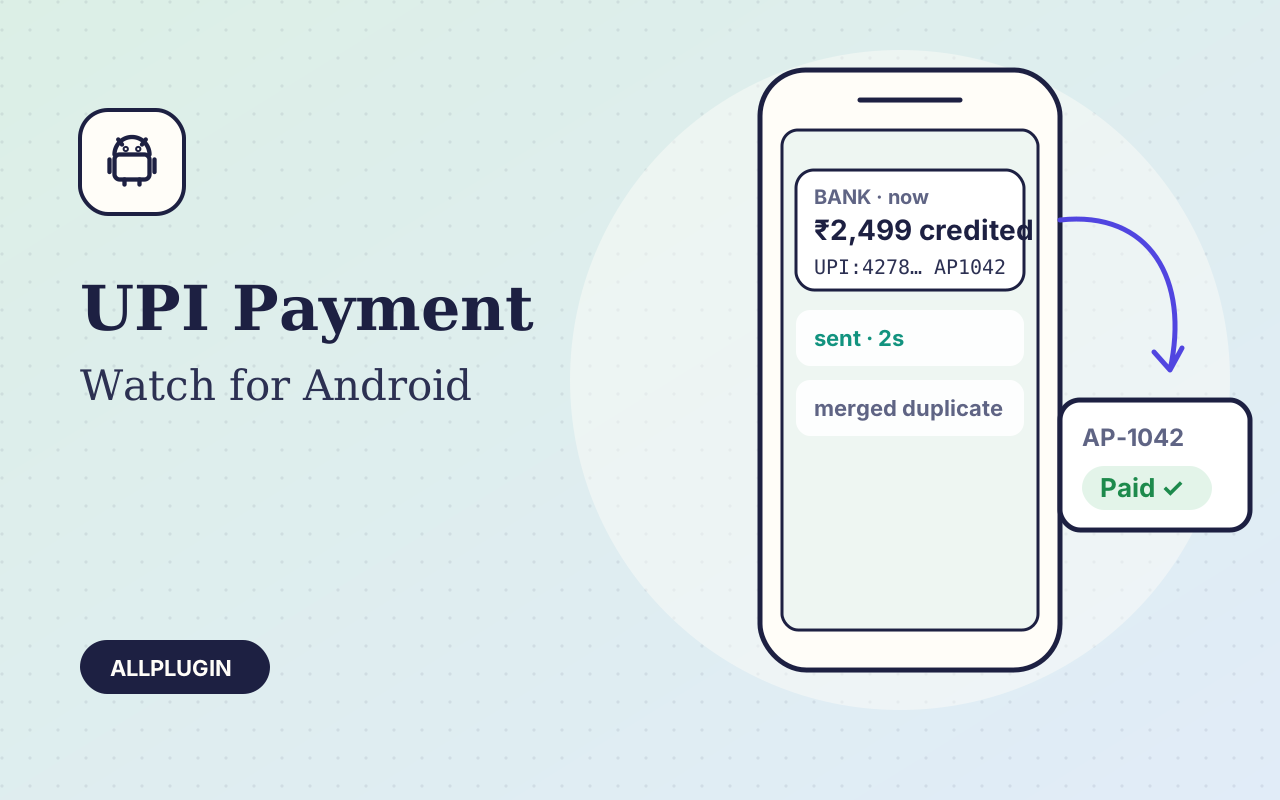
That is what UPI Payment Watch does. It is an Android app that runs on the phone that gets your bank alerts. When a credit arrives, it sends the amount, UTR and payer name to your website over HTTPS within seconds. Your website then finds the order with that UTR, or with that amount and order number, and marks it paid.
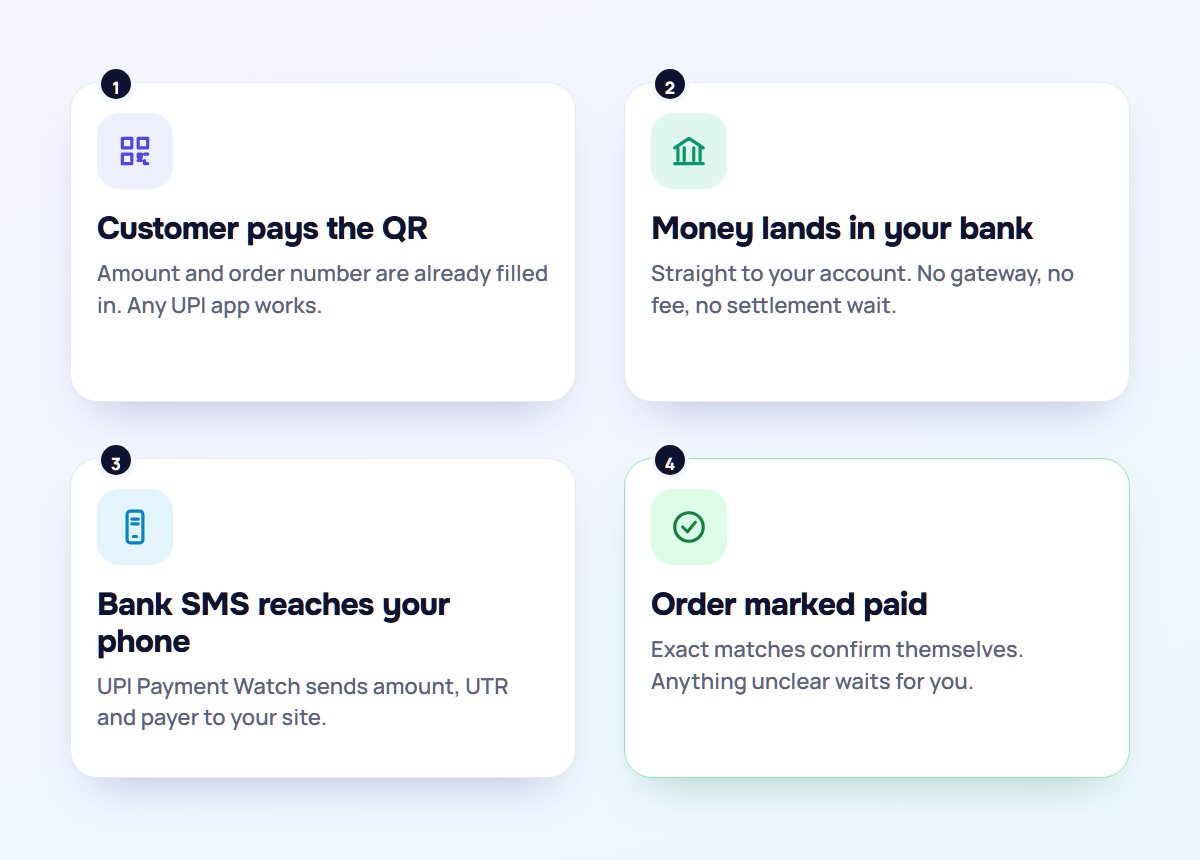
Real bank messages are messier than they look, so the app deals with the awkward parts:
- Two messages for one payment. Some banks send two SMS for a single credit, with different numbers in each. The app merges them, so your website never sees a phantom second payment.
- Messages that are not payments. Debits, OTPs and promotions are ignored.
- Your website is down. The app keeps retrying, every 15 seconds at first, then every minute, then every 5 minutes, until your server confirms it got the message. Nothing is lost while you are offline.
One rule matters more than any other: if a payment does not match an order exactly, leave it for a person. A wrong amount, a missing order number or two orders for the same amount should go into a queue for you to look at, never be guessed.
Good practice for direct UPI
- Use a business or merchant UPI ID. Banks limit what a personal UPI ID may receive through QR codes, and a business account keeps shop money apart from your own.
- Keep the alert phone on a charger, with its SIM in. It is now part of your checkout. An old Android phone that stays in the office is ideal.
- Protect the webhook. The address that receives payment alerts must use HTTPS and check a secret token on every request, or anyone could mark orders paid.
- Do not ship on the UTR alone. Ship when the bank has confirmed the credit, by hand or by the app.
- Refunds are manual. There is no gateway to refund through, so send refunds from your own bank or UPI app and note them on the order.
- Prices in rupees only. UPI is INR. Customers abroad need another payment method, such as PayPal or a card gateway.
Is a gateway ever the better choice?
Yes. If you need cards, net banking, EMI and wallets as well as UPI, refunds with one click, or instant confirmation without a phone in the office, a gateway does all of that in exchange for its fee. Direct UPI suits shops where most customers pay by UPI anyway and the fee on every order adds up.
Many shops run both: direct UPI as the first choice at checkout, and a gateway for everything else.
What we have for it
- UPI QR for WooCommerce: QR code and pay button with the exact amount and order number, UTR checks, and one-click confirmation.
- UPI Payment Watch for Android: forwards your bank's credit alerts to any website that can accept a simple JSON webhook. Our own store, allplugin.com, accepts its alerts out of the box.
- UPI QR + Auto-Confirm for Shop-Script: the same QR checkout for Webasyst stores, with automatic confirmation from Payment Watch. Coming soon; leave your email on the page to hear when it ships.
Running another platform, or want payment alerts wired into your own billing system? We do custom integrations for a fixed quote. And if your bank's alerts are not read correctly by the app, open a ticket with a sample message (amounts and names blurred) and we will add it.
 mentioned in this postUPI Payment Watch for AndroidTurns your bank's UPI credit SMS into instant, automatic payment confirmation for your website or billing system.
$19.00
mentioned in this postUPI Payment Watch for AndroidTurns your bank's UPI credit SMS into instant, automatic payment confirmation for your website or billing system.
$19.00