SoftwareWordPress 6.0+
Media Library Folders for WordPress
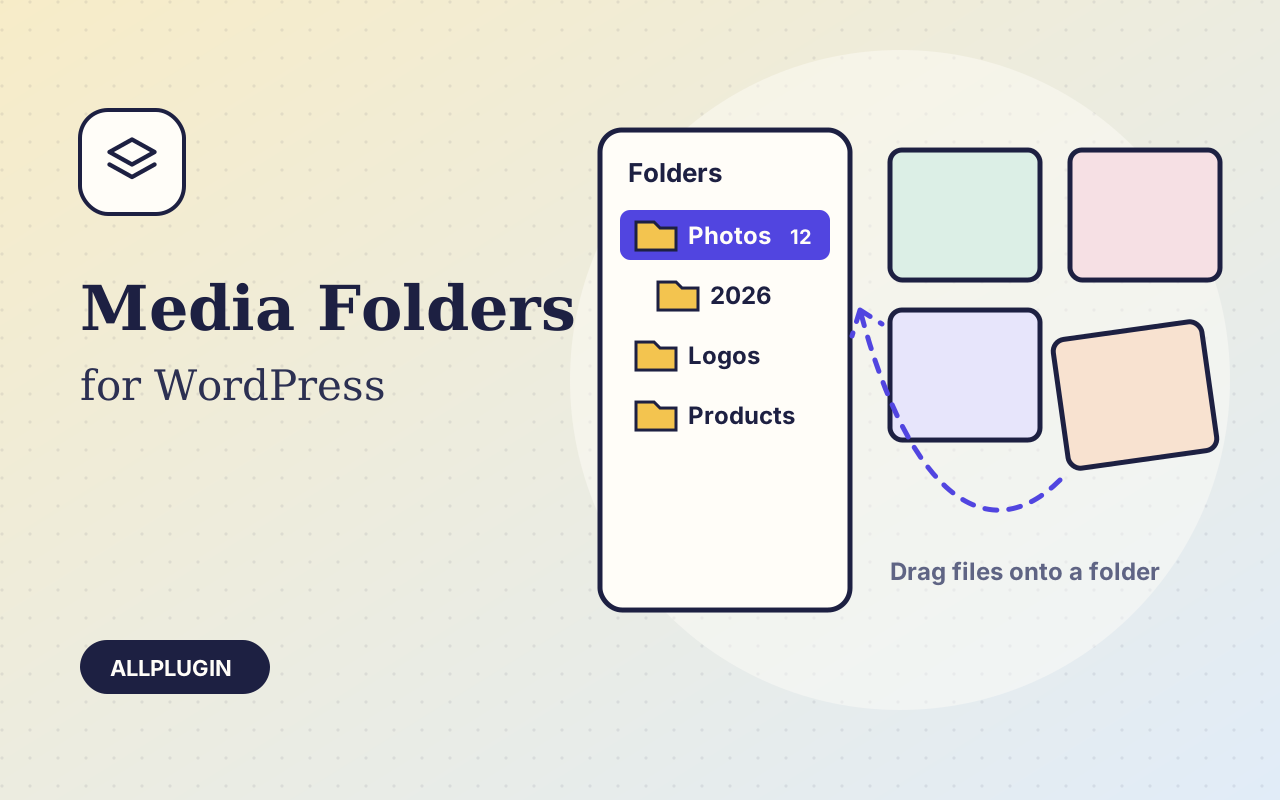
Sort thousands of images and files into folders. Drag files onto a folder, upload straight into one, and find them fast when inserting media.
$19.00 View
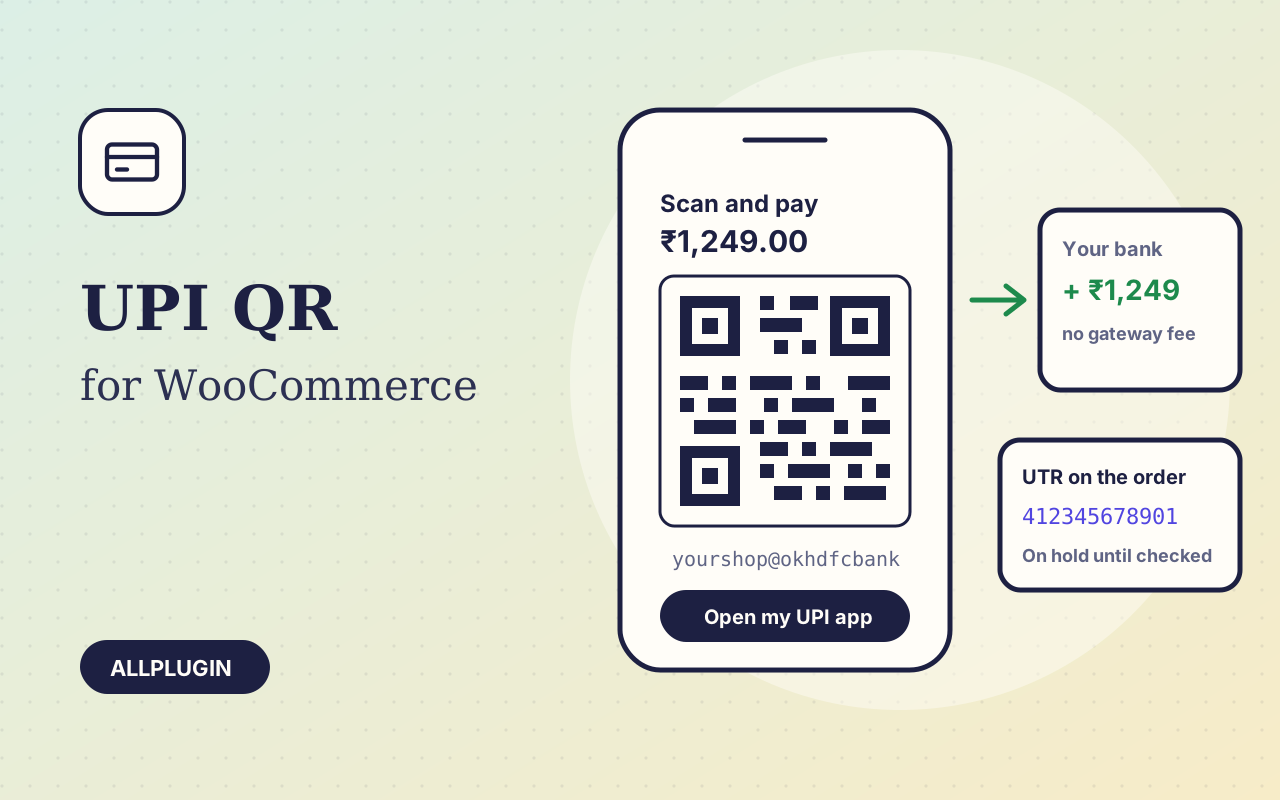
UPI QR for WooCommerce lets an Indian store take UPI payments with nothing but its own UPI ID. There is no payment gateway in between, no sign-up, no settlement delay and no fee per order: the money goes from the customer's bank to yours.
On the payment step the customer sees a QR code that carries your UPI ID, the exact order amount and the order number, and an "Open my UPI app" button that opens GPay, PhonePe, Paytm, BHIM or any other UPI app with the same details filled in. Nothing has to be typed, so the amount is right.
After paying, the customer types the 12-digit UTR of the payment. The order goes on hold, stock is held, and the UTR appears on the order screen and in your new-order email. A UTR that is not 12 digits, or one already used on another order, is refused.
Find the UTR and amount in your bank or UPI app, then choose "UPI payment received" on the order. It moves to Processing and the customer gets the normal confirmation email.
The plugin draws the QR code itself. No outside QR service sees your UPI ID, your amounts or your order numbers.
The plugin does not connect to your bank: only your statement proves a payment, so check the UTR before you ship. A business or merchant UPI ID is best, since banks limit what a personal UPI ID may receive from QR codes. The store currency must be INR. Refunds are sent from your own bank or UPI app. AllPlugin is not affiliated with NPCI or any UPI app.
| Platform | WordPress 6.0 or newer with WooCommerce |
|---|---|
| PHP | 7.4 or newer |
| Tested with | WordPress 7.1, WooCommerce 11.2 |
| Payment link | standard upi://pay link (UPI ID, payee name, amount, note, reference) |
| Currency | INR |
| Account | any UPI ID that can receive money; a merchant UPI ID is recommended |
| Confirmation | manual, by the shop, against its bank statement |
| Refunds | sent by the shop from its bank or UPI app |
| Tested | checkout, UTR checks and the order action on a test store; the QR codes were read back with a QR decoder. Not yet paid with a real UPI app |
| Delivery | plugin zip, installed from Plugins > Add New > Upload |
| Licence | one store |
Ask about compatibility or licensing. Need it to do something it doesn't? We build custom versions for a fixed quote.
Sort thousands of images and files into folders. Drag files onto a folder, upload straight into one, and find them fast when inserting media.
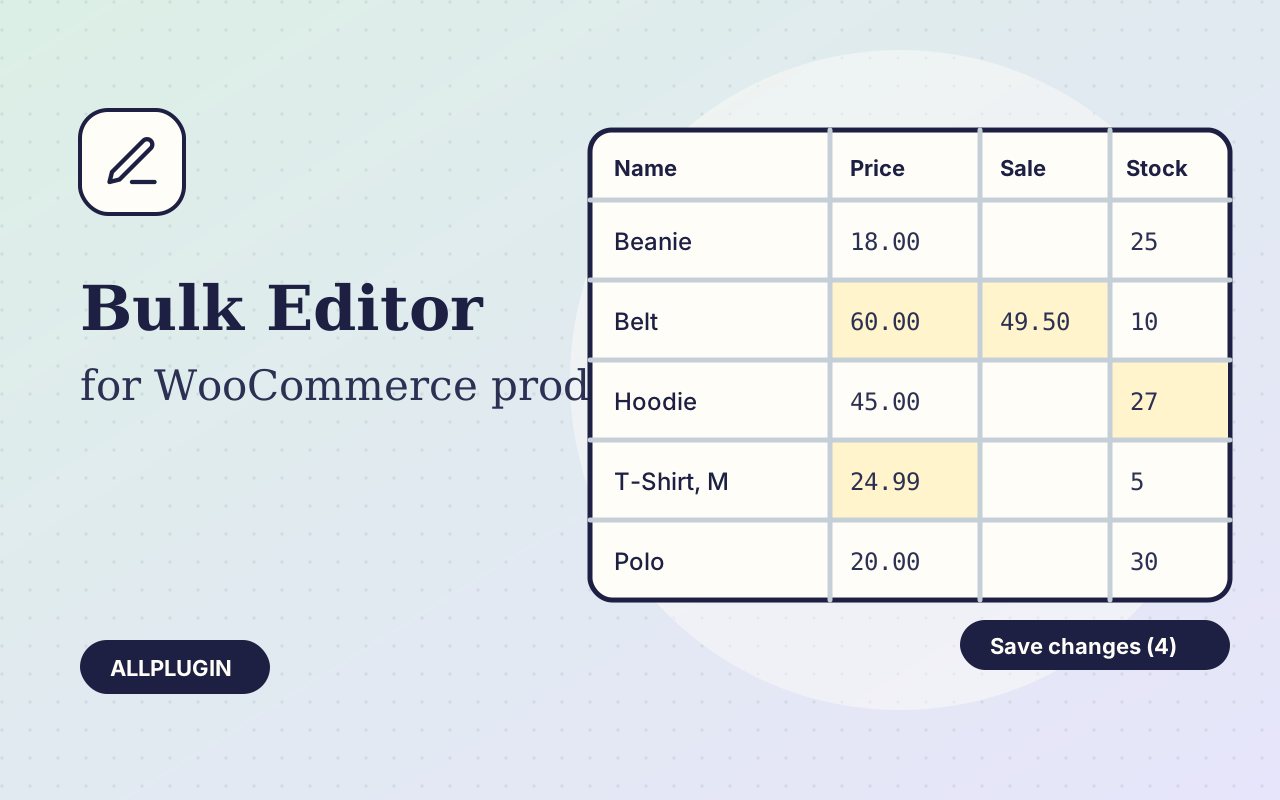
Change prices, stock, SKUs and status of hundreds of products and variations on one spreadsheet-style screen, with one-click undo.
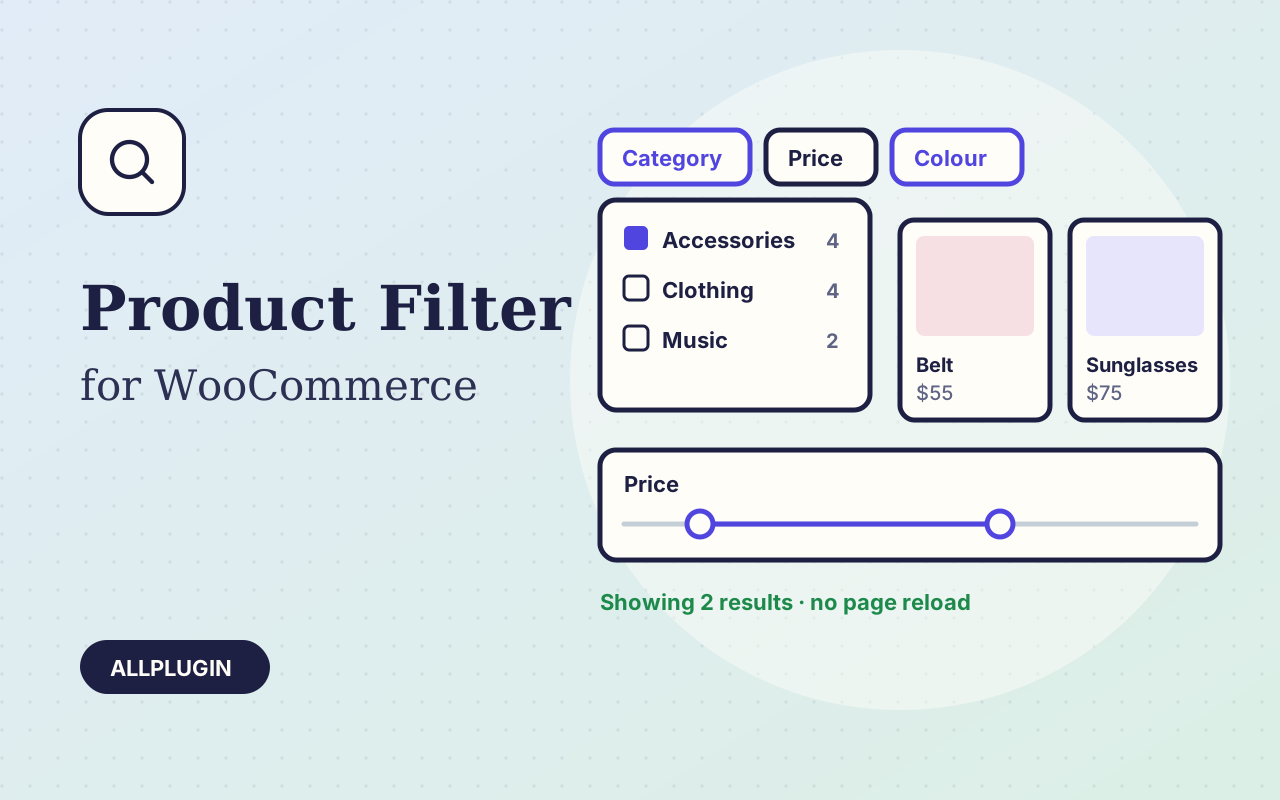
Let shoppers narrow your shop by price, category, colour, size, stock and more. Results update instantly and every choice shows its product count.