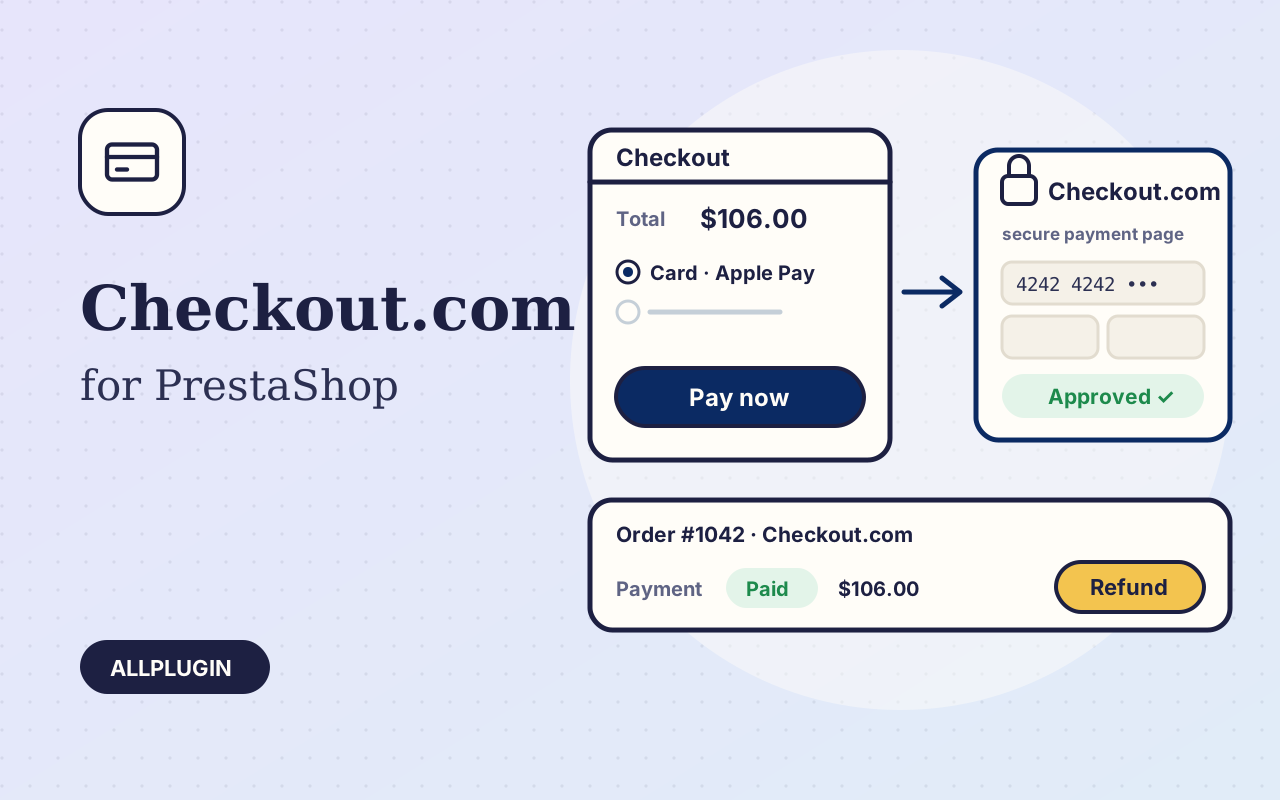
Checkout.com for PrestaShop sends your customer to the Checkout.com Hosted Payments Page and turns the cart into an order once Checkout.com confirms the payment. Card details are typed on Checkout.com's page, never on your shop.
Cards, wallets and local methods
Cards with 3-D Secure, Apple Pay, Google Pay and the local methods enabled on your Checkout.com account, in the currencies your account settles.
The order is made only for a good payment
When the customer returns, the module reads the payment from Checkout.com and creates the order only if the payment was started by this shop, for this cart, for the cart's own amount and currency. Add the webhook and the order is also made when the customer closes the browser. One payment never makes two orders. A declined card brings the customer back to the payment step with the cart kept and a clear message.
Refund, capture and release from the order page
Open the order: the Checkout.com panel lists every payment. Refund any amount up to what is left, in as many parts as you need. If you authorize first, capture the payment when you ship or release it. Each action is written to the order as a private message and the order status follows.
Install in a minute
Upload the zip in Module Manager, paste your secret key and processing channel ID and save. The key is checked with Checkout.com on save. Currencies, countries and carriers are chosen in PrestaShop's own Payment Preferences.
Good to know
You need your own Checkout.com account. Saved cards and recurring payments are not included. AllPlugin is not affiliated with Checkout.com.