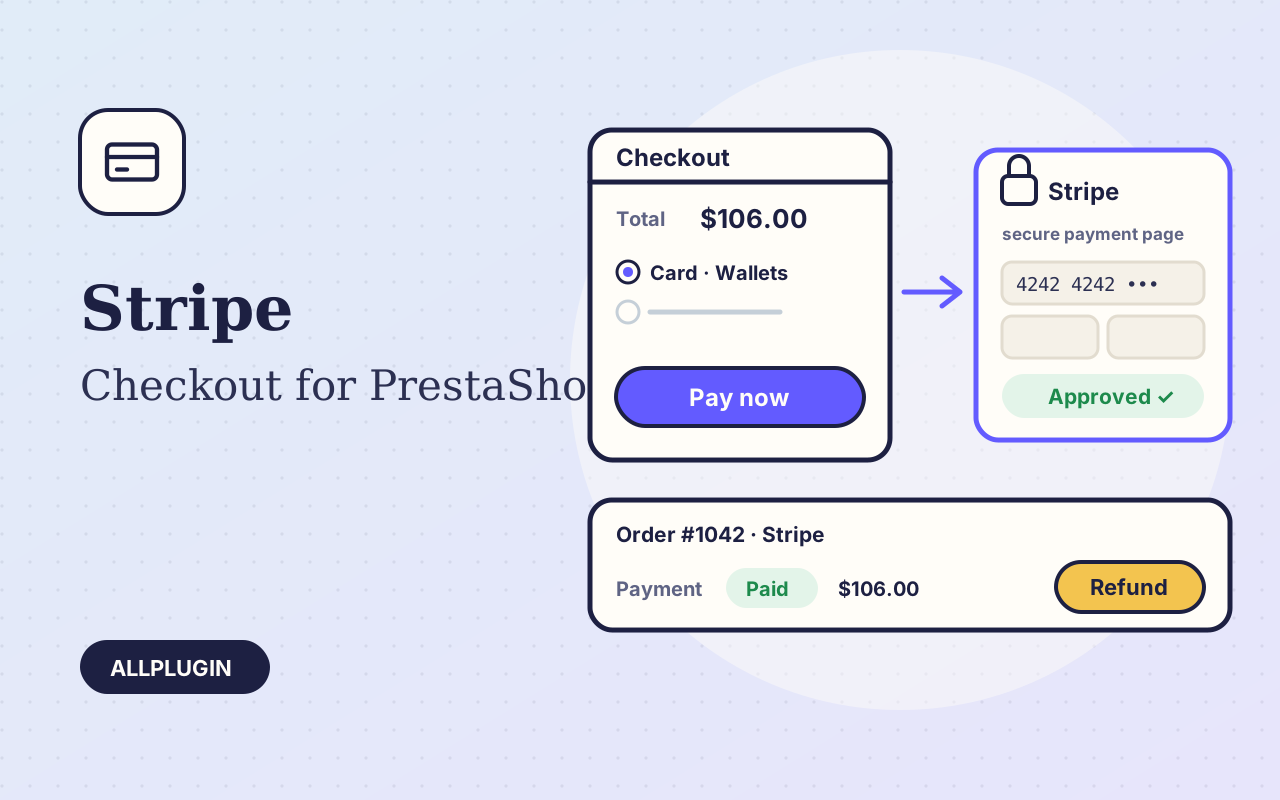
Stripe Checkout for PrestaShop sends your customer to Stripe's own payment page and turns the cart into an order once Stripe confirms the payment. Card details are typed on Stripe's page, never on your shop.

Every method your Stripe account offers

Cards with 3-D Secure, Apple Pay, Google Pay, Link and the local methods switched on in your Stripe Dashboard. Stripe picks the ones that fit the customer's country and currency. If you prefer, limit the page to cards.

The order is made only for a good payment

When the customer returns, the module asks Stripe for the payment and creates the order only if the payment was started by this shop, for this cart, for the cart's own amount and currency. If the cart changed while the customer was on the Stripe page, no order is made and the reason goes to the shop log. Add the webhook and the order is also made when the customer closes the browser. One payment never makes two orders, whichever message arrives first. The Stripe payment id is stored on the order.

Refund, capture and release from the order page

Open the order: the Stripe Checkout panel lists every payment. Refund any amount up to what is left, in as many parts as you need. If you authorize first, capture the payment when you ship or release it. Each action is written to the order as a private message and the order status follows.

Install in a minute

Upload the zip in Module Manager, paste your secret key and save. The key is checked with Stripe on save. Currencies, countries and carriers are chosen in PrestaShop's own Payment Preferences.

Good to know

You need your own Stripe account. Authorize-only works with cards. Saved cards and subscriptions are not included. AllPlugin is not affiliated with Stripe.

What you get

  • Stripe Checkout hosted page: no card data on your shop
  • Cards, Apple Pay, Google Pay, Link and local methods
  • Order created on return and by signed webhook
  • Cart, amount and currency checked before the order is made
  • One payment never makes two orders
  • Full and part refunds from the order page
  • Authorize now, capture or release later
  • Own "Payment authorized" order status
  • Every action written to the order as a private message
  • Stripe payment id stored on the order
  • Secret key checked with Stripe on save
  • Currencies, countries and carriers from Payment Preferences
  • Test keys and live keys

Specifications

PlatformPrestaShop 8.x and 9.x
PHPas PrestaShop requires, with cURL
Tested withPrestaShop 9.2.0 and 8.2.8 on PHP 8.5
APIStripe Checkout Sessions, Payment Intents and Refunds, no bundled SDK
AccountStripe account (secret key; webhook signing secret optional)
Operationspayment, authorize, capture, release, full and part refund
Testedagainst Stripe's test environment on both PrestaShop versions: paid checkout, order creation, part and full refund, authorize, capture and release; install by zip upload in Module Manager. The webhook handler was run with signed events of the kind Stripe sends; Stripe's own delivery to a public address was not part of the test
Packagemodule zip for Module Manager > Upload a module
Licenceone shop

Questions before you buy?

Ask about compatibility or licensing. Need it to do something it doesn't? We build custom versions for a fixed quote.

You may also like

SoftwarePrestaShop 8 and 9

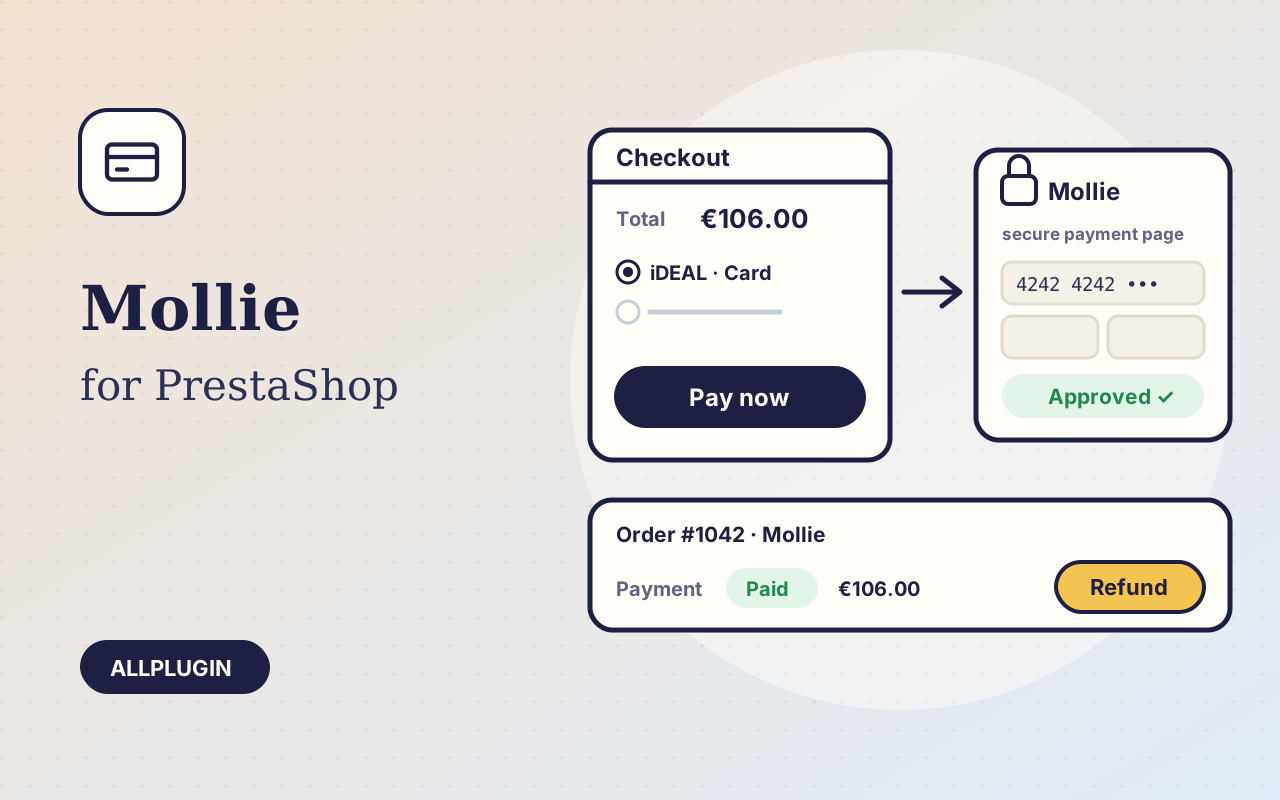
Mollie Payments for PrestaShop

Accept iDEAL, Bancontact, cards, PayPal and Apple Pay in PrestaShop with Mollie — the order is created when Mollie confirms, refunds and captures from the order page.

$19.99
SoftwarePrestaShop 8 and 9

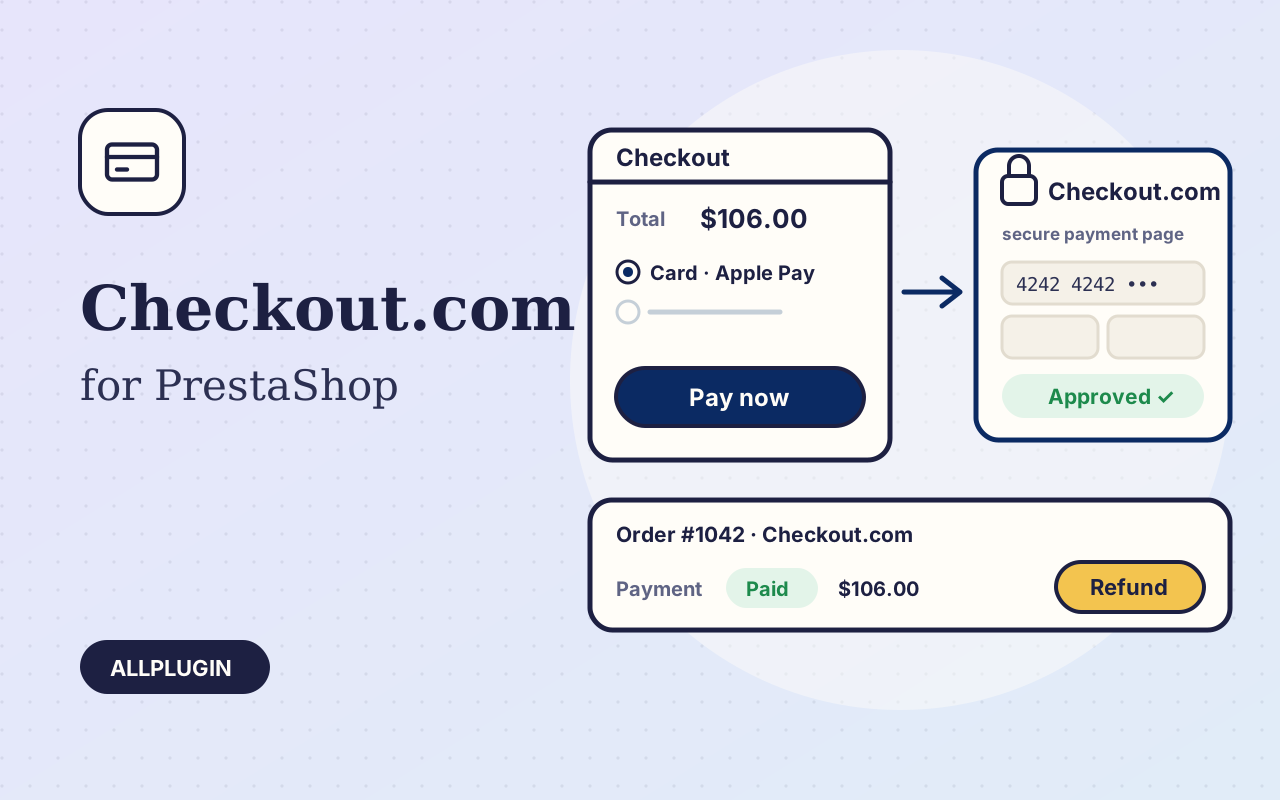
Checkout.com for PrestaShop

Take cards with 3-D Secure, Apple Pay and Google Pay in PrestaShop on the Checkout.com Hosted Payments Page — the order is created when Checkout.com confirms, refunds and captures from the order page.

$19.99
SoftwareWindows 10

GoDaddy DNS Updater for Windows

Keep your GoDaddy A records pointed at a changing home or office IP — automatically, from the system tray.

$19.00
$19.99
Stripe Checkout for PrestaS…