SoftwareWordPress 6.0+
Media Library Folders for WordPress
Sort thousands of images and files into folders. Drag files onto a folder, upload straight into one, and find them fast when inserting media.
$19.00 View
EBANX for WooCommerce connects your store to EBANX, the payment provider many international merchants use to sell in Brazil, Mexico, Colombia, Argentina, Chile, Peru and beyond. The EBANX plugin in the WordPress directory has not been updated for years; this one is written for the current EBANX API.
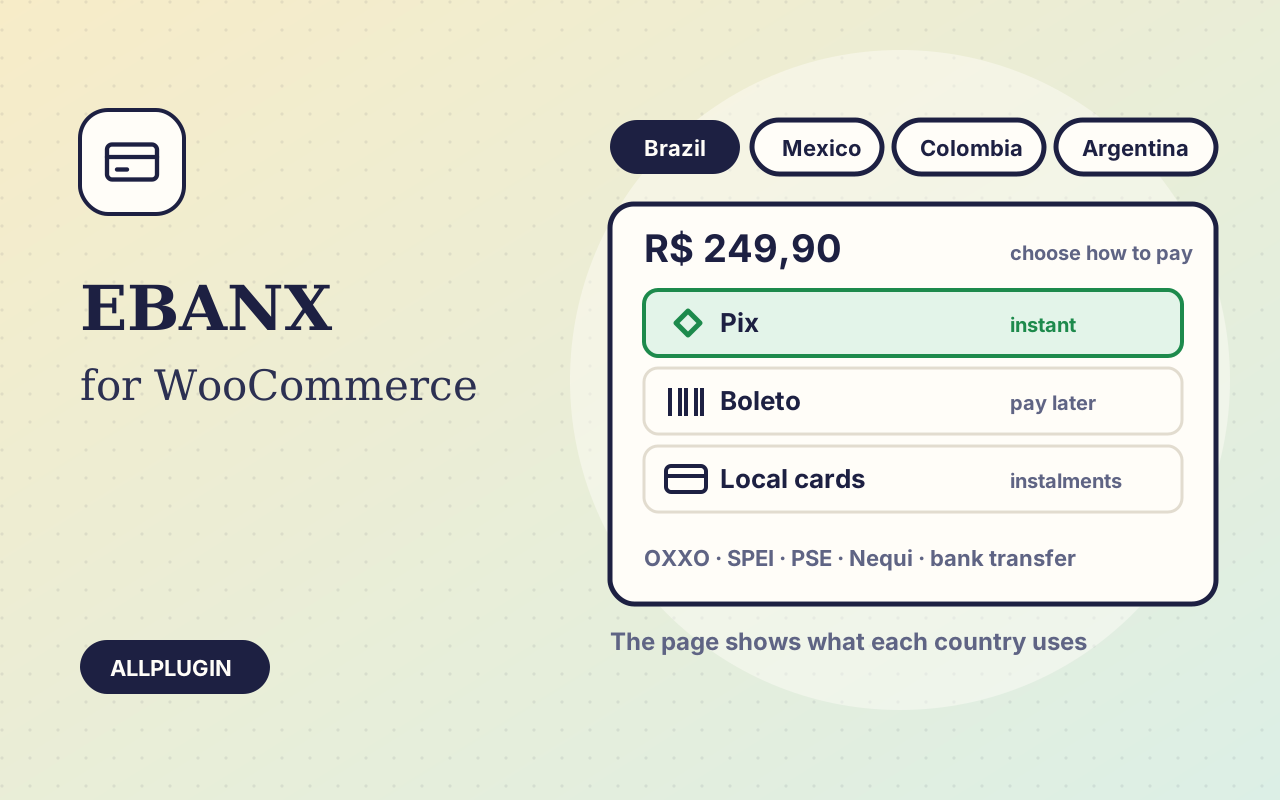
The customer chooses EBANX at checkout and pays on the EBANX page, which shows what their country uses: Pix and boleto in Brazil, OXXO and SPEI in Mexico, PSE and Nequi in Colombia, local cards with instalments, bank transfers and more, as covered by your contract. The amount is sent in your store currency.
A boleto or an OXXO slip is paid hours or days after checkout. The order goes on hold, and is marked paid when EBANX confirms it: by notification, and by the plugin's own checks after 1, 6, 24, 72 and 168 hours. Expired payments mark the order failed.
The return page and EBANX's notifications are treated as hints. Each time, the plugin asks EBANX for the payment and acts only on that answer, for a payment this store opened.
EBANX is replacing the integration key with signed requests (JWS, RS256). The plugin supports both: paste the integration key, or your Key ID and RSA private key.
Refund in full or in part from the order screen. Chargebacks and refunds reported by EBANX are written on the order, and so is a payment that arrives for an order already paid another way.
Because the customer leaves your site to pay, the SAQ A script eligibility condition added in PCI DSS v4.0.1 does not apply to you at all: PCI SSC FAQ 1588 limits it to shops that embed the provider's payment form in their own page. This is the smallest PCI footprint of any way to take a card.
You need your own EBANX merchant account. The gateway is offered only to customers billing from the countries you select. Card fields inside your own checkout and recurring payments are not included. AllPlugin is not affiliated with EBANX.
| Platform | WordPress 6.0 or newer with WooCommerce |
|---|---|
| PHP | 7.4 or newer (OpenSSL for signed requests) |
| Tested with | WordPress 7.1, WooCommerce 11.2 |
| API | EBANX Payment Page (/ws/request), /ws/query, /ws/refund, payment notifications; no bundled SDK |
| Currency | your store currency, as supported by your EBANX contract |
| Account | EBANX merchant account (integration key, or Key ID and RSA private key) |
| Tested | against a simulator built from EBANX's published documentation, with both the integration key and signed requests. Not yet run with a live or sandbox EBANX account |
| Delivery | plugin zip, installed from Plugins > Add New > Upload |
| Licence | one store |
| PCI | the customer pays on the provider's own page, so the v4.0.1 script eligibility condition for SAQ A does not apply (FAQ 1588) |
Ask about compatibility or licensing. Need it to do something it doesn't? We build custom versions for a fixed quote.
Sort thousands of images and files into folders. Drag files onto a folder, upload straight into one, and find them fast when inserting media.
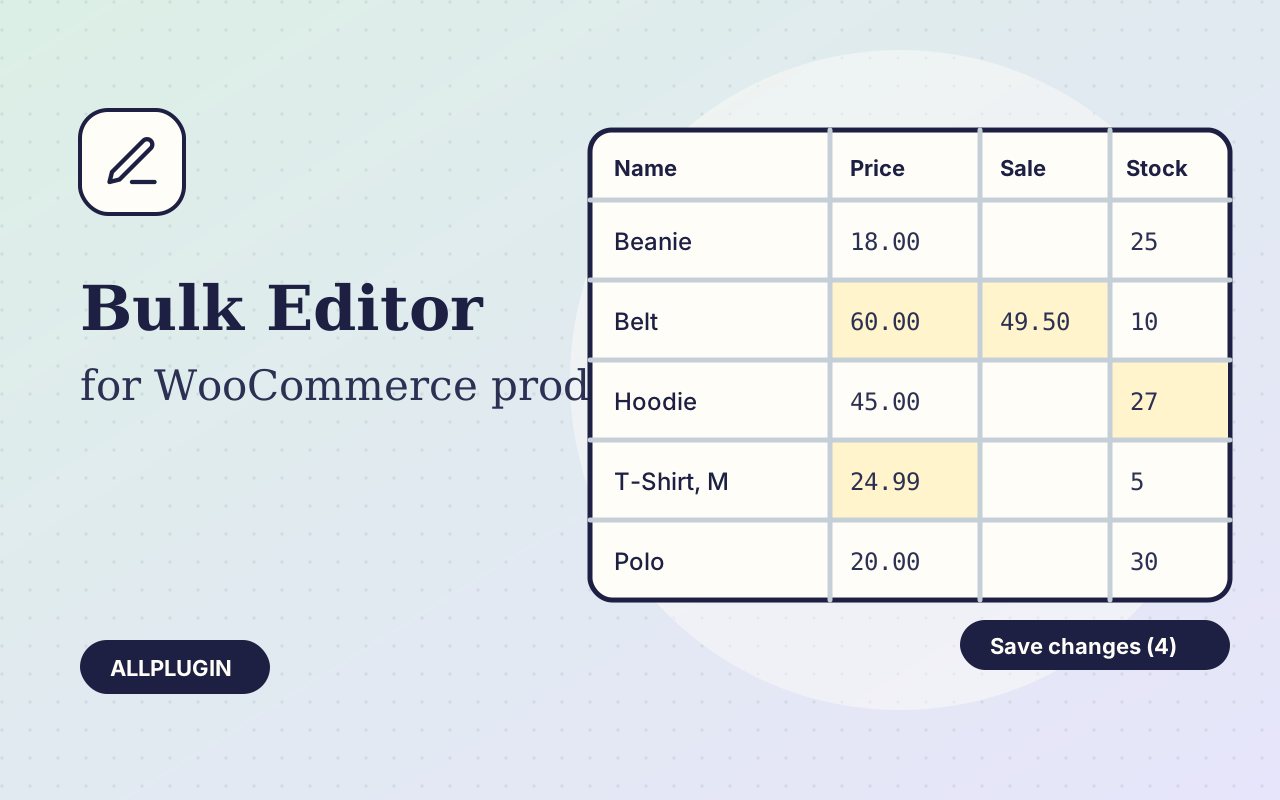
Change prices, stock, SKUs and status of hundreds of products and variations on one spreadsheet-style screen, with one-click undo.
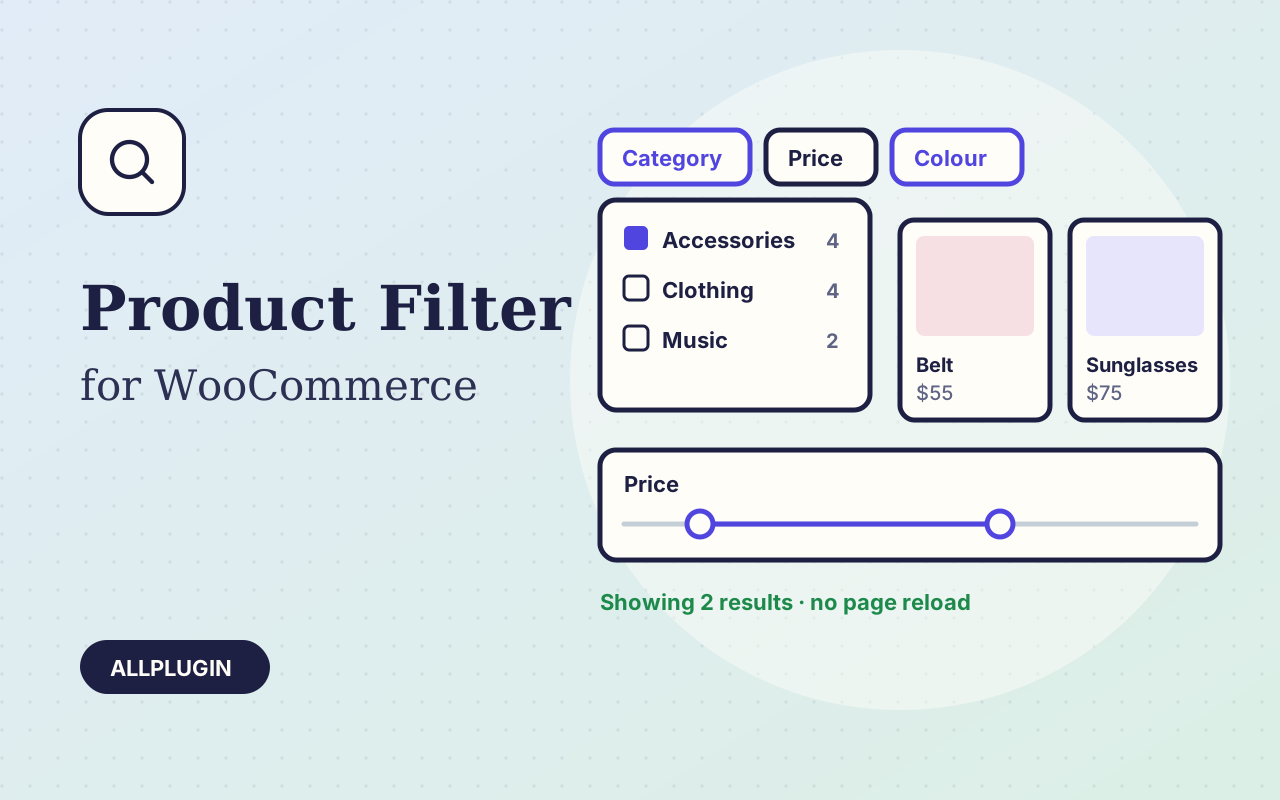
Let shoppers narrow your shop by price, category, colour, size, stock and more. Results update instantly and every choice shows its product count.