SoftwareWordPress 6.0+
Media Library Folders for WordPress
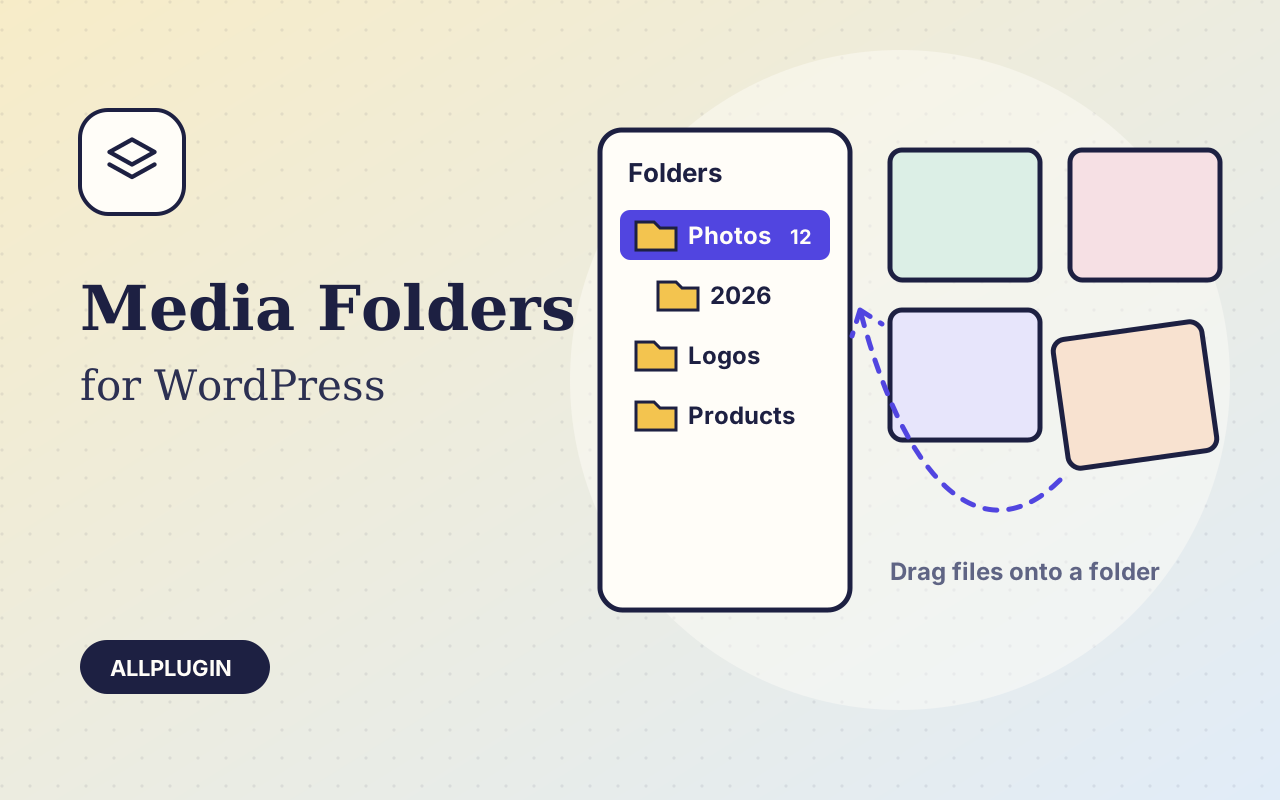
Sort thousands of images and files into folders. Drag files onto a folder, upload straight into one, and find them fast when inserting media.
$19.00 View
PayJunction for WooCommerce lets a business that already processes cards with PayJunction take those payments in its WooCommerce store, on the same merchant account and the same reports as its Virtual Terminal and Smart Terminals.
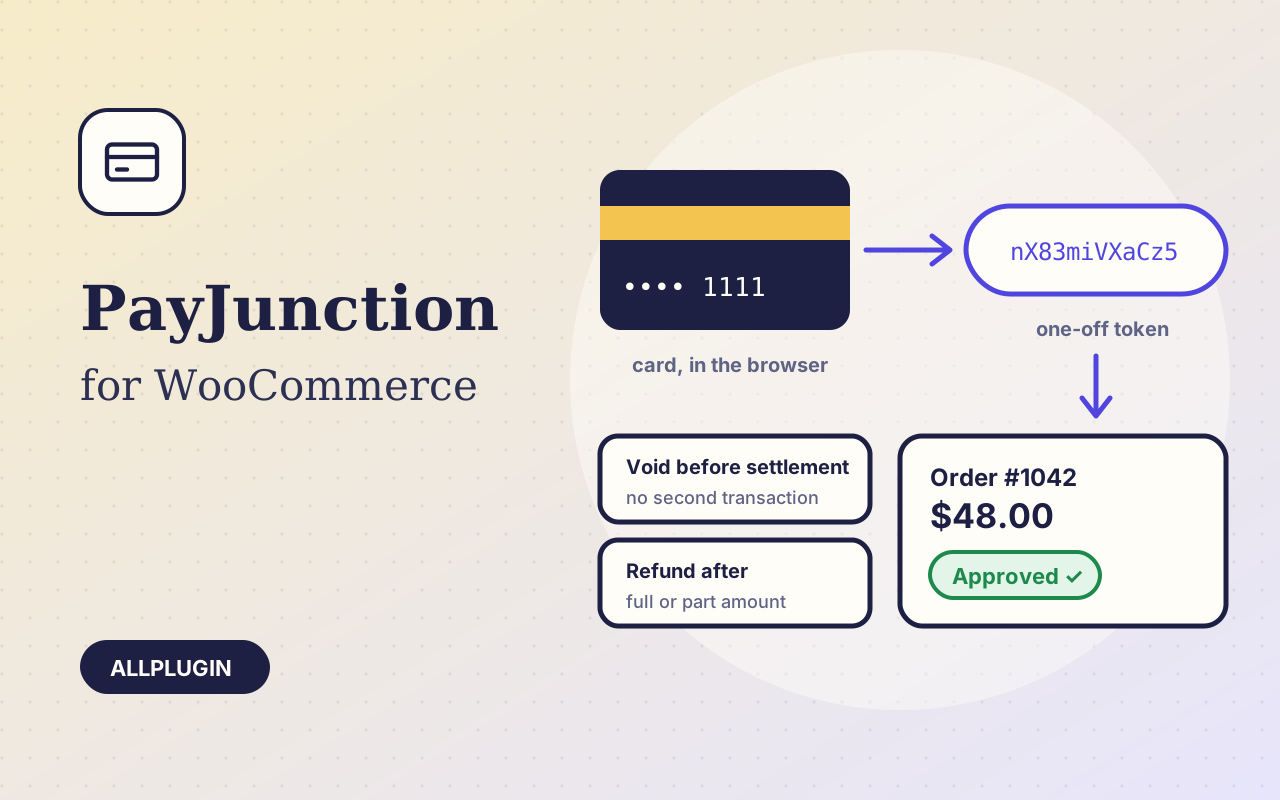
PayJunction's own script sends the card number, expiry and CVV from the customer's browser straight to PayJunction and returns a token that works once. Only that token is posted to your site, so card details never reach your server.
The plugin charges the token for the order total, with tax and shipping as separate amounts, the order number as the invoice number and the billing address for PayJunction's address check. The order is marked paid only when PayJunction approves the charge for the order's own amount. A declined card shows PayJunction's reason and the customer can try another card without starting again.
Press Refund on the order. A whole charge that has not settled yet is voided, which makes no second transaction and no extra fee. Anything else is sent as a refund for exactly the amount you typed: the original tax and shipping are not added on top.
Enter the API login, API password and application key. The publishable key the browser needs is created for you when you save. A Test mode switch points everything at PayJunction Labs.
This plugin puts the card fields in your own page. PayJunction's script tokenises the card in the browser, so the number never reaches your server — but it is typed into inputs your site owns, and your page's JavaScript reads it. That means SAQ A is not available to you: you are in SAQ A-EP, which is a substantially longer questionnaire and also requires quarterly external vulnerability scans by a PCI-approved scanning vendor. This is not a shortcoming of the plugin — it is how PayJunction's browser SDK works — but it is a real cost and you should know it before you buy. If you want the smallest PCI footprint, choose a provider whose payment form is hosted in its own frame, or one the customer is redirected to. Your acquirer decides which questionnaire you file.
You need your own PayJunction account and application key, a store in US dollars and HTTPS. The card form is on a payment step after checkout and is part of your page (PCI SAQ A-EP). Authorise-then-capture, saved cards, ACH and Smart Terminals are not included. AllPlugin is not affiliated with PayJunction.
| Platform | WordPress 6.0 or newer with WooCommerce |
|---|---|
| PHP | 7.4 or newer |
| Tested with | WordPress 7.1, WooCommerce 11.2 |
| API | PayJunction REST API (transactions, publishable keys) and PayJunction's JavaScript SDK, no bundled SDK |
| Currency | USD |
| Account | PayJunction merchant account (API login, password and application key) |
| Tested | against PayJunction's own Labs sandbox: approved charge, declined charge, void, part refund and publishable-key creation. Not yet run with a live merchant account |
| Delivery | plugin zip, installed from Plugins > Add New > Upload |
| Licence | one store |
| PCI | the card fields are part of your page, so SAQ A is not available — expect SAQ A-EP, including quarterly external vulnerability scanning by an approved vendor |
Ask about compatibility or licensing. Need it to do something it doesn't? We build custom versions for a fixed quote.
Sort thousands of images and files into folders. Drag files onto a folder, upload straight into one, and find them fast when inserting media.
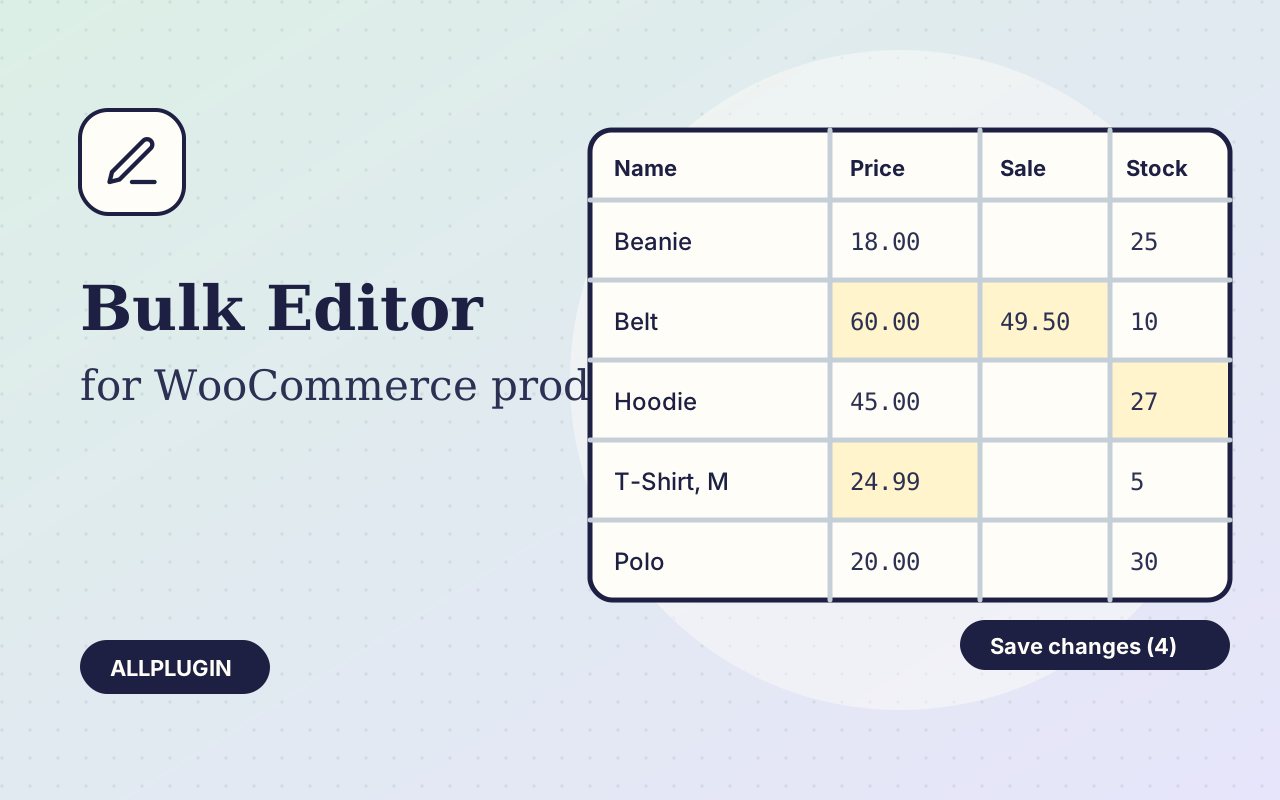
Change prices, stock, SKUs and status of hundreds of products and variations on one spreadsheet-style screen, with one-click undo.
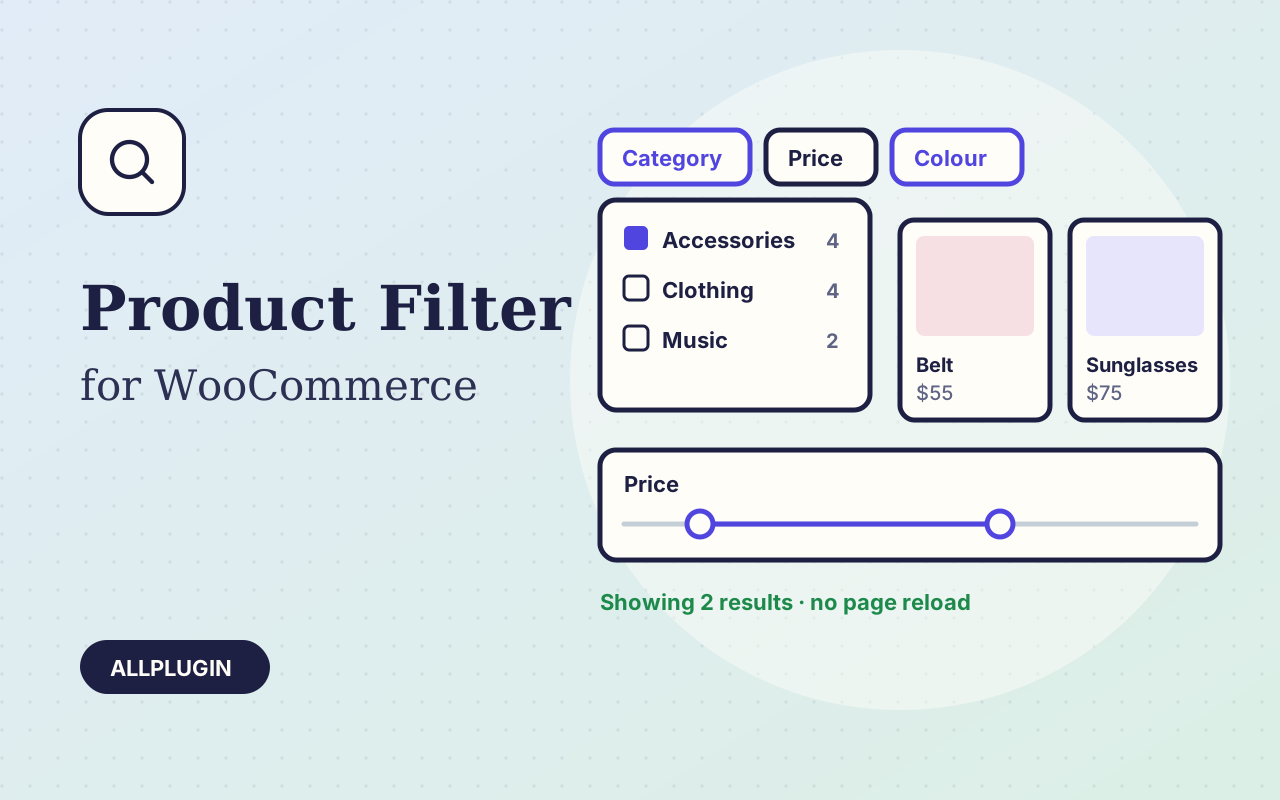
Let shoppers narrow your shop by price, category, colour, size, stock and more. Results update instantly and every choice shows its product count.