SoftwareWordPress 6.0+
Media Library Folders for WordPress
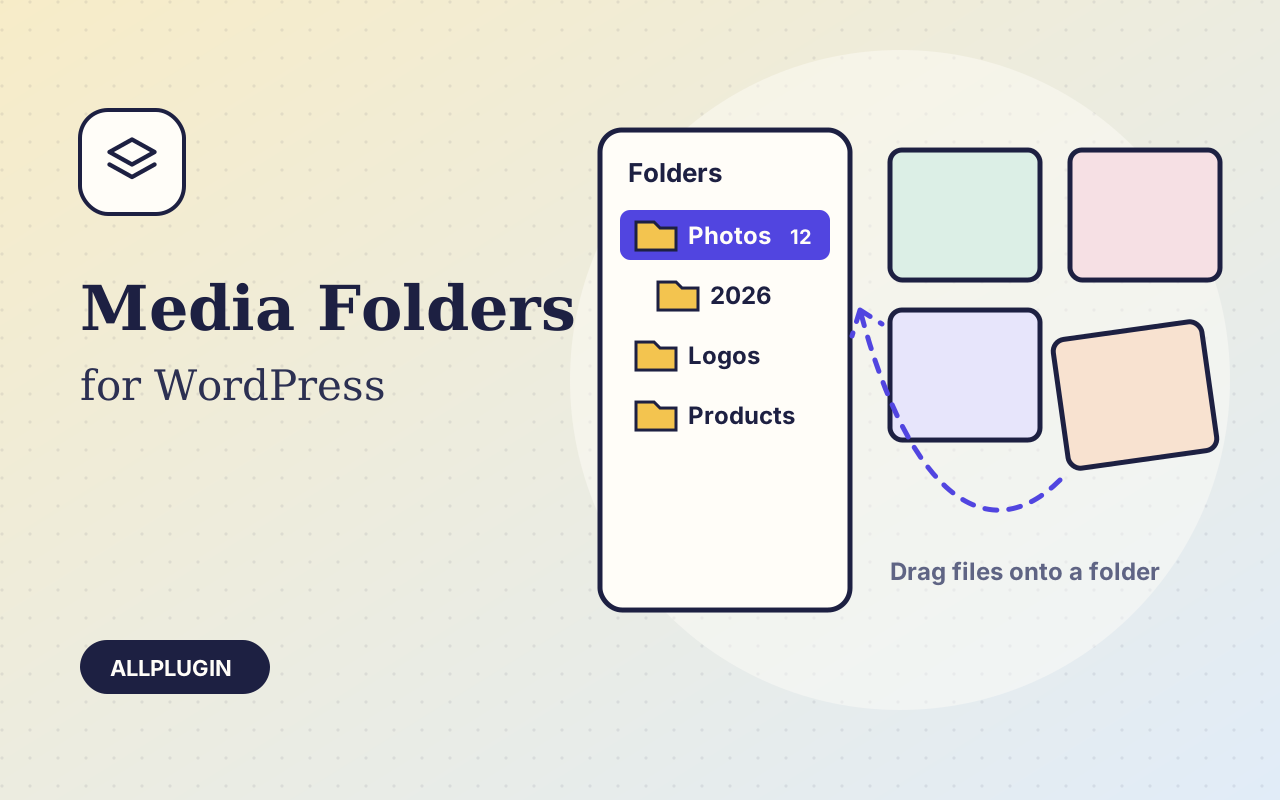
Sort thousands of images and files into folders. Drag files onto a folder, upload straight into one, and find them fast when inserting media.
$19.00
Since 31 March 2025, two PCI DSS requirements have applied to the page your customers type their card into. 6.4.3 asks you to keep an inventory of every script loaded on that page, with a written reason why each one is needed. 11.6.1 asks you to detect unauthorised change to it, and to check at least weekly. Neither is about your server. Both are about the page in the browser.
Your payment page is usually not /checkout. Most gateways move the payment step to WooCommerce's order-pay page, and that is where the provider's script actually loads. A policy or a monitor pointed at the checkout page protects nothing. This plugin follows the real pay URL for an order you name, so it reads the page the card is typed into.
The page is fetched over HTTP exactly as a browser would fetch it, and the scripts are taken from the response. The enqueue registry is deliberately ignored, because PCI cares about what the browser loads — including anything a theme, another plugin or a tag manager injects late. Inline scripts are inventoried too.
Each one is attributed to WordPress core, a named plugin, a named theme, your own site or a third-party host. That owner column is the useful part: a tag manager on the payment page is a third party with permission to run code next to a card number. It may be perfectly justified — but 6.4.3 wants the justification written down, and writing it down is often when you decide it did not need to be there.
wp ap-pci baseline records the current scripts as the set you approved, with a note of who approved them. That file is your evidence. wp ap-pci check compares the live page against it and lists what is new, changed or gone. It exits non-zero when anything changed, so one cron line is the whole 11.6.1 mechanism:
0 3 * * 1 cd /path/to/site && wp ap-pci check || mail -s "Payment page changed" you@example.com
A weekly check is only useful if it stays silent when nothing happened. A real payment page carries per-request values inside its inline scripts — WooCommerce alone emits a nonce timestamp and a cart JWT that differ on every single request. Inline scripts are therefore identified by the id WordPress gives them, and those changing values are masked before hashing. Tested on a page with 91 scripts: repeated checks report nothing, while an edited script file and a newly injected third-party script are both caught.
Scripts on your own server are hashed from disk, so any edit is caught. Third-party scripts are hashed only when you ask, because provider CDN scripts are often unversioned and change without notice — hashing them by default would make every check noisy and you would stop reading the mail. Added and removed third-party scripts are always reported either way.
WP-CLI only: there is no admin screen, and nothing is added to your site's front end. You need an unpaid order to open a payment page with, because the page only renders while an order is unpaid. Run it once per payment method — each produces a different page. This plugin reports; it does not block scripts, add a Content-Security-Policy or remove anything. AllPlugin is not a QSA and this plugin is not an attestation: your acquirer decides which questionnaire applies to you.
| Platform | WordPress 6.0 or newer with WooCommerce |
|---|---|
| PHP | 7.4 or newer |
| Requires | WP-CLI (all commands run from the shell) |
| Commands | wp ap-pci scripts | baseline | check |
| Tested | on WordPress 7.1.3 with WooCommerce 11.2 against a real order-pay page carrying 91 scripts — stable across repeated runs with no false alarms, and verified to report both an edited local script and a third-party script injected into the page |
| Baseline | wp-content/uploads/ap-pci-inventory/baseline.json, denied by .htaccess (add an equivalent rule on nginx) |
| Addresses | PCI DSS v4.x requirements 6.4.3 and 11.6.1, mandatory since 31 March 2025 |
| Delivery | plugin zip, installed from Plugins > Add New > Upload |
| Licence | one store |
Ask about compatibility or licensing. Need it to do something it doesn't? We build custom versions for a fixed quote.
Sort thousands of images and files into folders. Drag files onto a folder, upload straight into one, and find them fast when inserting media.
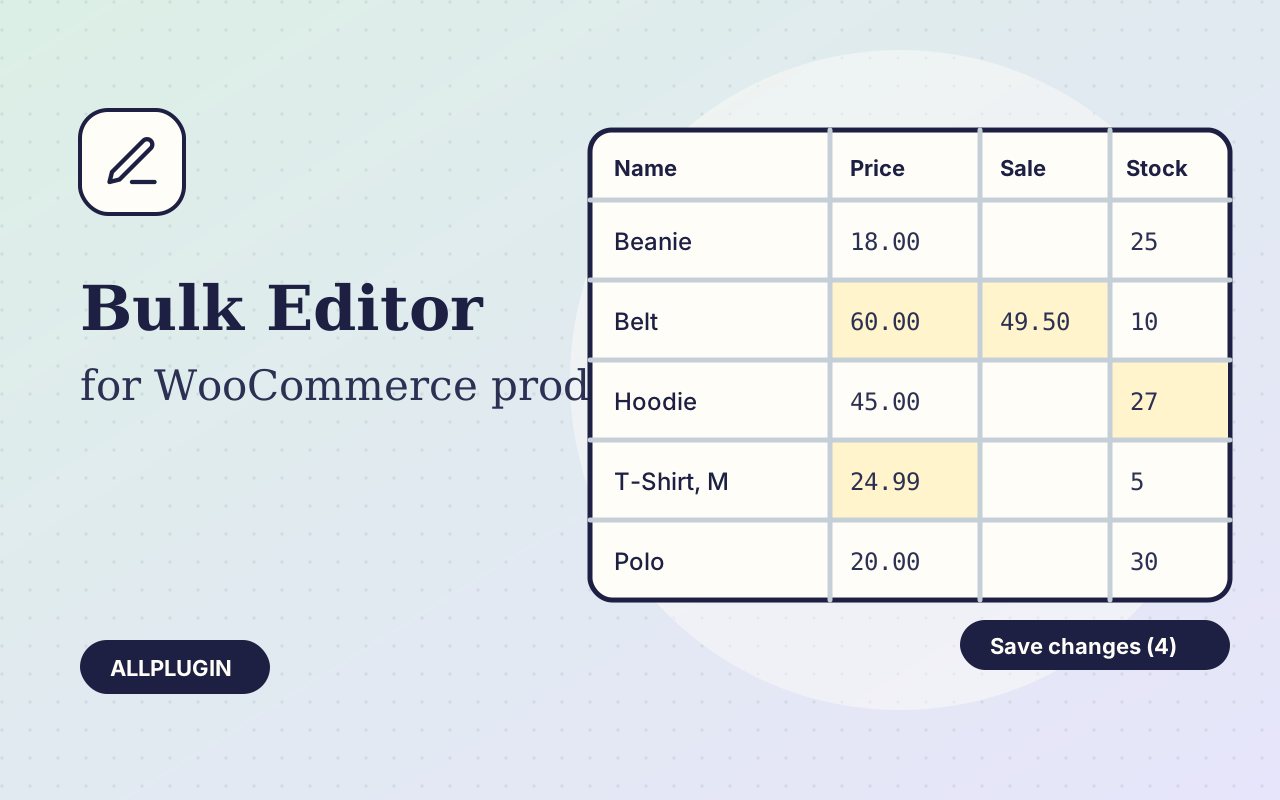
Change prices, stock, SKUs and status of hundreds of products and variations on one spreadsheet-style screen, with one-click undo.
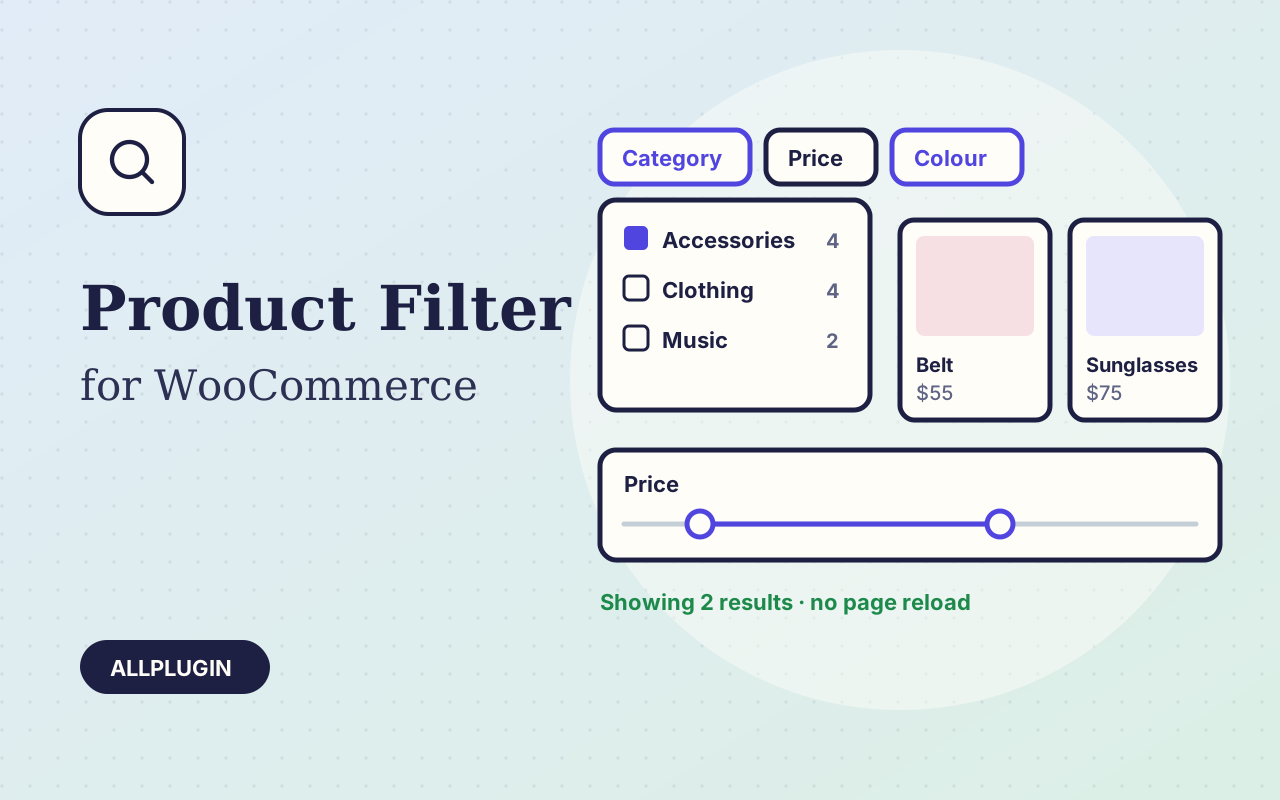
Let shoppers narrow your shop by price, category, colour, size, stock and more. Results update instantly and every choice shows its product count.