SoftwareWordPress 6.0+
Media Library Folders for WordPress
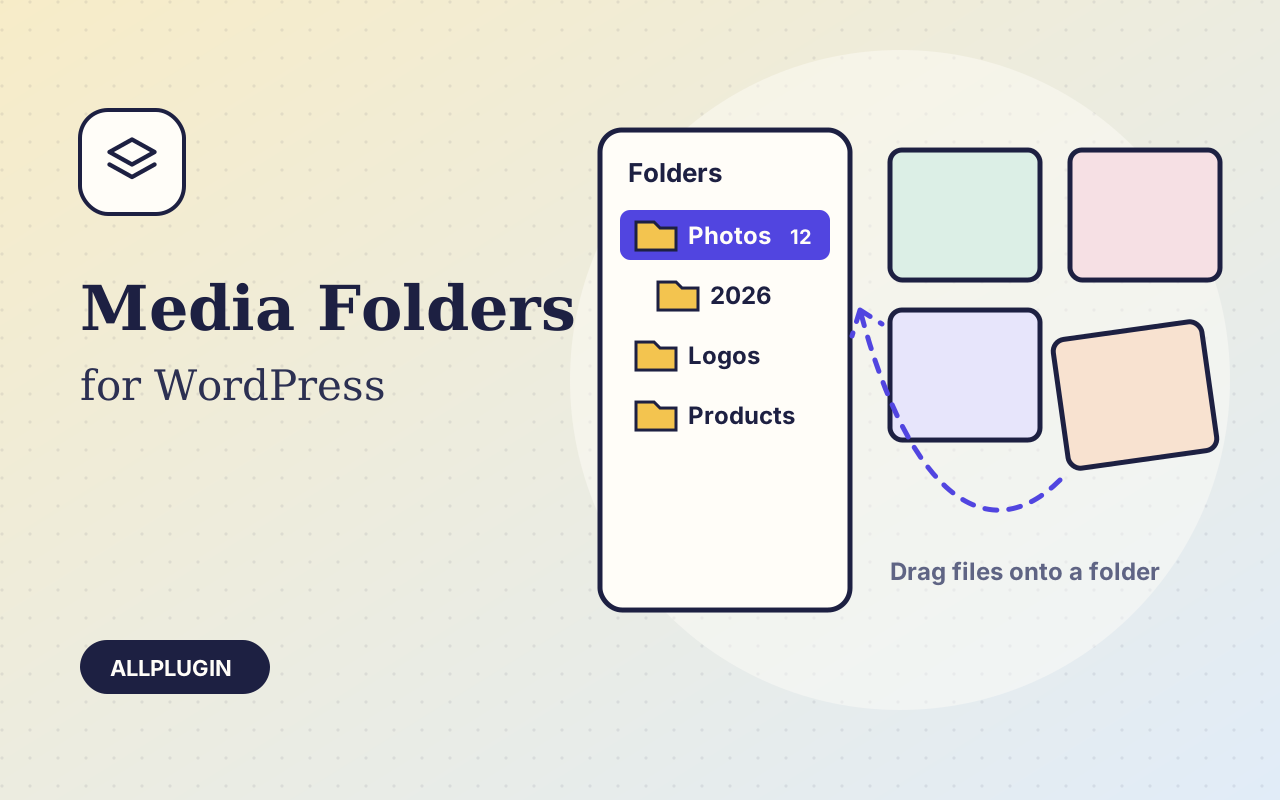
Sort thousands of images and files into folders. Drag files onto a folder, upload straight into one, and find them fast when inserting media.
$19.00 View
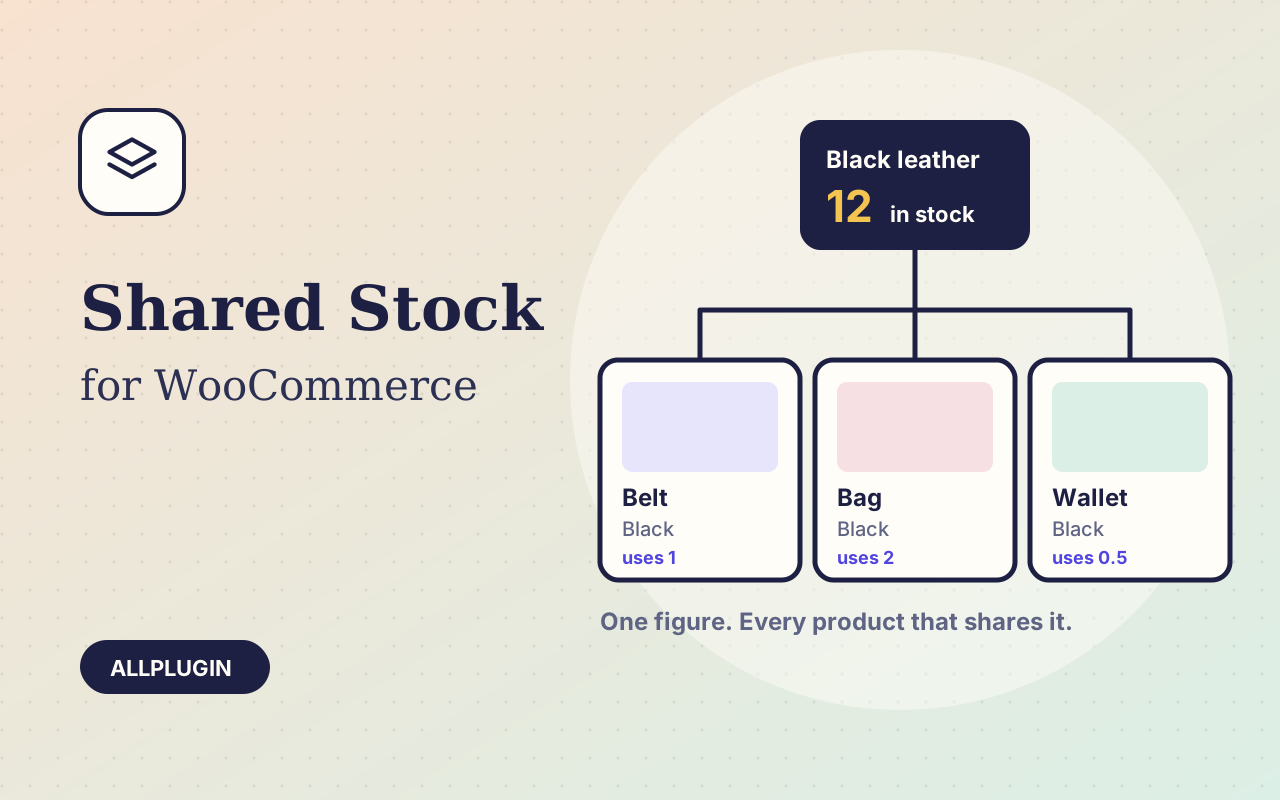
WooCommerce counts stock per product. Real stock is often shared: one roll of red fabric becomes shirts, scarves and bags; one batch of beans is sold in 250 g, 500 g and 1 kg packs; one box of blank mugs carries twenty designs. Shared Attribute Stock counts the thing you actually run out of.
Create a stock item, say "Red fabric", enter how much you have, and tick the attribute values that draw on it. Every product and variation with that value is now limited by that one figure. Limit it to certain categories if the same value means something else elsewhere.
Say how much one sold item uses for each value: a small uses 1 and an extra-large 1.5, a single uses 1 and a pack of six uses 6, a 250 g bag uses 0.25. The shop shows how many of each product can still be made from what is left.
Two different products that share a stock item cannot together take more than there is. The product page shows the number left, the quantity box stops at it, and "Out of stock" appears when it is gone.
Stock is taken when an order is placed and put back if it is cancelled, refunded or fails. Exactly what an order took is remembered on that order. Every movement is listed in the item's history with its order number, and you get an email when an item runs low.
| Platform | WordPress 6.0 or newer with WooCommerce |
|---|---|
| PHP | 7.4 or newer |
| Tested with | WordPress 7.1, WooCommerce 11.2 |
| Product types | simple and variable |
| Attributes | the shop-wide ones under Products > Attributes |
| Partial refunds | stock is put back by hand |
| Storage | two tables, wp_apss_items and wp_apss_log |
| Delivery | plugin zip, installed from Plugins > Add New > Upload |
| Licence | one store |
Ask about compatibility or licensing. Need it to do something it doesn't? We build custom versions for a fixed quote.
Sort thousands of images and files into folders. Drag files onto a folder, upload straight into one, and find them fast when inserting media.
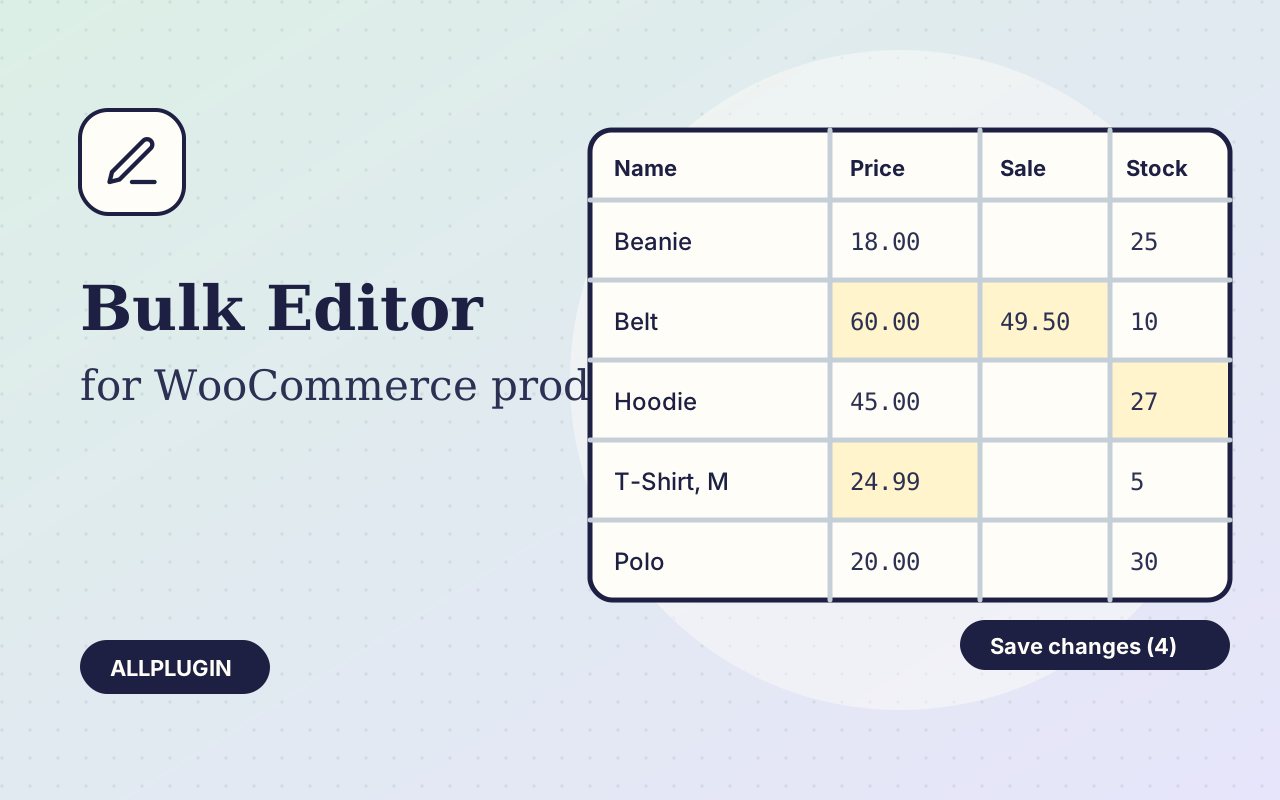
Change prices, stock, SKUs and status of hundreds of products and variations on one spreadsheet-style screen, with one-click undo.
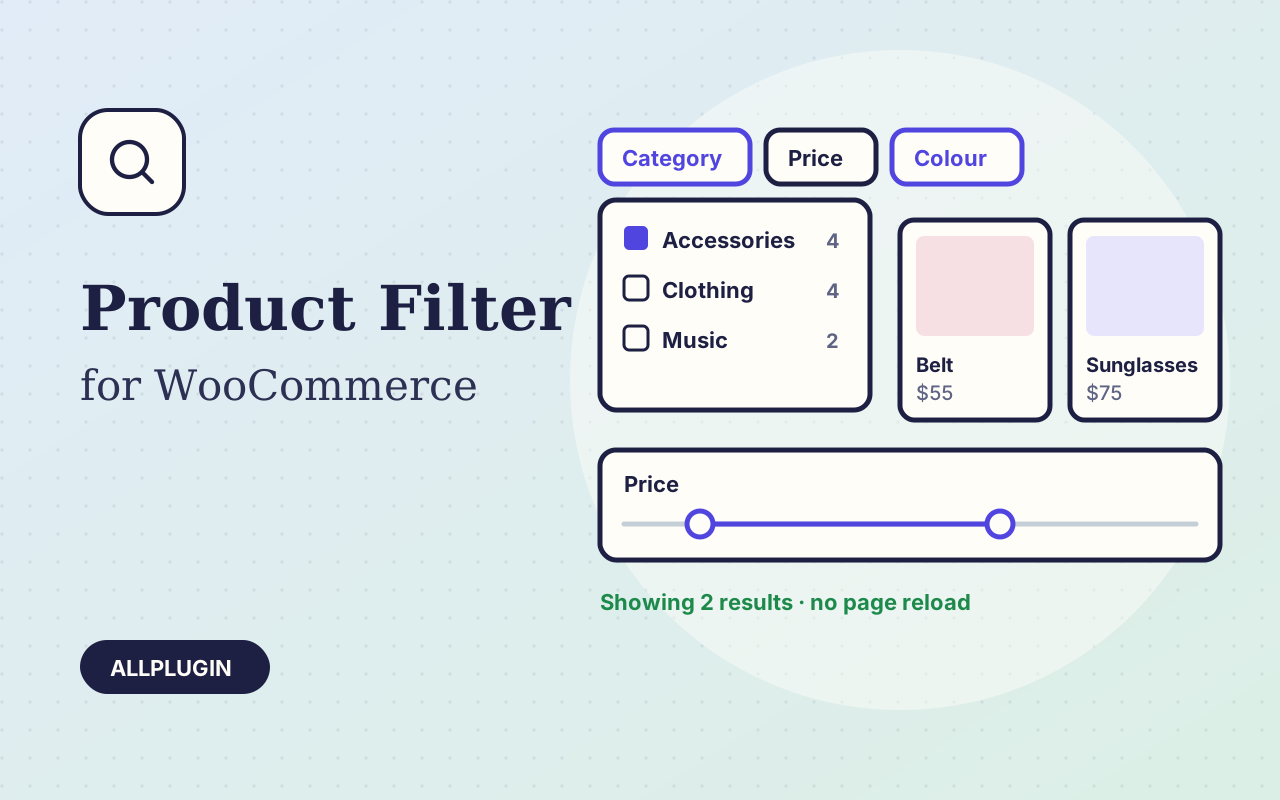
Let shoppers narrow your shop by price, category, colour, size, stock and more. Results update instantly and every choice shows its product count.