SoftwareWordPress 6.0+
Media Library Folders for WordPress
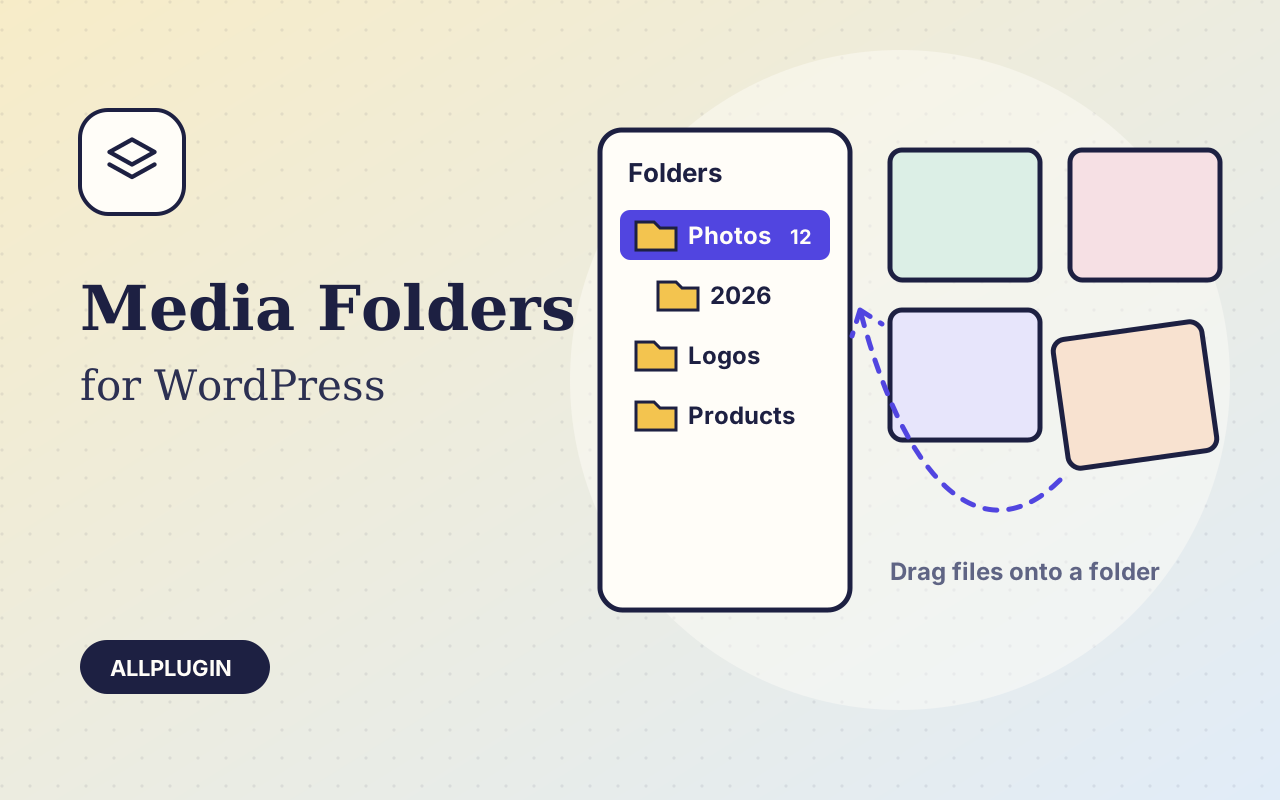
Sort thousands of images and files into folders. Drag files onto a folder, upload straight into one, and find them fast when inserting media.
$19.00 View
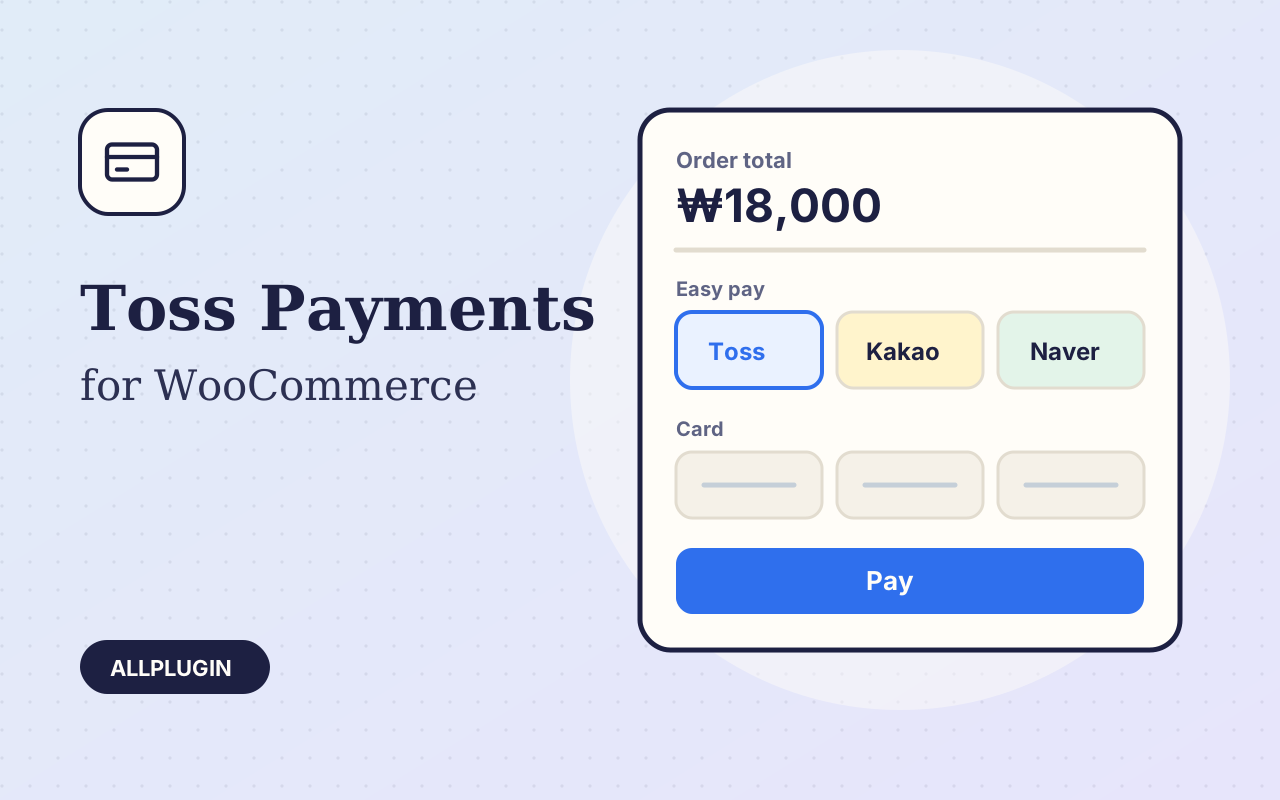
Toss Payments for WooCommerce connects your store to Toss Payments, one of South Korea's main payment gateways, using the current API and JavaScript SDK (version 2).
The customer chooses Toss Payments at checkout and pays in the Toss Payments window: domestic cards, easy pay such as Toss Pay, Naver Pay and Kakao Pay, real-time bank transfer and mobile phone billing. Offer all of them or only the ones in your contract. No card details touch your server.
After the customer authenticates, the plugin approves the payment with your secret key. Before that it checks that the amount and the order ID on the way back are the ones the order was opened with, so a changed amount is refused. The order is marked paid only when Toss answers DONE for the order's own total.
Press Refund on the order, enter the amount, choose "Refund via Toss Payments". Full and partial cancellations, with your reason passed to Toss.
Enter your test keys to try everything without real money, then switch to the live keys. An optional webhook keeps orders in step with changes made in the Toss dashboard.
Because the payment form is the provider's own, SAQ A stays available to you — but PCI DSS v4.0.1 added an eligibility condition: you must be able to confirm your page is not susceptible to script attacks. PCI SSC FAQ 1588 gives two ways to do that. Ask your provider for written confirmation that its embedded payment solution protects the payment page against script attacks, or apply protections of the kind described in requirements 6.4.3 and 11.6.1 yourself. The first is one email and most shops should send it.
You need your own Toss Payments account and a store in Korean won. Virtual accounts, automatic recurring billing and escrow are not included. AllPlugin is not affiliated with Toss Payments.
| Platform | WordPress 6.0 or newer with WooCommerce |
|---|---|
| PHP | 7.4 or newer |
| Tested with | WordPress 7.1, WooCommerce 11.2 |
| API | Toss Payments core API v1 (confirm, get, cancel) and JavaScript SDK v2 payment window, no bundled SDK |
| Currency | KRW |
| Account | Toss Payments account (client key and secret key) |
| Tested | with Toss Payments' public test keys against the real test API: payment window, payment lookup, webhook, full and partial cancellation. Approval after a completed card authentication needs a Korean card and has not been run end to end |
| Delivery | plugin zip, installed from Plugins > Add New > Upload |
| Licence | one store |
| PCI | the card is entered inside Toss's own payment window, so it never enters your page or your server. SAQ A remains available subject to the v4.0.1 script eligibility condition (see the description) |
Ask about compatibility or licensing. Need it to do something it doesn't? We build custom versions for a fixed quote.
Sort thousands of images and files into folders. Drag files onto a folder, upload straight into one, and find them fast when inserting media.
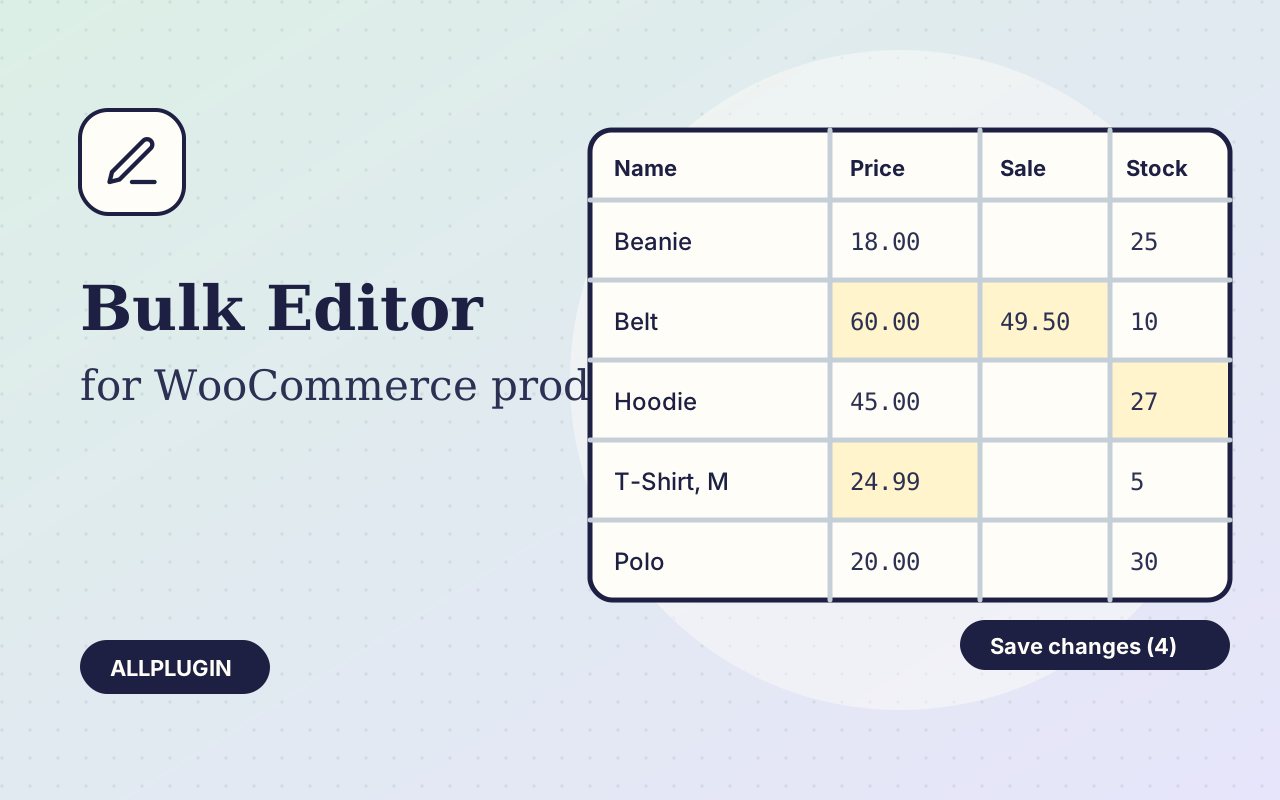
Change prices, stock, SKUs and status of hundreds of products and variations on one spreadsheet-style screen, with one-click undo.
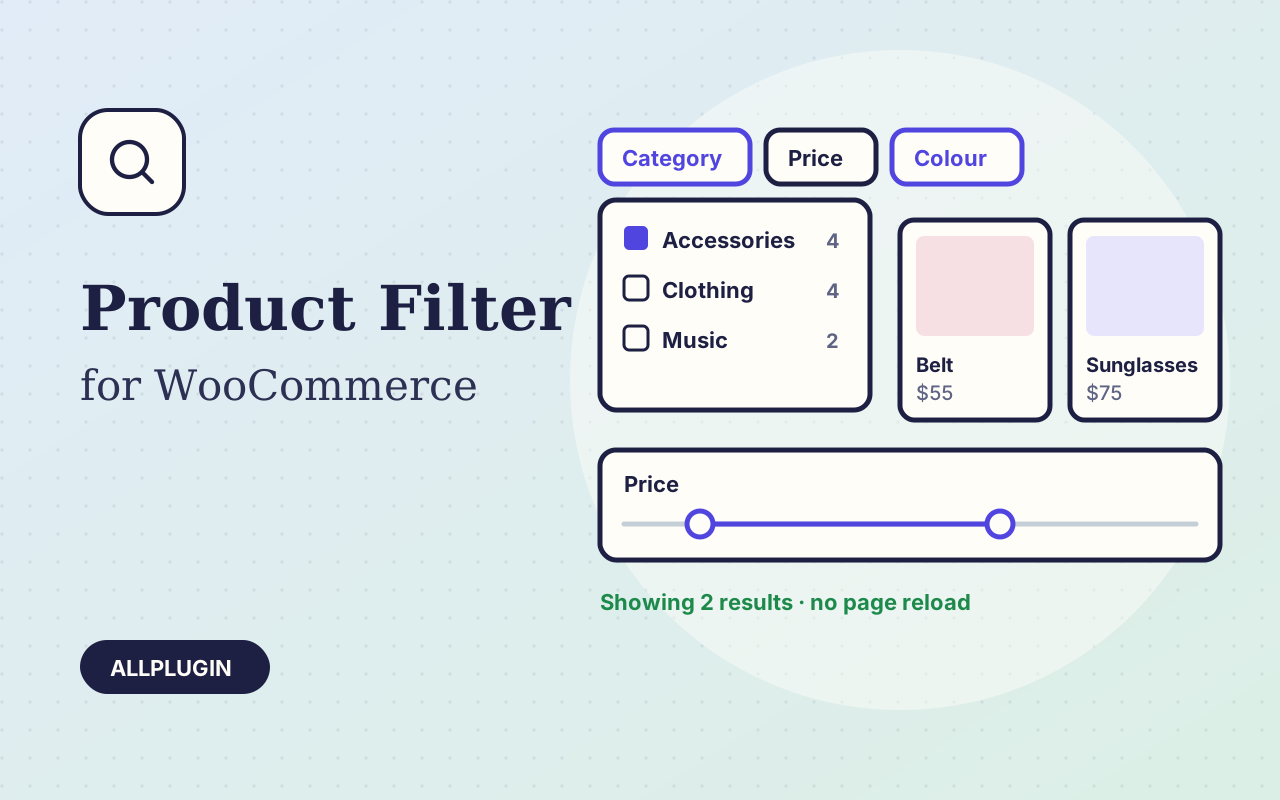
Let shoppers narrow your shop by price, category, colour, size, stock and more. Results update instantly and every choice shows its product count.